Sleant
Inspiring
May 22, 2020
Question

Add URL to Header

  • May 22, 2020
  • 2 replies
  • 621 views

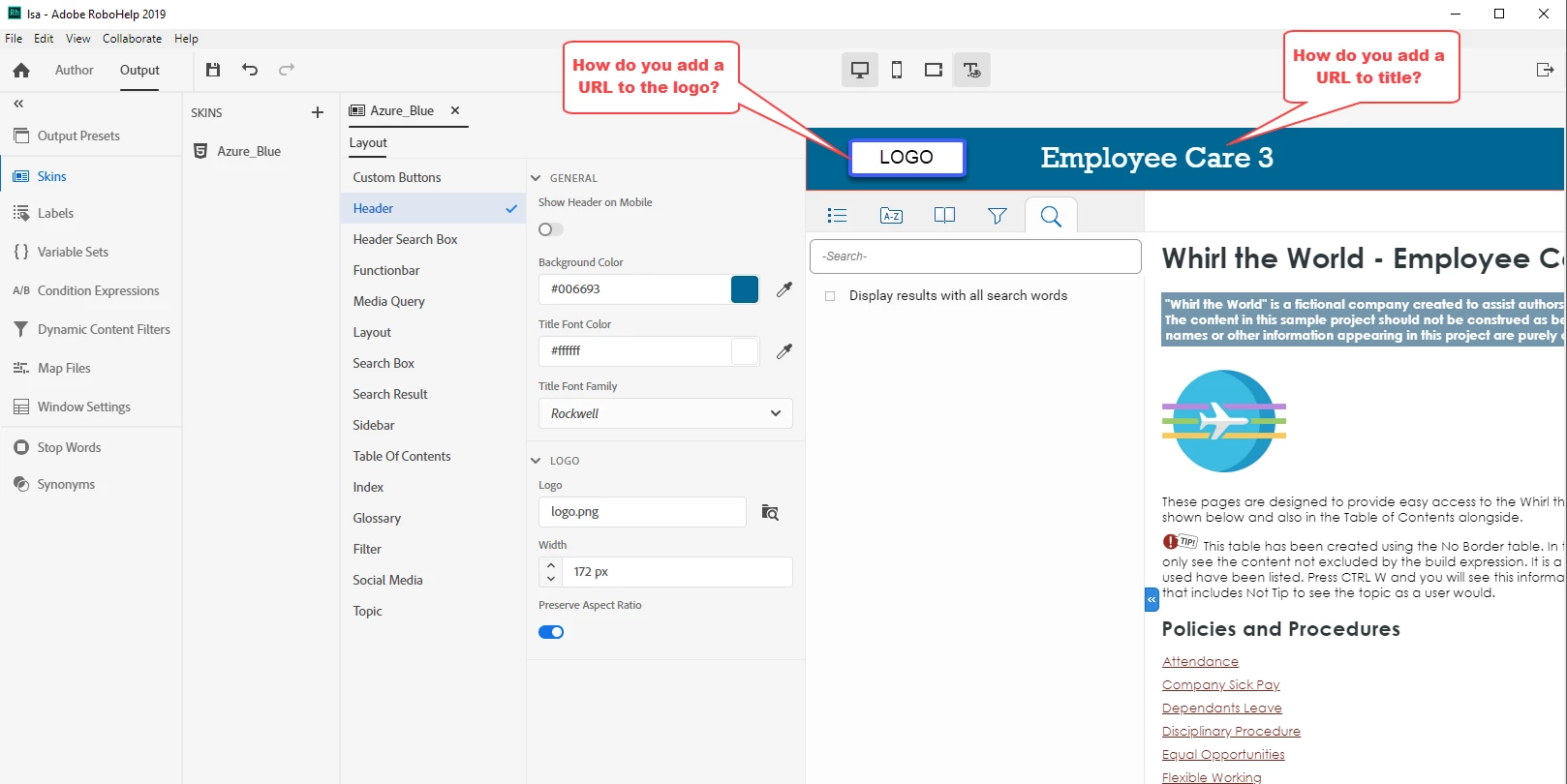
I'm sorry if this is an easy thing to do. I was able to do this in RH2017, but in RH2019, how do I add a URL to the logo and the title in the Header for Azure_Blue skin? Please see screenshot below.

    This topic has been closed for replies.

    2 replies

    Community Expert
    June 1, 2020

    My personal theory (I'm not an Adobe employee) is that when building a completely new version of RH they decided to build only what they thought people used, rather than replicate things that were no longer needed.


    You can request features and report issues here: https://tracker.adobe.com/

    Community Expert
    May 25, 2020

    The logo by default links to the default topic defined for your project. I think that was the case for RH2017 also and I've never tried to change that behaviour.


    If you forced a different link in the topic.slp, then that method is not longer available as you've noticed.


    You might be able to modify the output, but you'd need to make that change every time you generate. Or there's also the Post Generation Script field in the output preset that a developer might be able to do something with. Or perhaps you can get a javascript developer to write a script that you can attach in the User Assets section of the skin which will inject the link you need at run time.


    Or you can submit a feature request here: https://tracker.adobe.com/

    Sleant
    SleantAuthor
    Inspiring
    May 29, 2020

    Thank you so much Amebr. You are a hero in RoboHelp community. It is so unfortunate that they "took away" a feature that you can add a URL to the tittle in the banner. I did submit a new feature request. Also, I don't even know where I can change the URL or topic on the logo. Thx as always, Amebr.