
Inspiring
October 2, 2013
Answered

Auto-Sizing Popups Not Displaying as Expected

  • October 2, 2013
  • 1 reply
  • 1145 views

I'm updating an existing project, using RH 10.0.1.292.

Recently, I've noticed that auto-sizing popups that appear fine when I generate and view my primary layout, do not display correctly when the project is opened from its associated application.

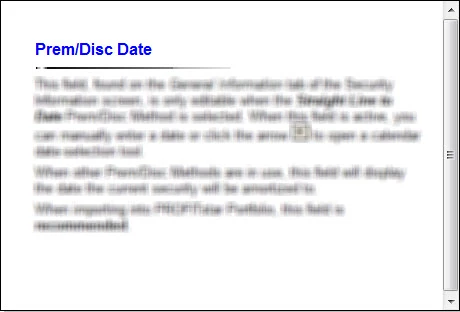
Example of a popup opened in the RH environment:
Example of the same popup opened from the application's Help:
The windows in which these popups are opening are the same size, so it would seem that the size of the popups should also be the same. These popups used to work correctly in this project. Unfortunately, I am not exactly sure when they stopped working. Does anyone have an idea as to what would cause this?

This topic has been closed for replies.
Correct answer Bernadino50

After submitting a bug report related to this issue, I was informed that Adobe already has identified this as a bug and has provided a suggested workaround. Please follow this link (http://forums.adobe.com/thread/1297423) to a similar forum thread and refer to reply #7 for the detailed instructions. Be sure to modify the eHlpDhtm.js file in each of your RH 10 project directories.

1 reply

Cara Bereck Levy
Known Participant
October 28, 2013

I am observing exactly the same thing.

However, it does not seem to be connected to the RH/Application environment.

When the main Help window is maximized, this is what happens. However, when it is NOT maximized, the popup window is larger.

I am not 100% sure, but this seems to happen at high screen resolutions only.

Have any of our RH gurus seen this?

Thanks, Cara

Known Participant
December 17, 2013

In case anyone is looking for an answer reading this in the future - I have just sorted this after exactly the same problem.  Fine when I compiled it but when it was in the application the popups were cut short.  I tried adding a couple of carriage returns and that did not seem to sort it so added a very fine light grey line to the footer of the master page that use for pop ups and now it is fine.

Inspiring
December 17, 2013

Thank you for sharing your workaround. Not sure what caused the problem in the first place but your suggestion seems to work like a charm.