
Autofit to contents in tables in Robohelp 10 has bad rendering when the th/td tag is set in the .css
When updating to Robohelp 10, all my tables that were set to "Autofit to contents", got a really bad rendering in Robohelp design view; the last row, that most often had the most text, got the least space. The chm file looks OK though.
However, it is hardly readable in Robohelp design view with this rendering.
It seems like the tags th/td in the css file causes this to happen, because when they are not defined, the design view is ok. However, then I do not get the looks i want from the compiled help file that the customer uses.
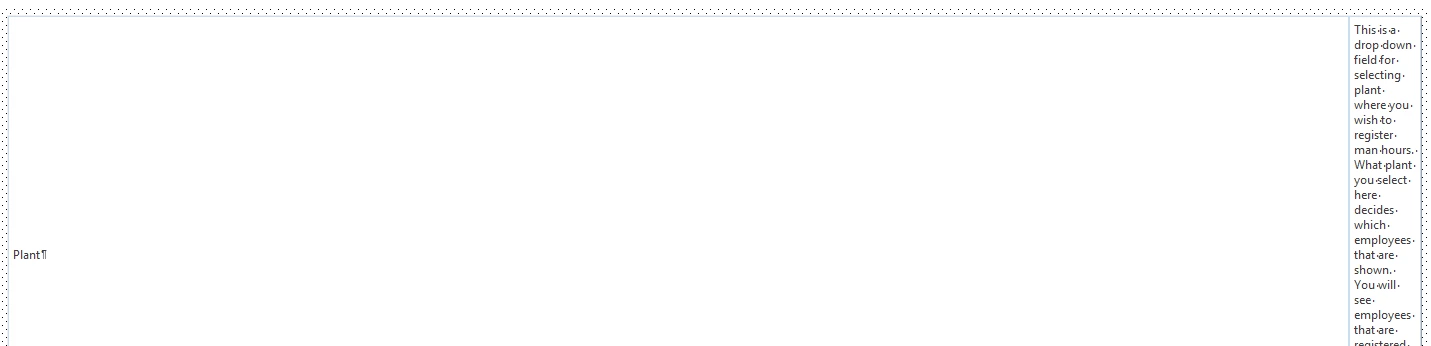
Table definitions in the .css file:
table {
font-family: "Segoe UI", Verdana, Tahoma, Arial, Helvetica, sans-serif;
font-size: 9pt;
color: #3c3c3c;
border: 1px solid #C8DDF0;
margin: 1em auto;
border-collapse: collapse;
}
/* this style gives us nice inline borders, but ruins the view in RoboHelp*/
td, th { padding: .3em; border: 1px #C8DDF0 solid; }
Any help would be appreciated.
 AdChoices