


Inspiring
June 17, 2016
Answered

Browser not finding css for Responsive HTML5

  • June 17, 2016
  • 1 reply
  • 880 views

Hi everyone,

I'm using Robohelp 2015 and have been compiling a project as Responsive HTML5.  It has been working great until today.  For some reason Robohelp decided to make my life miserable by not including the Azure_Blue css.

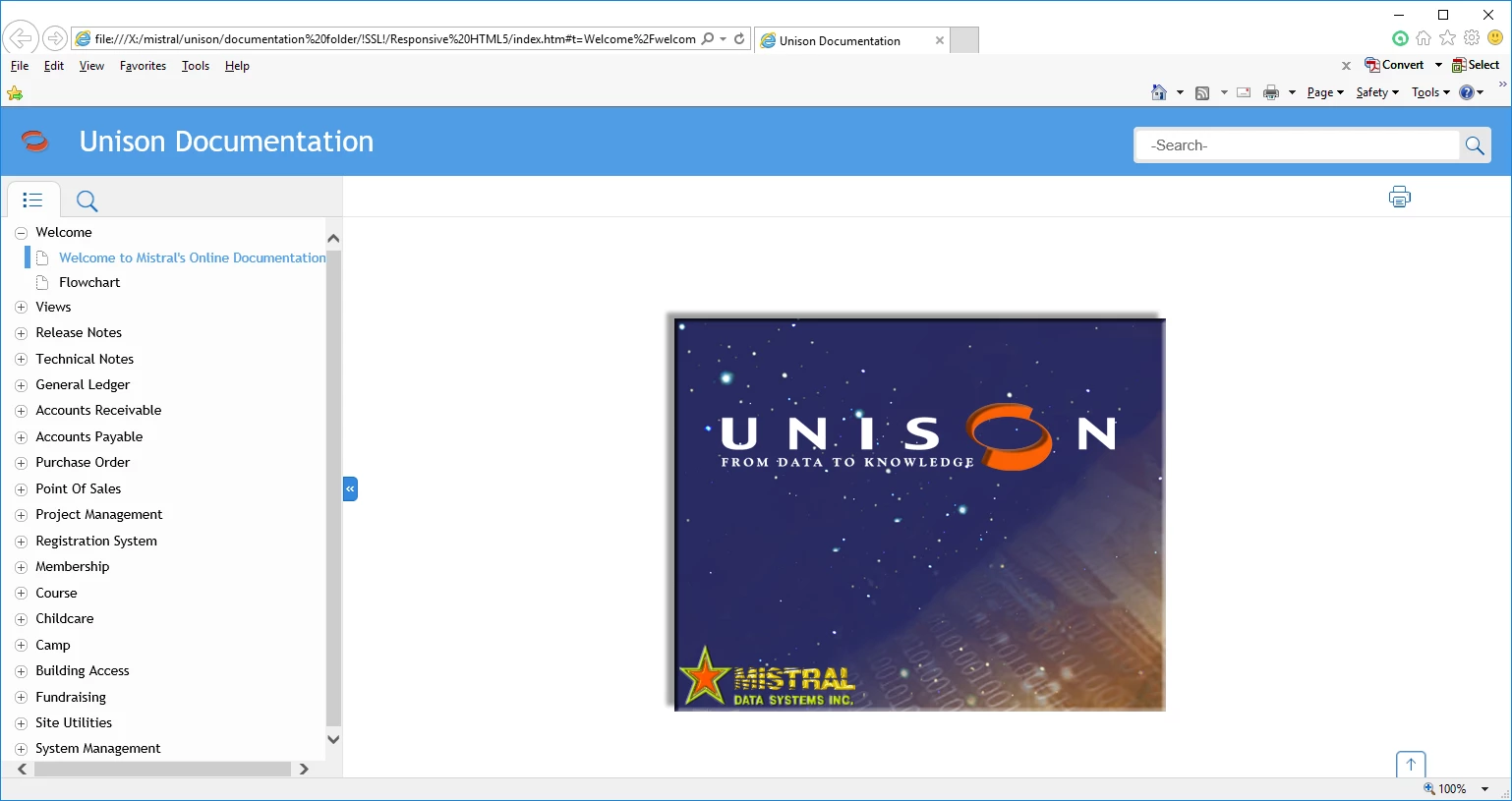
It used to look like this...
But now it looks like this...
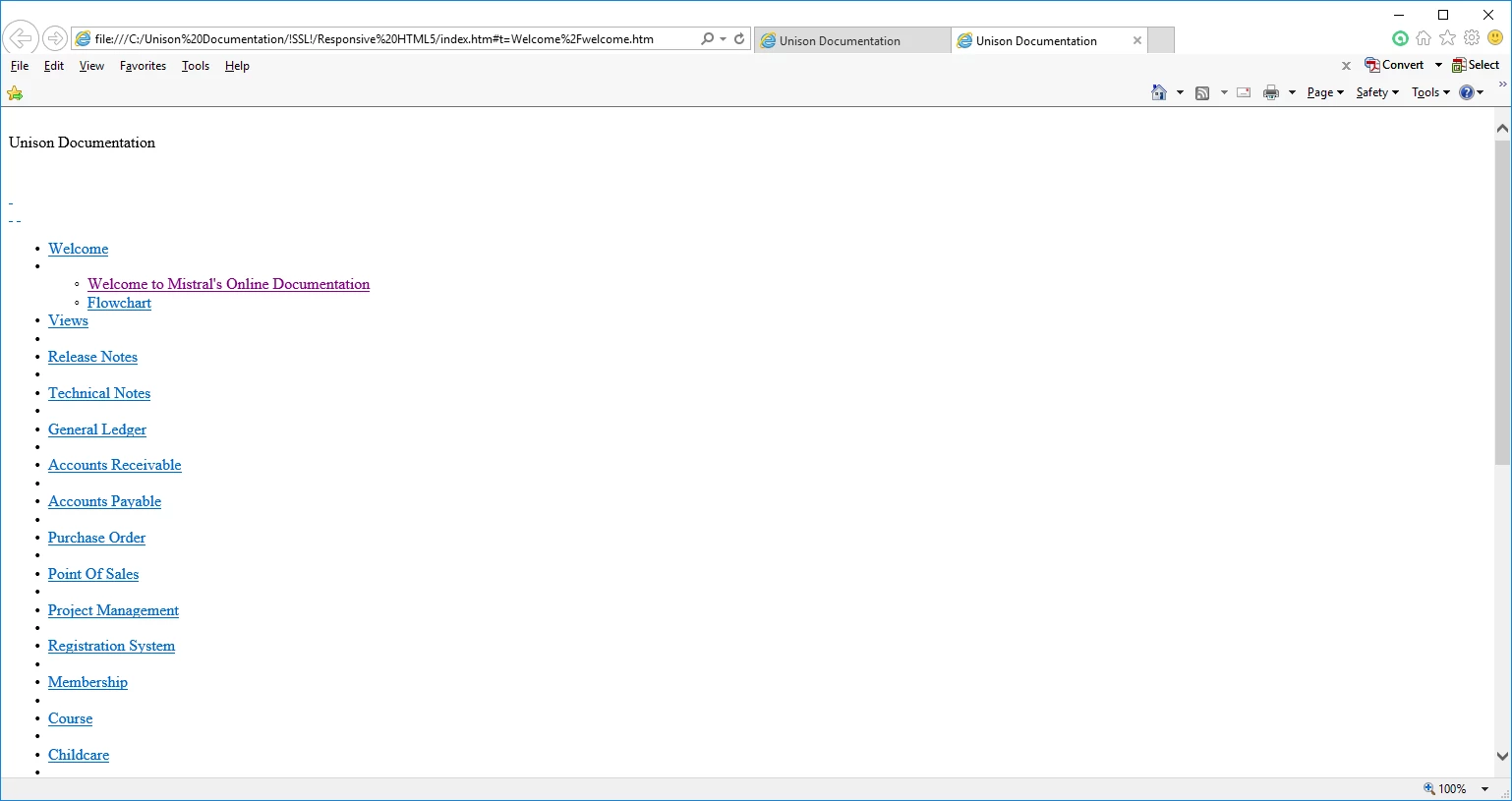
Any idea how to fix this and why Robohelp decided to do this?  Keep in mind that I haven't touched a thing in regards to css.

Thank you.

This topic has been closed for replies.
Correct answer jccs3

I'd suggest trying by creating a new Single Source Layout and choosing the Azure Blue again.


I just fixed it by going into the Output Setup pod/Screen Layout folder and right clicked on Azure_Blue, selected Import then navigated to C:\Program Files (x86)\Adobe\Adobe RoboHelp 2015\RoboHTML\ResponsiveHelpExt\Layouts\en_US and imported the Azure_Blue.slz file.  Had to delete the existing Azure_Blue in the Screen Layout folder and renamed the imported Azure_Blue1 to Azure_Blue.  Recompiled and all is good.  Just don't understand why everything got deleted in the first place.

1 reply

Peter Grainge
Community Expert
Community Expert
June 19, 2016

The Azure Blue layout is part of the install and you have clearly used it so I don't understand why you say RoboHelp has not included it. Why it is not displaying is another matter.

First I notice that the two images have different paths to the help. The second is a local drive. Have you tried more than one browser? Have you tried generating the help again and check the layout is selected?


See www.grainge.org for RoboHelp and Authoring information

@petergrainge

Use the menu (bottom right) to mark the Best Answer or Highlight particularly useful replies. Found the answer elsewhere? Share it here.
jccs3Author
Inspiring
June 20, 2016

I have tried to re-generate several times with the Azure Blue selected as the layout and I get the same results no matter which browser I use..

jccs3Author
Inspiring
June 20, 2016

Btw.  The different paths have not been an issue in the past...