September 7, 2011
Question

Can't get Camtasia videos to play in compiled CHM

  • September 7, 2011
  • 4 replies
  • 1329 views

Hi,

This question has been asked in one or two older threads, but either the reponses or the user's ultimate solution were so vaguely written that I didn't find them of any use.

So, I have created a video using Camtasia and the output results in: an html file, a mp4 file, two swf files, a png image and a javascript file. I would like to, somehow, use/import the video in a compiled chm file.

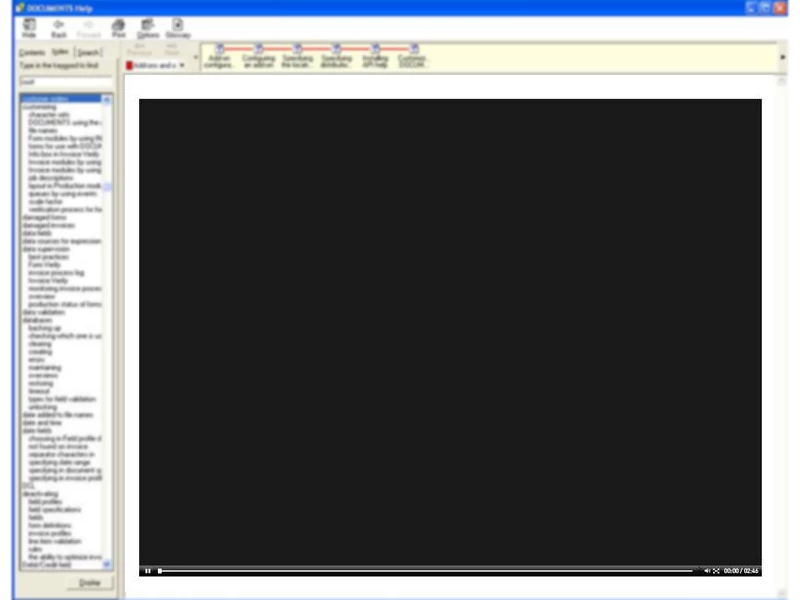
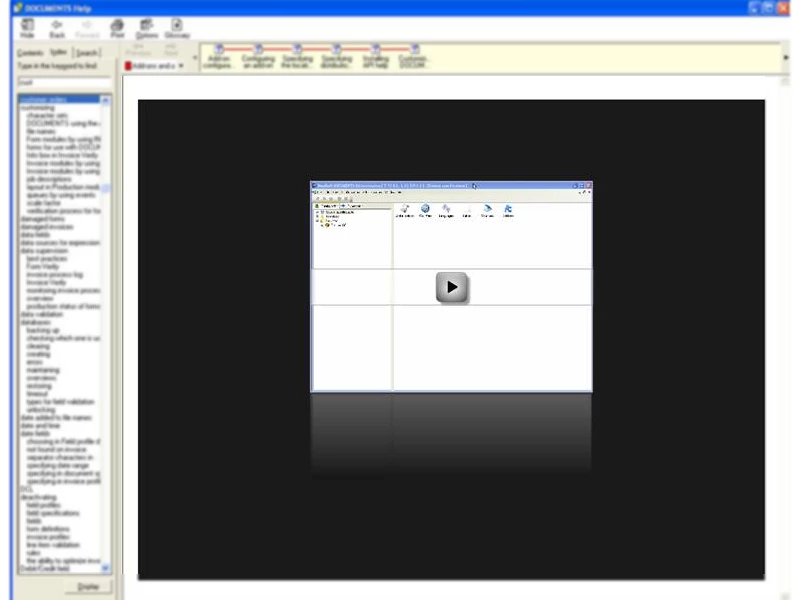
I have tried adding the all the files as baggage files, importing the camtasia-created html and linking to it (and a quite a few other variations of this) but the result is always the same: the html page opens and everything looks good, with the first frame and with a flash play triangle displayed. When I click the play triangle, the page turns black, apart from the controls at the bottom where you see the pause button (suggests the video started ?) and the timeline and then 0.00/2.40.

This is as far as i can get no matter what method I use.

I have also tried by starting with importing the Camtasia-created html file. Doing this, RH prompts me that it needs to add the mp4, the js and the png image as well. Interestingly, it does NOT say anything about the swf files.

I have attached two images of 1) what the topic looks like when you first open it 2) what it looks like after you click the large play triangle. The video never starts.

Thanks for any help and suggestions - this is really driving me nuts.

/Chris
This topic is closed to new replies. Start a new post to keep the conversation going.

4 replies

Captiv8r
Legend
September 7, 2011

Hi Chris

I went round and round with this a while back with another forum poster. Not sure if she ever did manage to make it work.

First, take a look at the link below:

Click here to view

See if the link offers any help. Please return here and post back with progress.

Cheers... Rick

Helpful and Handy Links

RoboHelp Wish Form/Bug Reporting Form

Begin learning RoboHelp HTML 7, 8 or 9 within the day!

Adobe Certified RoboHelp HTML Training

SorcerStone Blog

RoboHelp eBooks

Captiv8r
Legend
September 7, 2011

Oh, and another thing you may wish to try would be to output from Camtasia as a SWF file instead of MP4. SWF should play without issue I believe.

Cheers... Rick

Helpful and Handy Links

RoboHelp Wish Form/Bug Reporting Form

Begin learning RoboHelp HTML 7, 8 or 9 within the day!

Adobe Certified RoboHelp HTML Training

SorcerStone Blog

RoboHelp eBooks

September 8, 2011

Hi Rick and thanks for the reply,

I did see that note that Camtasia Flash files didn't work in chm files in 2004 but I had hoped things had changed since then. Guess not.

As for the Mp4 vs. swf suggestion, an .swf file of a 2 minute video can be upwards of 80MB in size so that isn't a viable option if I am going to add video topics regularly. In addition to that, adding an swf to RH means that you get no controls, no play/pause etc. Giant-sized chm and no control over the video is not so good.

So it looks like the only way to do this is to create some kind of external link. Haven't tried that yet but will give it a shot later.

So, for anyone attempting to play Camtasia-created videos directly in an RH-compiled chm file - Nope, doesn't work.

/Chris