Question
Center a graphic in a table column
Hi - I am working in a 2 column table. Column 1 is a little PNG # graphic. I am unable to center in the column. Seems I can only left or right justify... Are there any tricks to center a graphic in column
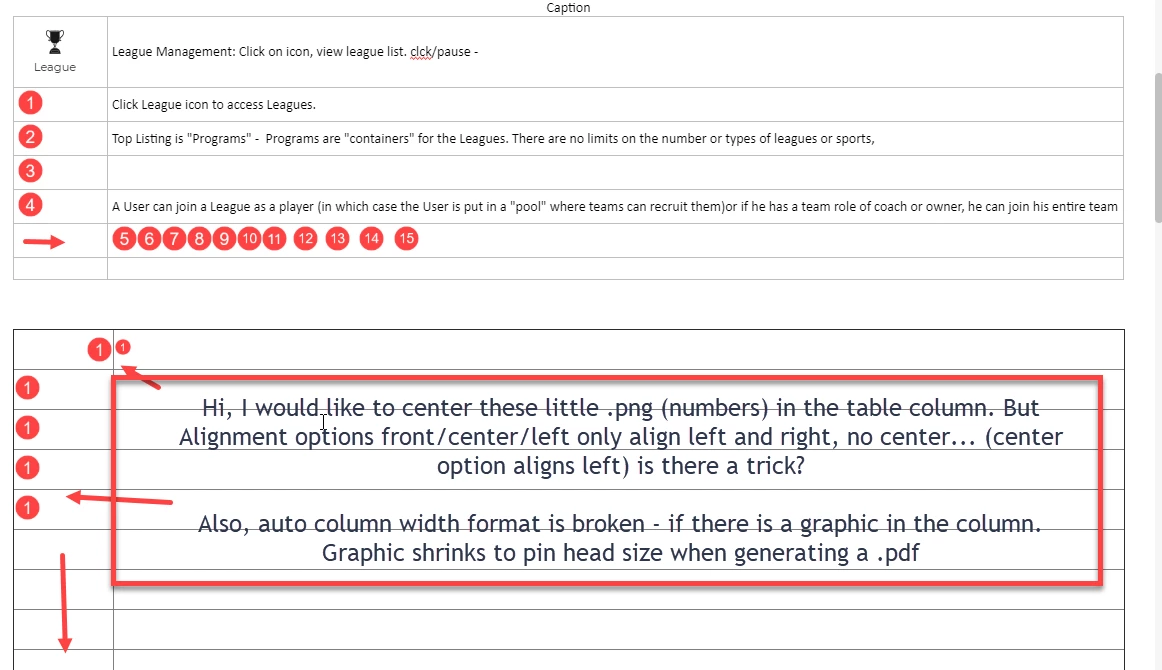

Hi - I am working in a 2 column table. Column 1 is a little PNG # graphic. I am unable to center in the column. Seems I can only left or right justify... Are there any tricks to center a graphic in column
Already have an account? Login
No account yet? Create an account
Enter your E-mail address. We'll send you an e-mail with instructions to reset your password.


 AdChoices