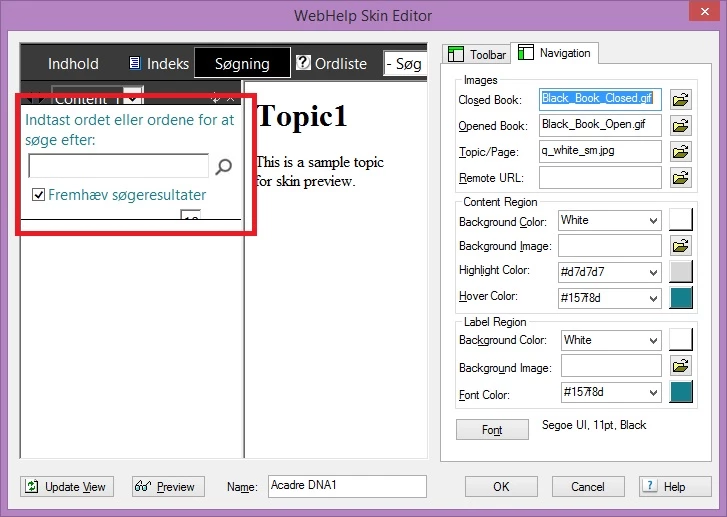
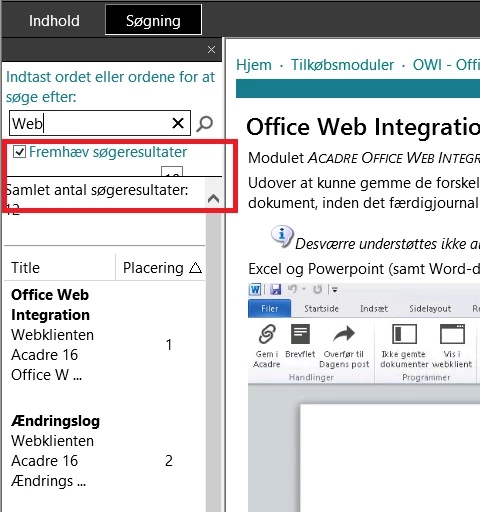
I would check the LNG file (Projects > Settings – Language) you might be able to change the text in there (if never tried to change that part).
You can also change the width of the left hand pane by doing this (old post):
1. You can do this whole operation with the project open in RoboHelp. I would create a new custom skin first to try it on.
2. If your project is in source control, check out the skin file first (example fred.skn).
3. In Windows Explorer, find the .skn file - by default, it's stored in projectfolder\!SkinSubFolder!\skinfolder.
4. Open the .skn file in any text editor. Notepad works fine.
5. There are two lines that start with "frameset cols=" in the skin file. Default is <frameset cols="220,*" etc.
6. Change the 220 to the number of columns you want. Make sure you change it in both places.
7. Save the skin file.
8. Generate the project with the edited skin and display the project. (If you open it in IE and your settings suppress ActiveX content, you will need to allow active content before the TOC pane resizes



 AdChoices