


Answered
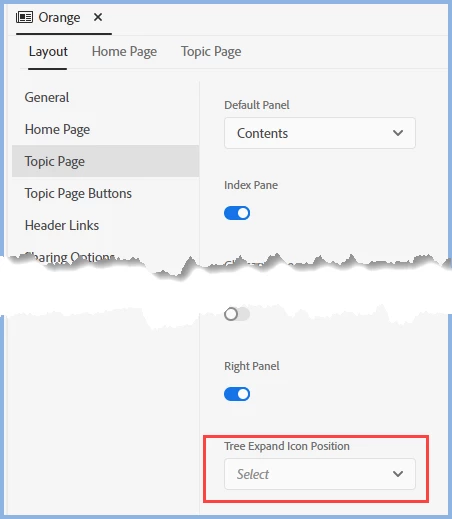
Change TOC Expand Icon from left to right
I am setting up a frameless format. I have the latest patch (2020.4). Does anybody know where I can locate instruction on how to change the exand/collapse icon from the right (at the end) of the table of contents title to the left (before) of the title?


 AdChoices