Participating Frequently
December 2, 2010
Answered

"Click to Enlarge" option in RH8

  • December 2, 2010
  • 2 replies
  • 867 views

Edition

RoboHelp HTML


Version
RH8

Output

.chm

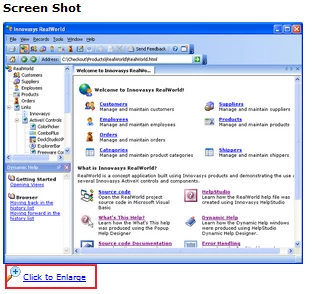
How do you make screenshots/images have a "Click to Enlarge" option?
This topic has been closed for replies.
Correct answer Willam van Weelden

Hi,

You need JavaScript to do that. Take a look at http://highslide.com/ There are other (free) scripts, but this was the first I found Try Google.

Greet,

Willam

2 replies

Captiv8r
Legend
December 2, 2010

Hi all

I might think a simpler approach would be to perhaps link to a popup of a larger image.

Just thinking out loud... Rick

Helpful and Handy Links

RoboHelp Wish Form/Bug Reporting Form

Begin learning RoboHelp HTML 7 or 8 moments from now - $24.95!

Adobe Certified RoboHelp HTML Training

SorcererStone Blog

RoboHelp eBooks

kbtechcomAuthor
Participating Frequently
December 9, 2010

Thanks Rick! I will give that a try as well.

Willam van Weelden
Willam van WeeldenCorrect answer
Inspiring
December 2, 2010

Hi,

You need JavaScript to do that. Take a look at http://highslide.com/ There are other (free) scripts, but this was the first I found Try Google.

Greet,

Willam

kbtechcomAuthor
Participating Frequently
December 2, 2010

Hi William,

Thank you for your help. I'll check it out.

Cheers!
