
composite images import black or garbled
Sorry if this is answered already. I dug around in the forum and could not find it but seem to remember having a solution some time ago. I'm using TCS 4.0 (FM 11 / RH 10) although this problem is not specific to that combo.
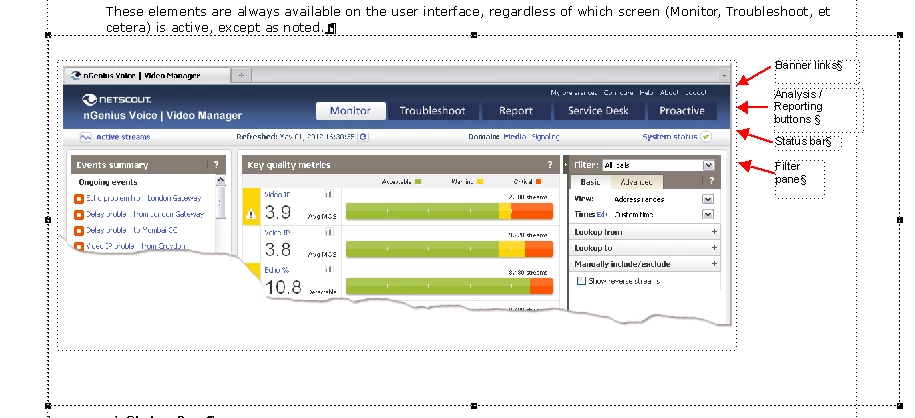
In FM, I have images with text callouts and graphic objects, in addition to a screenshot. For the life of me, I cannot recall why *sometimes* these appear in RH as a black image. It seems to occur if I even add just an empty text box to an anchored frame with art. In some cases, the text boxes appear to be converted to garbage, the graphic objects come through, and the screenshot is black. The same shot (see below) is broken when I have either the graphics or the text box. I remove both and it renders properly. I'd prefer not to embed these items in the art as the printed result is better when the text is in FM.
I've tried:
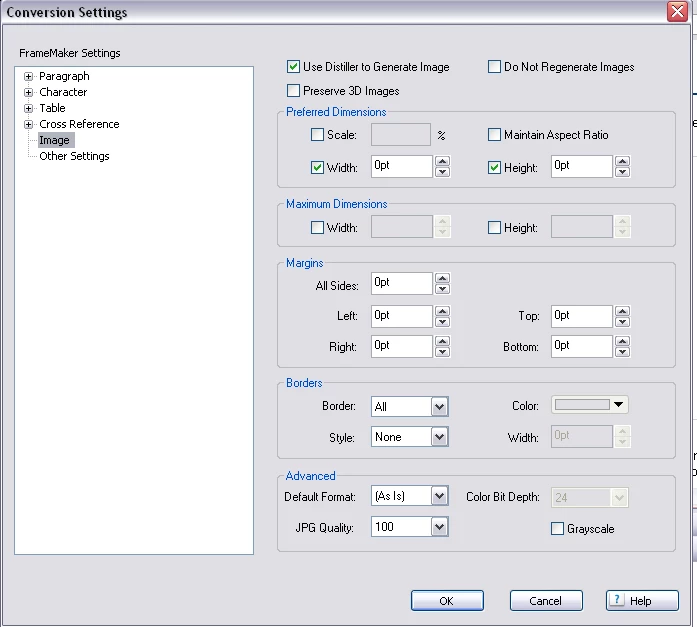
- setting width/height to 0 (fixed quality of standard art, awesome tip)
- ensured nothing touches edges of anchored frame (no change)
- changing text callout to be "source" instead of mapped (no impact)
- art with graphic objects alone (still goes black)
- art with text alone (still goes black)
- anchored frame with text alone (get wee garbly box)
Conversion settings:
Here is the FM source:
Here is the result mapped into RH (Linked by ref)
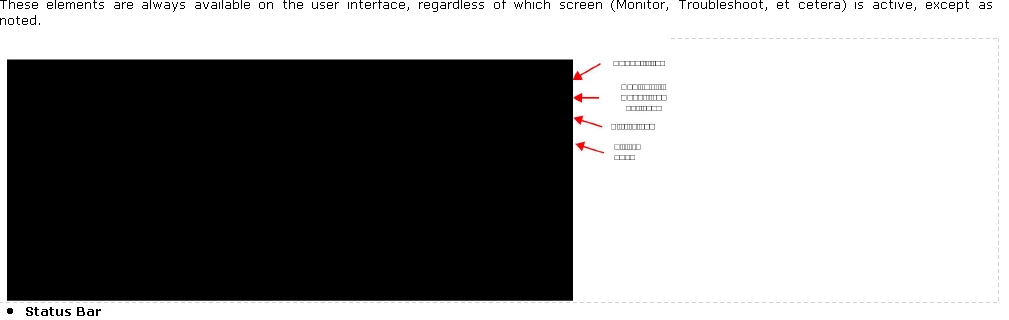
Finally, and i hope this is not the solution:
I did a test using a vector text element instead of a text box and that mapped just fine. I hate using these though as they litter the anchored frame with little graphics turd boxes whenever I forget that it's not a normal text box and press the enter key for a new line. I also prefer to reflow my captions as I adjust the art, and vector text doesn't behave that way.
I am convinced that I have had this working before -- what am i forgetting?
Message was edited by: starrd added a note about vector text


 AdChoices