
Create/Copy New TOC
Windows 7/RH9
I have had to rebuild my project from scratch because something corrupted (Create a new project, import topics, replace management files, etc.). Everything is working fine, except when I try to replace my TOC and Index. In each case, I right-click "Table of Contents" (or "Index") from the Project Management pod and select "New Table of Contents," check "Copy Existing Table of Contents" and select the previous HHC file (see images below).
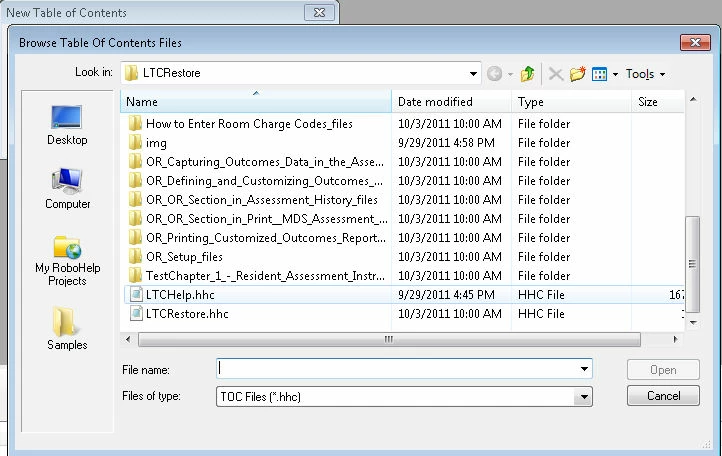
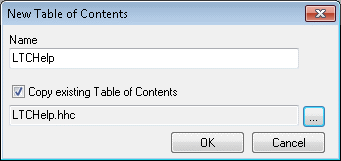
I click OK and...nothing happens. It doesn't appear, even after I save. Shouldn't my LTCHelp.hcc file show up in the list? The Index does the same thing...nothing. Is there a step I've missed? It seems like a straightforward process...or is this a bug?
Jeff Kersh
Technical Writer
American HealthTech, Inc.


 AdChoices