
Participant
October 2, 2020
Question

Customize layout in RH 2019

  • October 2, 2020
  • 3 replies
  • 246 views

Hi,

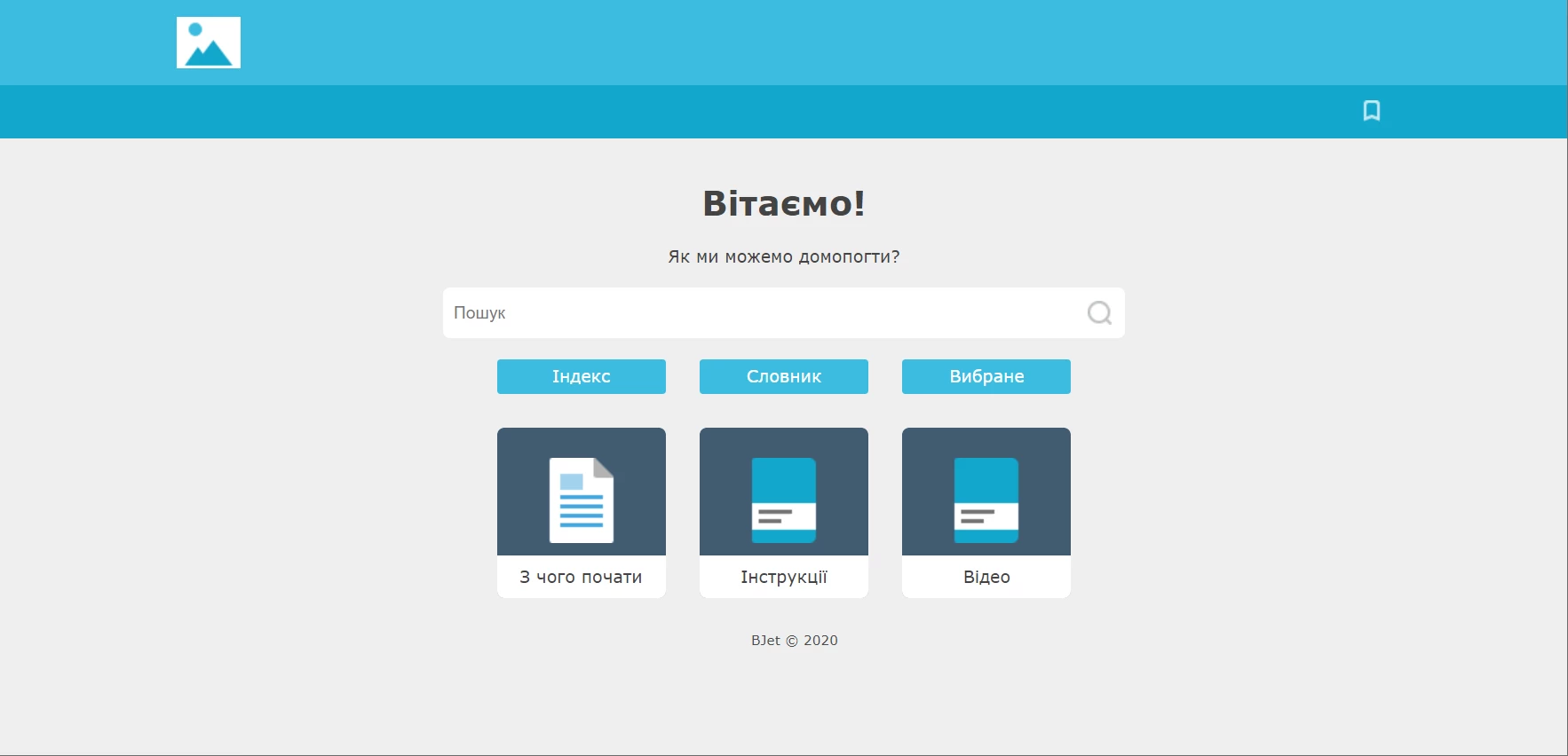
I'm trying to customize Azure skin in RH 2019 and I feel constrained by the UI editor. Is there a way to edit the look of my help pages in a code editor or else? For example, I'd like to add a search bar to the home page similar to the one in the Indigo layout. How can I do that?
Thanks,

Ira

This topic has been closed for replies.

3 replies

Ira S.Author
Participant
October 2, 2020

Thank you for the recommendation, @Peter Grainge!

Peter Grainge
Community Expert
Community Expert
October 2, 2020

Whilst I believe it is possible to edit the frameless skins, there's a right and a wrong way of doing it.


There are two parts to a skin. The underlying code and what you can customise through the skin editor. If an update changes the underlying code, I'm not sure what would happen. Customisation made the correct way through the skin editor will be respected.


What you can do is set up scripts to run post generation that make the required changes.


Use the menu (bottom right) to mark the Best Answer or Highlight particularly useful replies. Found the answer elsewhere? Share it here.
Jeff_Coatsworth
Community Expert
Community Expert
October 2, 2020

I thought the "Frameless" output was designed to let your developers go crazy and modify your help to match your site - have you tried creating that?

Ira S.Author
Participant
October 2, 2020

Thank you, Jeff! Actually, I got acquainted with the Frameless output today and I guess that's exactly what I need.