

Question
Dialog box Image is Huge in Printable
I'm using the latest RH 2017 (13.0.2.334) and Office 365 with Word version 1908 (build 11929.20300)
When I generate a topic to a printable output doc, one of the dialogs comes out huge. More than 16 inches tall huge!
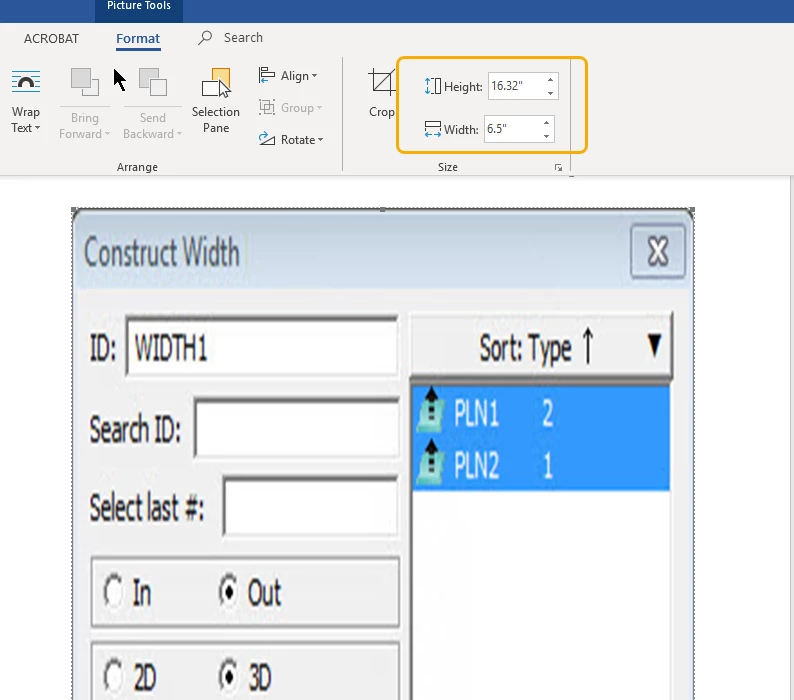
In RH, the image's size properties are normal and simple. They look like this:
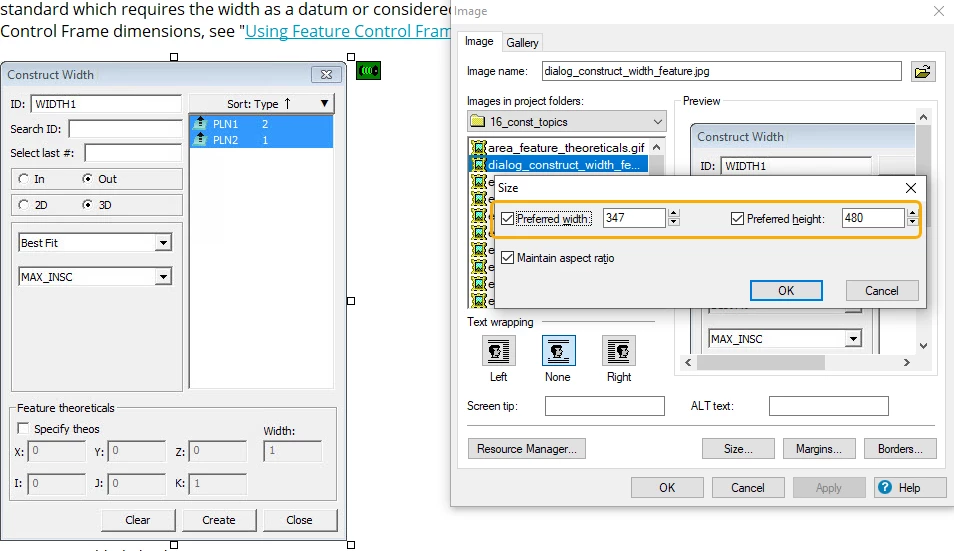
The HTML code also looks normal:
<p class="Figure"><img src="dialog_construct_width_feature.jpg" alt=""
						 style="border: none;" border="0" /> </p>
<p class="Caption">Construct Width dialog box</p>
This is happening on maybe ten to fifteen images out of thousands of images in this Help project, but it's enough post processing that it's starting to become a headache.
Any ideas on how to resolve this without resorting to my current post-process step? Thank you in advance!


 AdChoices