


Drag & Drop Links, Title vs Filename
Hi all,
Apologies if this has been asked previously, I did search but couldn't find what I was looking for. I'm a new RoboHelp user and fairly comfortable with the functions of the software, but haven't been able to find a setting for what I'm trying to do. This is also my first post in the support community 🙂
I'm currently adding some "Page Contents" boxes to the top of some of my user guide pages. The contents boxes use links to page bookmarks within each page. I'm creating the links by dragging them in from the contents panel. The trouble is, when I drag in the links they display the filenames rather than the bookmark titles, and so they display complete with underscores. Is there a setting anywhere in RoboHelp to make it use the title rather than the filename when dragging and dropping links?
I've also attached some photos of what I'm doing, just in case I didn't describe it clearly!
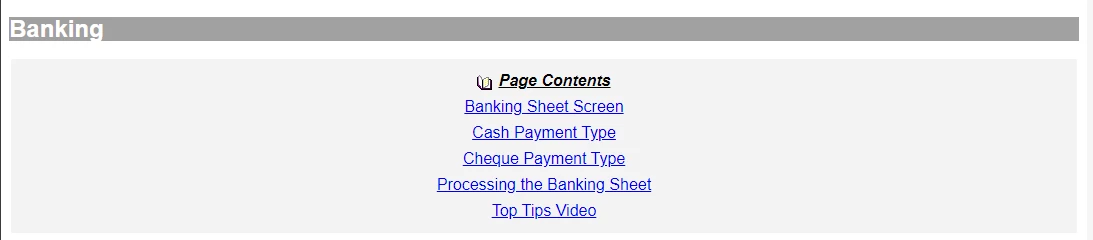
In the first and second photos below, you can see I've used dropdown text with a twisty, and I've manually edited the contents list to replace the underscores with spaces. Ideally this is the way I'd like them to look.

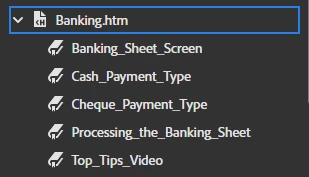
Here are the bookmarks in the contents panel which, of course, contain underscores
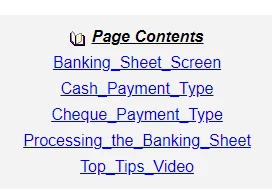
and here's how they appear in the preview and output after I drag and drop them onto my document
Thanks,
Mikey

 AdChoices