

Answered
"droptext" and RH2022
I upgraded from Rh9 to RH2019 and I am generating Microsoft HTML Help.
With Rh2019 I can click on a small image and get a larger, different image to appear but this doesn't work in RH2022. Any help anyone can give me will be much appreciated.
Below is the extract from the HTMl file and two pictures.
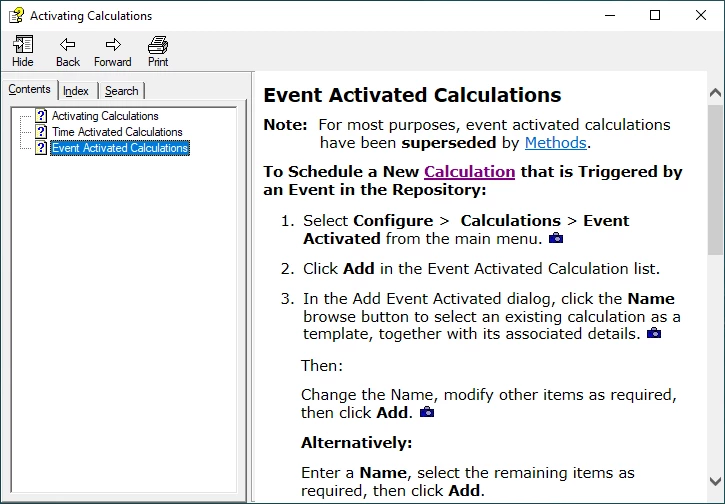
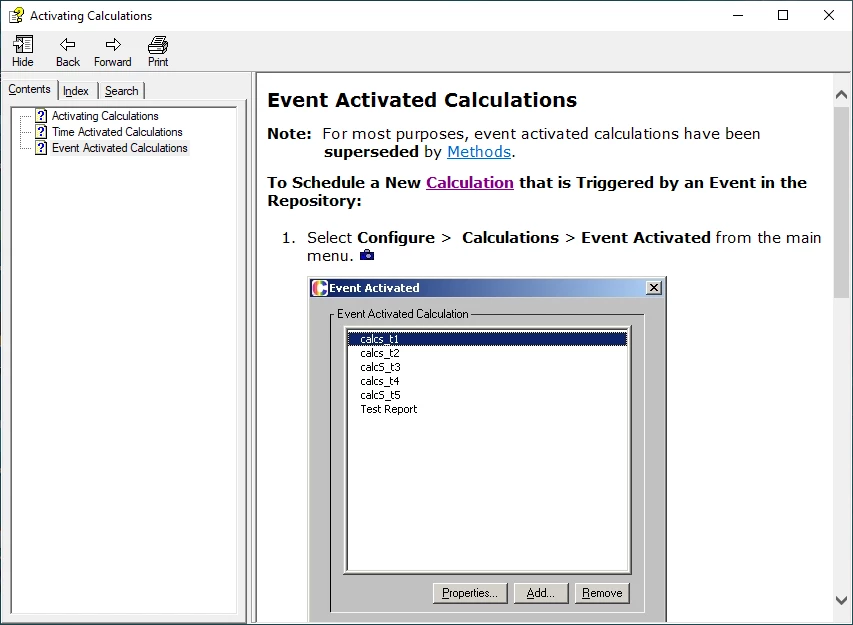
First picture is of what the help looks like before clicking on camera image. 2nd os of what is looks like when it worked.
<li class="p">
<p>Select <span style="font-weight: bold;">Configure</span> > <span style="font-weight: bold;">Calculations</span> > <span style="font-weight: bold;">Event Activated</span> from the main menu. <a class="dropspot" data-rhwidget="DropSpot" href="#"><img alt="" border="0" height="13" src="assets/images/Images/CAMERA ICON.JPG" style="border: none;" width="16" /></a></p>
<div class="droptext" data-targetname="POPUP205435206">
<p><img alt="" border="0" height="388" src="assets/images/Images/EventCalculatedCalcsList.jpg" style="border: none;" width="360" /></p>
</div>
</li>



 AdChoices