

Editing Content Within RoboHelp Topics
I've uploaded all my content (as Word documents which I imported) and need to apply some edits. I decided to make all edits within RoboHelp, rather than doing it in the Word documents themselves, and overwriting all the files, as I thought this might be easier.
However, when I imported all my Word docs, I noticed that there is a space in the formatting which I can't seem to erase.
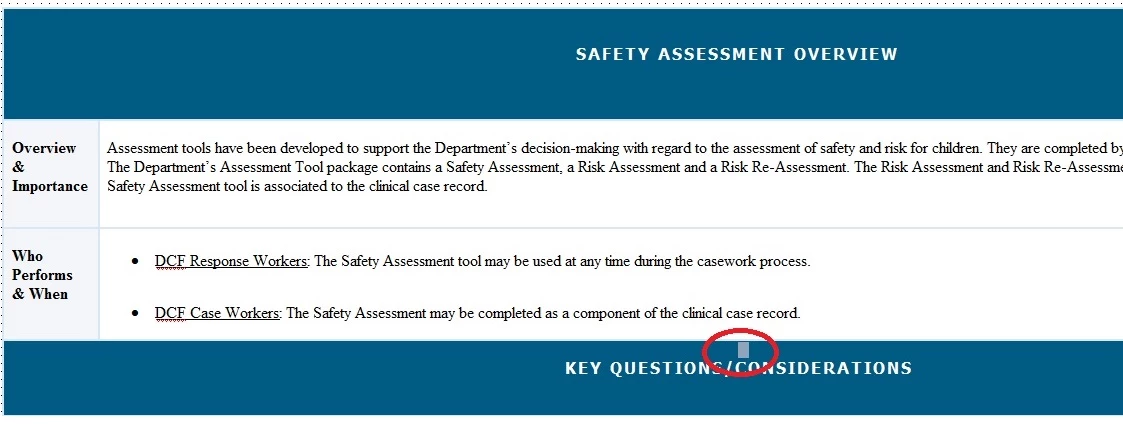
The light blue square above is a different shade of blue. When I click on the space to select it, and then hover over it, I can see that it's a "linebreaker".
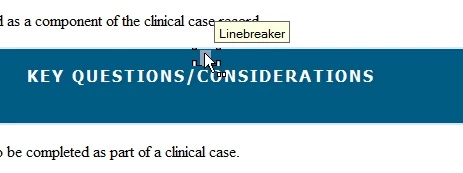
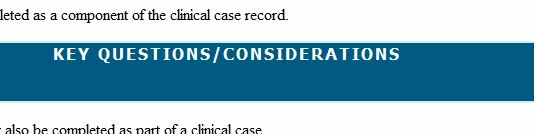
When I hit the delete key, the entire row (line) disappears.
When I try to add it back by placing the cursor in front of the letter K, and pressing CTRL + Enter, the line appears again, but now there is a new icon there.
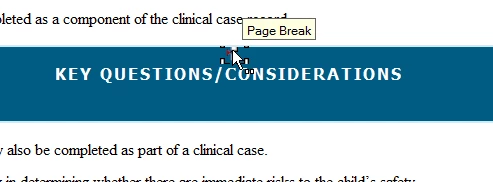
How can I delete the Page Break icon? Or will this not appear once this content has been published to the server?


 AdChoices