

Question
Editing Paragraph in RoboHelp - How to Toggle Between Inches and Pixels
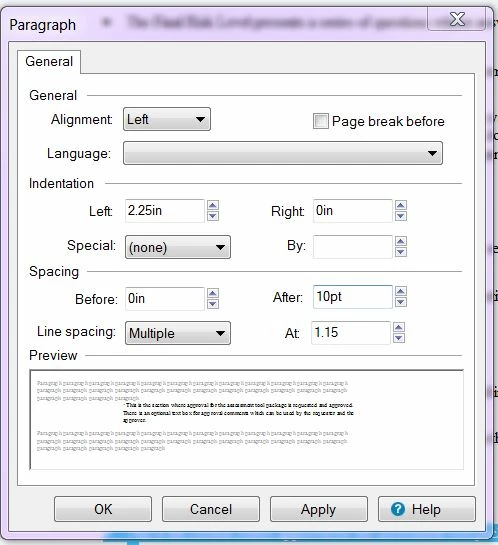
I may be overlooking something obvious, but when I highlight text in RoboHelp, there is no way to switch between pixels and inches. In the example below, the measurement is given using inches, but often instead of in it will say px. I can change the numeric value but not the type of measurement used.
So if I want to do exactly what I've done in a different topic, and apply identical formatting, how can I do this using the paragraph settings?


 AdChoices