


Answered
Every topic opened I get Application Error - I suspect a CSS issue
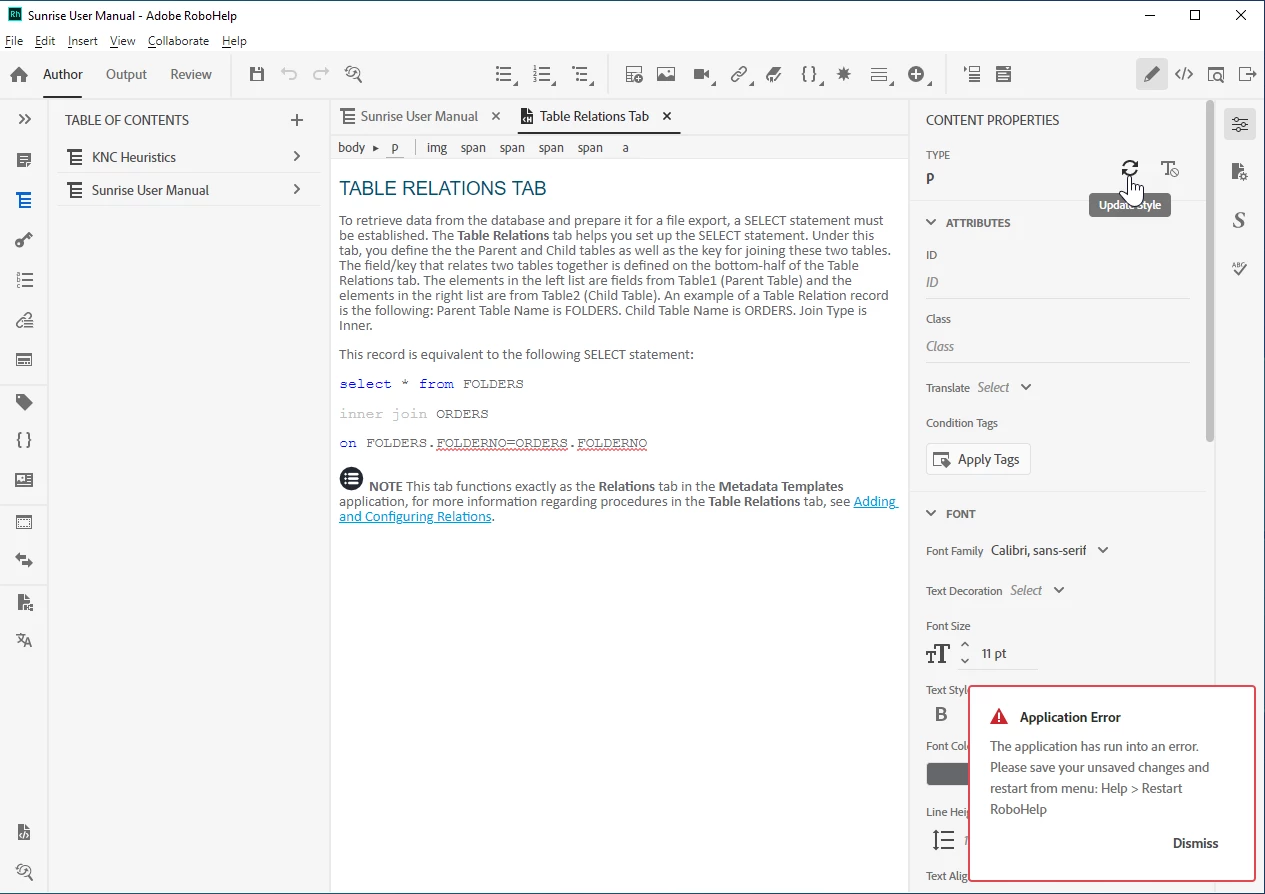
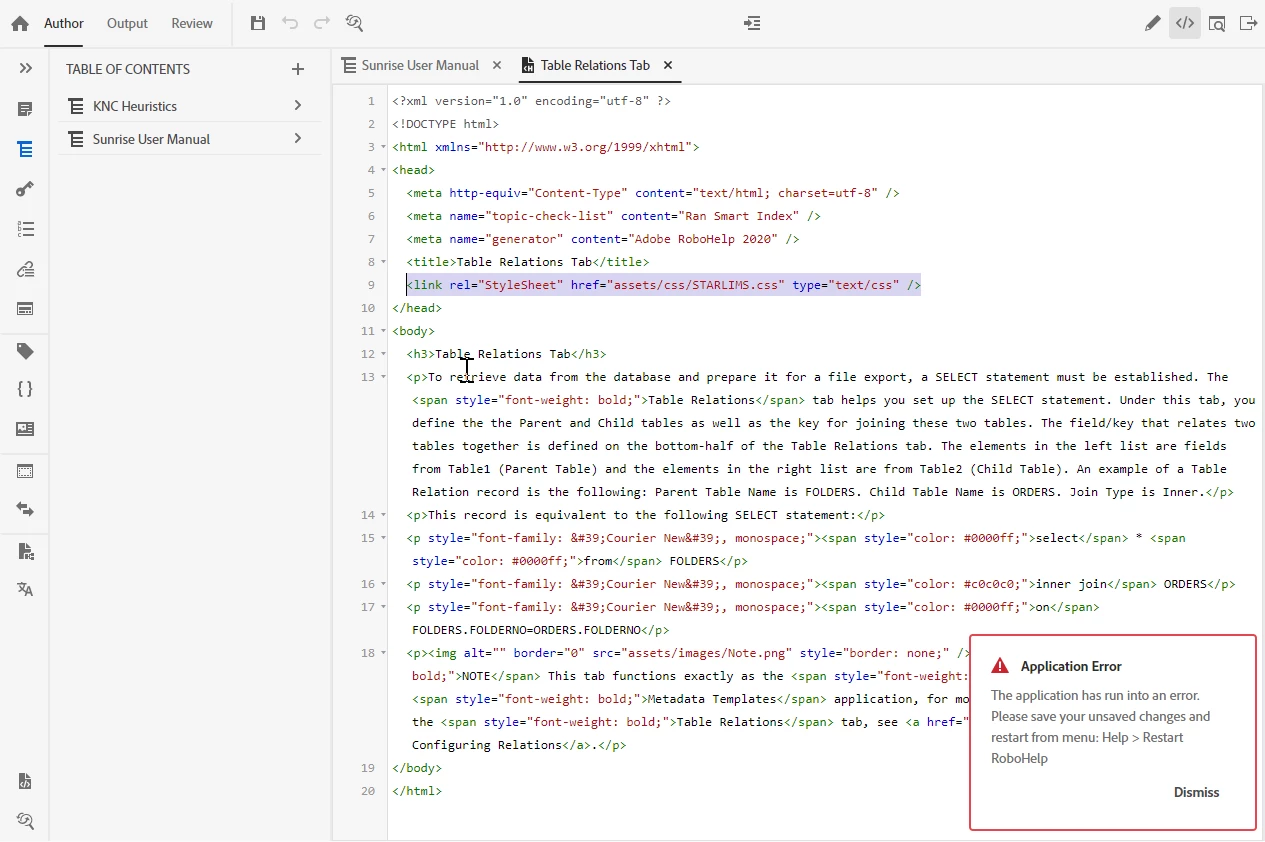
Every topic opened produces Application error (see screen shots) at bottom.
What i did:
- Installed RoboHelp 2020.
- Opened RoboHelp and clicked "Upgrade Project" button to convert a RoboHelp 11 source (.xpj) to a RoboHelp 2020 source (.rhpj)
- Opened different topics. All triggered Application Error: The application has run into an error. Please save your unsaved changes and restart from menu: Help > Restart RoboHelp.
- I also trigger this error every time i click the "Update Syle" button. I clicked a lot of other buttons and tabs and didn't see this error otherwise.
- I think the two actions touch a problem in the conversion concerning my custom CSS files. I was unable to find any way to re-integrate a custom CSS. I had one for WebHelp and one for Printed_Documentation (I generate both from the same source). Please tell me if this is the problem and how to integrate my CSS files (best solution) or otherwise fix this so at least every topic does not throw an error which leaves the source unusable.

 AdChoices