
Question
ExtendScript: Import HTML File returns false
Hey,
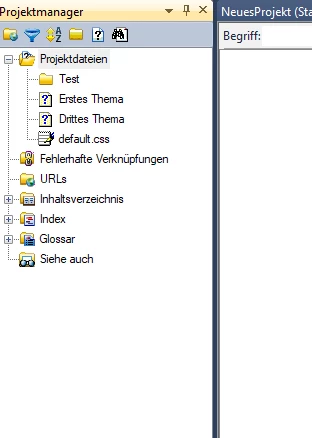
I am new in using ExtendScript. I have to convert an old documentaion to RoboHelp and i wanted to use scripts for that. But acutally i am stucking at import a HTML file. I use the method Project.importHtmlFile (see my code below) and the script throws no error. But the file will not imported in the project and the method returns false (see my console output below).
Has anyone an idea, what i am doing wrong? Or is there a way to get more informaiton about the fail?
Script
var project = RoboHelp.getCurrentProject();
var result = project.importHtmlFile ("C:\Users\kgr\Desktop\RoboHelpTest\Zweites_Thema.html", "Test");
$.writeln("Import Result: " + result);
currentProject.saveAll (true);
Output
Import Result: false
Result: true
Project


 AdChoices