
Inspiring
August 31, 2020
Answered

Extra page in PDF that shouldn't be there (RH 2019, new UI)

  • August 31, 2020
  • 5 replies
  • 282 views

Hi, Everyone.


In RH 2019, new UI, I'm outputting to PDF. And RH is giving me an extra page that I wish weren't in the PDF.


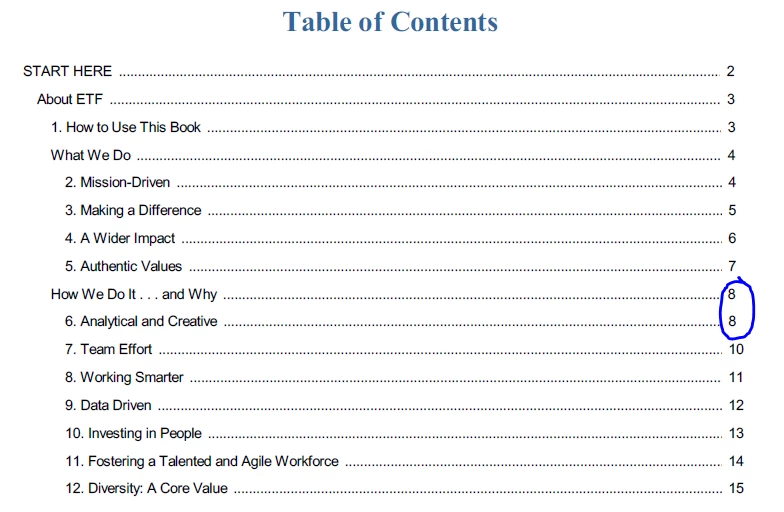
It looks like fine in the PDF table of contents. "How We Do It" is properly listed as sharing p. 8 along with "Analytical and Creative" (Screenshot A):
 

It looks fine in the help, itself -- meaning the H2 header "Analytical and Creative" appears directly after the H1 header, in the same topic  (Screenshot B):

 

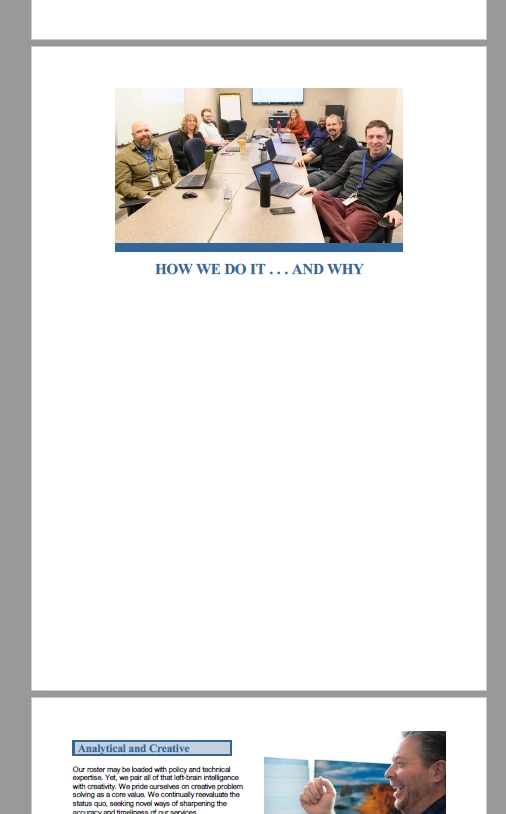
 But in the PDF, the two headers are separated, as if they're in separate topics (Screenshot C):
 

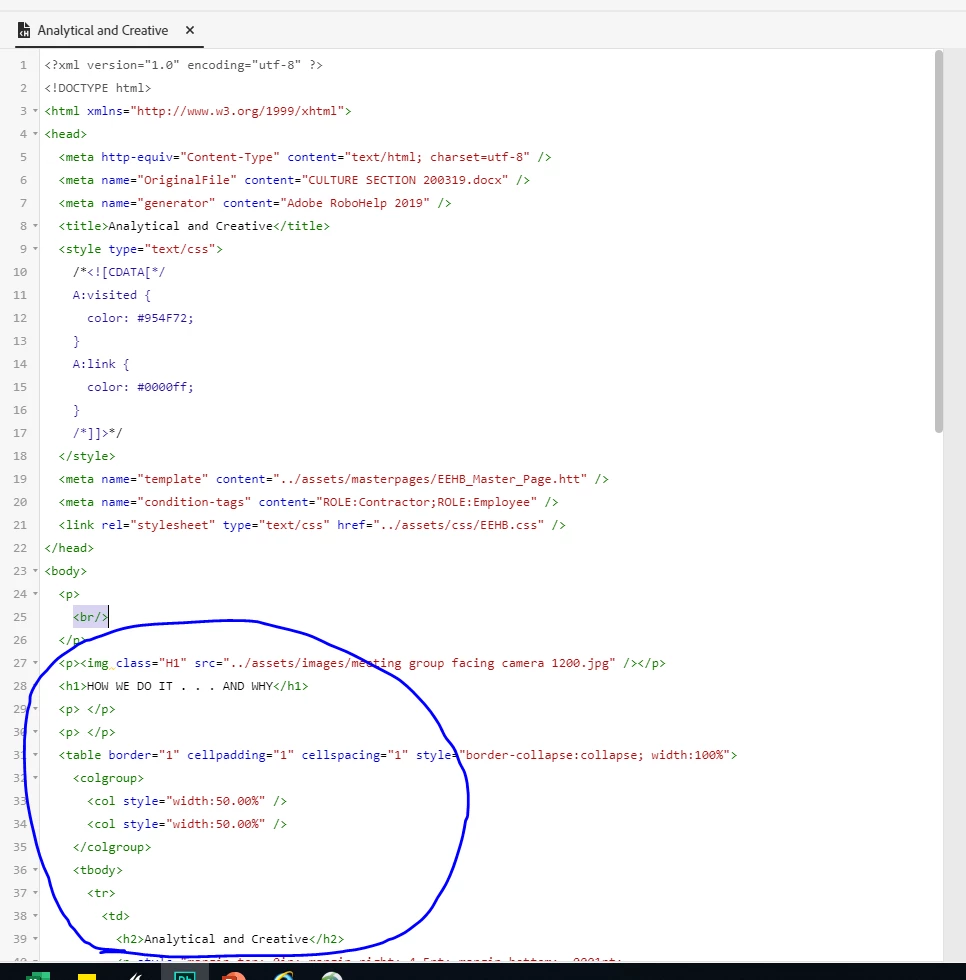
Here's what the code looks like (Screenshot D):
 

I'd appreciate any help on this. Thank you!

    This topic has been closed for replies.
    Correct answer Amebr

    As a first guess, it could be the table causing it to push to a new page. Do you have other topics that have a table that is a similar length but which remain on the same page?

    5 replies

    Community Expert
    September 3, 2020

    Don't forget to check the source code of the css (stylesheet) file as well. 🙂

    Inspiring
    September 2, 2020

    Just checked it. The HTML doesn't contain 'break-inside: avoid;' 


    But thanks for the suggestion. I learned a bit more about HTML!  🙂

    Community Expert
    September 2, 2020

    You could check if your table style has 'break-inside: avoid;' set. Removing it, or setting it to 'auto' might allow the table to break across pages, although I couldn't say what effect that would have on the rest of your project. It also might be a quirk of PDF output that you can't change - I don't generate PDFs so couldn't say.

    Inspiring
    September 1, 2020

    Thanks, Amber, you're right. It must be the long table. 


    I do have another table that remains on the same page, but it's much shorter. 


    Thank you. I can move on, now 🙂 

    AmebrCommunity ExpertCorrect answer
    Community Expert
    September 1, 2020

    As a first guess, it could be the table causing it to push to a new page. Do you have other topics that have a table that is a similar length but which remain on the same page?