Participating Frequently
October 16, 2020
Question

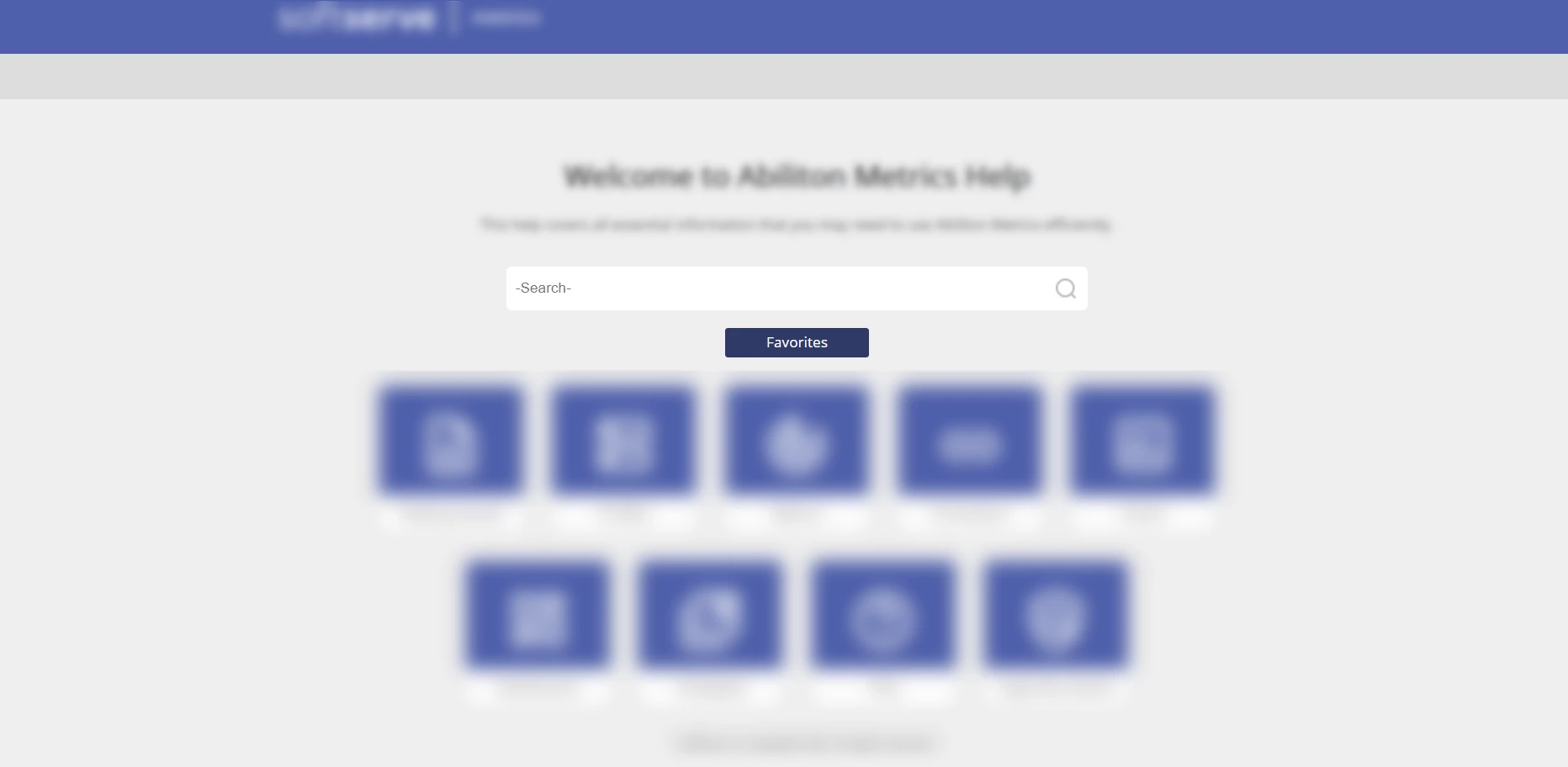
Favorites button

  • October 16, 2020
  • 6 replies
  • 360 views

How can I remove the Favorites button from the home page? I use the 2020 version of  RoboHelp.
 

    This topic has been closed for replies.

    6 replies

    Community Expert
    October 18, 2020

    You could create a custom css an add it to the Layout > User Assets section of the skin.


    You'd need to view the output and right-click on the Favorites button and select Inspect. That'll open the Developer Tools. If RH2020 is the same as RH2019, an 'a' tag will be selected, but you'll need to write a style for the parent 'div' tag (which sets the background colour and functions as the button), to set it to display: none.

    Peter Grainge
    Community Expert
    Community Expert
    October 16, 2020

    It seems that is not an option in Indigo. I tried removing the buttons and other settings but they still come through. I guess you could use create a button that looks like the background.


    The functionality would still be there and a user would see the bubble text if they hovered in the right place. How likely that is and whether that is acceptable is for you to decide.


    I thought there was an option to turn it off in the frameless skins but it seems not. 


    Please follow this link to request features. https://tracker.adobe.com


    Post the link to your feature request in this thread and others can vote for it. The more people who do so, the higher it gets prioritised.


    Use the menu (bottom right) to mark the Best Answer or Highlight particularly useful replies. Found the answer elsewhere? Share it here.
    Participating Frequently
    October 16, 2020

    I use Indigo skin 

    Peter Grainge
    Community Expert
    Community Expert
    October 16, 2020

    Which skin?


    Use the menu (bottom right) to mark the Best Answer or Highlight particularly useful replies. Found the answer elsewhere? Share it here.
    Participating Frequently
    October 16, 2020

    Where can I deselect it? 


    Peter Grainge
    Community Expert
    Community Expert
    October 16, 2020

    Deselect it in the skin editor.


    Use the menu (bottom right) to mark the Best Answer or Highlight particularly useful replies. Found the answer elsewhere? Share it here.
