
Firefox display issue with Asian and extended ASCII characters
Hello, all,
We have recently had customer reports of an issue using the latest versions of Firefox with our localized help systems. This includes the latest ESR releases.
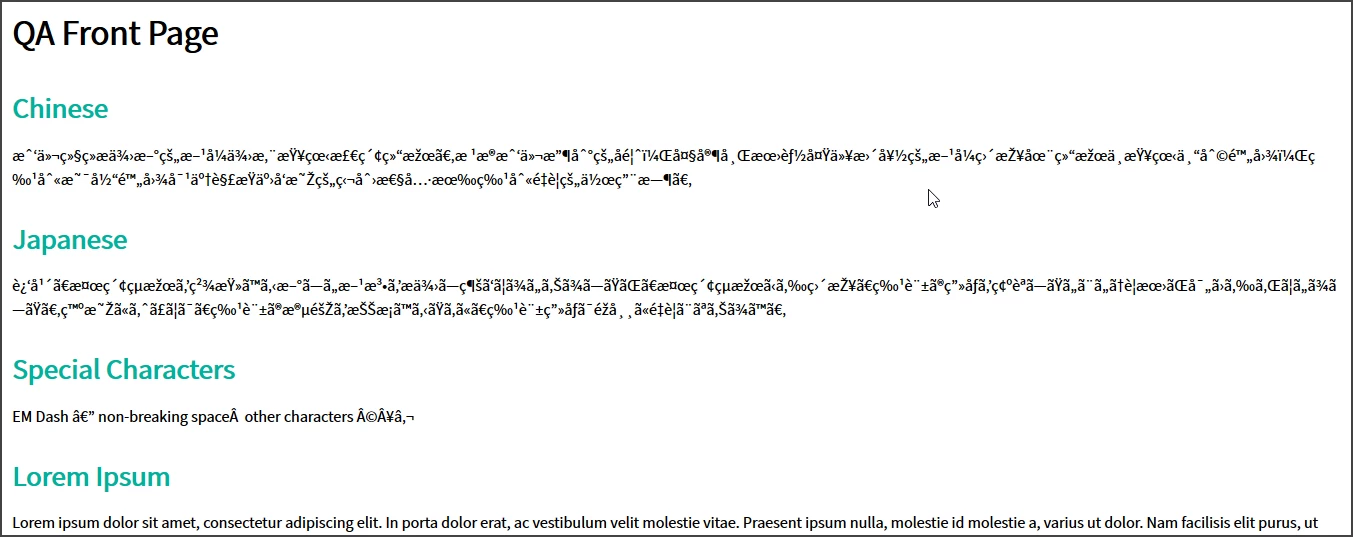
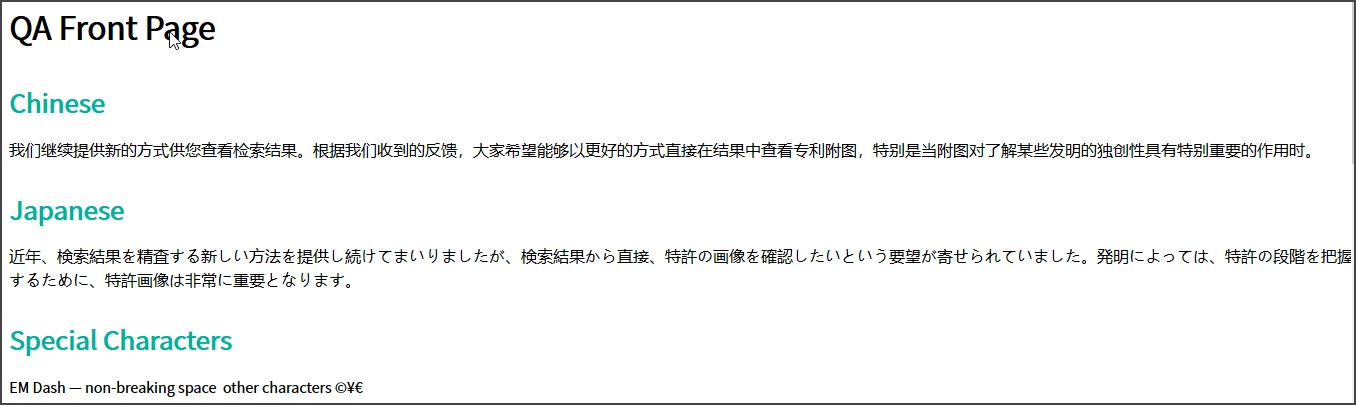
It seems that Firefox does not display Asian-language text or extended ASCII charachters correctly. Extended characters include things like the HTML em-dash.
The files look as expected when viewed locally. It is only when we view them online in a web server environment that the issue occurs.
We have tested this by creating a new project from scratch an applying an unmodified Orange frameless skin preset to it.
Has anyone else encountered these issues? Screenshots follow to as a demonstration.
Firefox on QA server:
Firefox viewed locally:
Thank you for any help you can provide.


 AdChoices