
EmanAssem
Inspiring
October 7, 2019
Question

For Frameless output, How to select certain topics to be displayed in homepage other than TOC?

  • October 7, 2019
  • 2 replies
  • 374 views

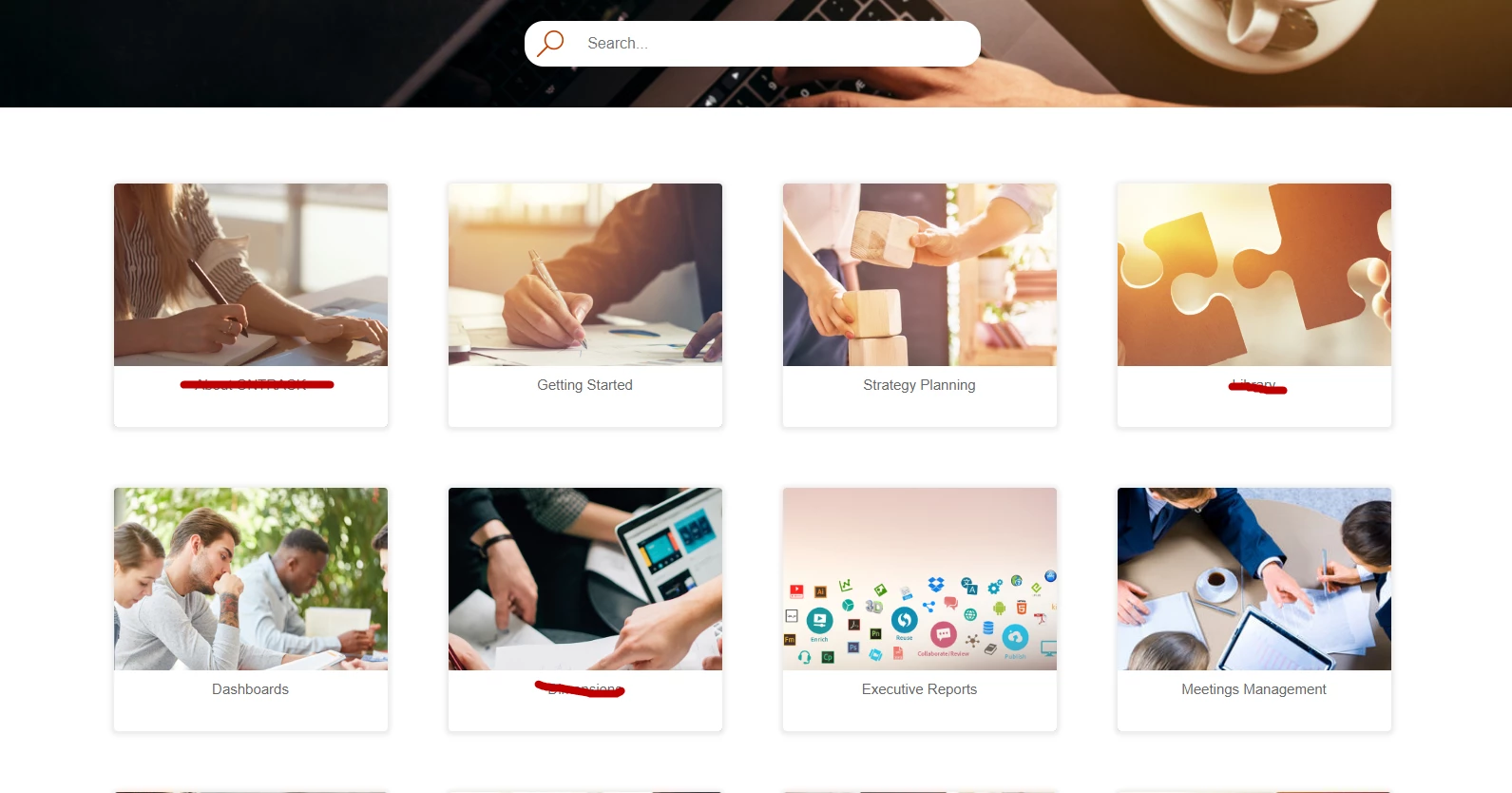
In Frameless output, the homepage displays all books in the TOC as topics in homepage which makes it long. When I tried to remove a book/topic from TOC, it doesn't appear in the final output at all. Is there a way to separate TOC from what popualr topics I want to highlight in help homepage?
 

This topic has been closed for replies.

2 replies

Vivek Kumar
Adobe Employee
Adobe Employee
October 8, 2019

Alternatively you can handcraft a topic page, with links to all the popular topics, and use that as home page. You can hide the default view if you want. See the details in the following webinar, you can skip the initial part.

Frameless Layout and Skin Editor

EmanAssem
EmanAssemAuthor
Inspiring
October 8, 2019

Yes, that's exactly what I mean. In many cases, we need to feature some topics that aren't necessarily reflect the TOC structure. For example, adding FAQs or headline like "For admins", and so like. I hope Frameless output to be more adaptable in the future to be more like a website (like RH current help center) not just a view. Thanks a lot for your reply.

Peter Grainge
Community Expert
Community Expert
October 7, 2019

In 2019 what determines what goes into an output is the TOC. See the RoboHelp Reimagined sample project. If you remove a book, you therefore lose those topics.


The Home Page shows the top level books so what you need to do is rethink your TOC structure. Alternatively you can go into the skin editor and reduce the size of the icons, although I think you already know that bit.


Use the menu (bottom right) to mark the Best Answer or Highlight particularly useful replies. Found the answer elsewhere? Share it here.