Known Participant
September 11, 2014
Answered

Frame single-sourced to RoboHelp: numbered lists are wonky

  • September 11, 2014
  • 1 reply
  • 496 views

I'm single-sourcing FrameMaker 12 files to a RoboHelp 11 project (the issue existed in previous versions of the products). Numbered lists aren't transferring correctly from FrameMaker to RoboHelp: there is no space between the number and the content. For example:

1.To use this product, click here.

2.Click OK.

I've attempted editing the Frame styles. The Frame style setup doesn't allow me to add extra spaces between the number and the content.

I've attempted editing RoboHelp styles and .css sheets. I'm getting a variety of wonky results (like a number that permanently defaults to 0 or no number at all).

Can you recommend any solutions?
This topic has been closed for replies.
Correct answer Jeff_Coatsworth

I'm not sure what "flavors" refers to. Could you elaborate?

If you're talking about mapping options, when I map the style to a body (text without numbering applied), it results with no space between the number and the content. When I map to a list style (text with numbering applied), depending on which option I select under Autonumber, it either results with:

  • No number appearing
  • A list with the numbers set to 0, and doesn't increment
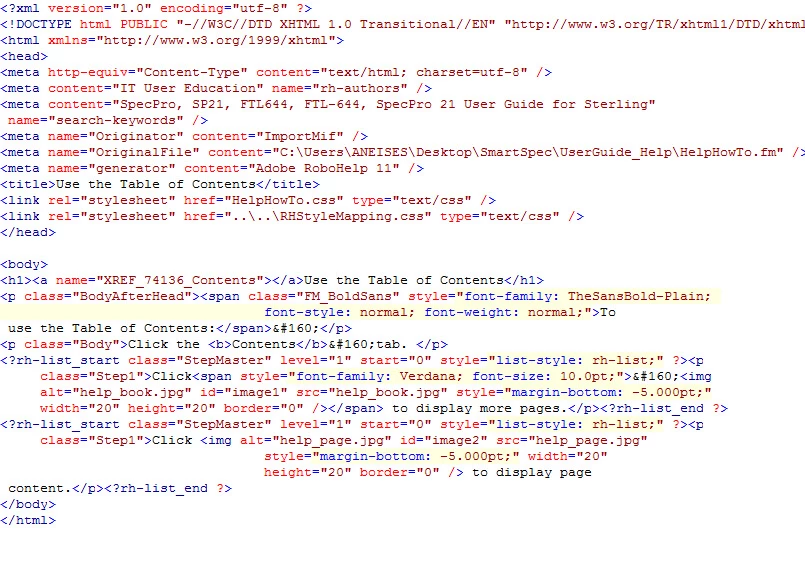
  • A list with numbers that on the Design view shows 1 (doesn't increment past 1) but in the HTML view, is set to 0. The output is also set to 0, despite the source files being set. I've attached an screen shots to illustrate this bullet point.

Yes, I was referring to the Autonumber options – IIRC, you get a choice of Ignore Autonumber, Convert Autonumber to HTML List, etc., and Convert Autonumber to Text. That’s the one I use. I have a numbered step FM paragraph tag (Numbered1 - <n=1>.\t building block) that starts at 1 and another that increments (Numbered - <n+>.\t building block). They have all their formatting defined to look right in FM. I don’t map either Numbered1 or Numbered to specific RH styles – I just tell the Autonumber option to treat it all as text and it comes out looking fine in RH WebHelp output.

1 reply

Jeff_Coatsworth
Community Expert
Community Expert
September 11, 2014

Are you importing or linking? How are you treating lists in your Conversion Settings?

a_neisesAuthor
Known Participant
September 11, 2014

In RoboHelp, I'm linking to FrameMaker files.

By "conversion settings" do you mean the settings under File > Project Settings > Import? If "yes," I've been tinkering with mapping, as well as editing the .css file. Neither have worked.

Jeff_Coatsworth
Community Expert
Community Expert
September 11, 2014

Which of the three flavours of choices have you tried? I tend to use the Text option and it comes over Ok for me.