Answered
Frameless Output Preset (Dark Skin)
Is there any option to remove the shadow of TOC Tiles in homepage?
When I change the theme colors to dark, it is more prominent. I want to remove the effect.
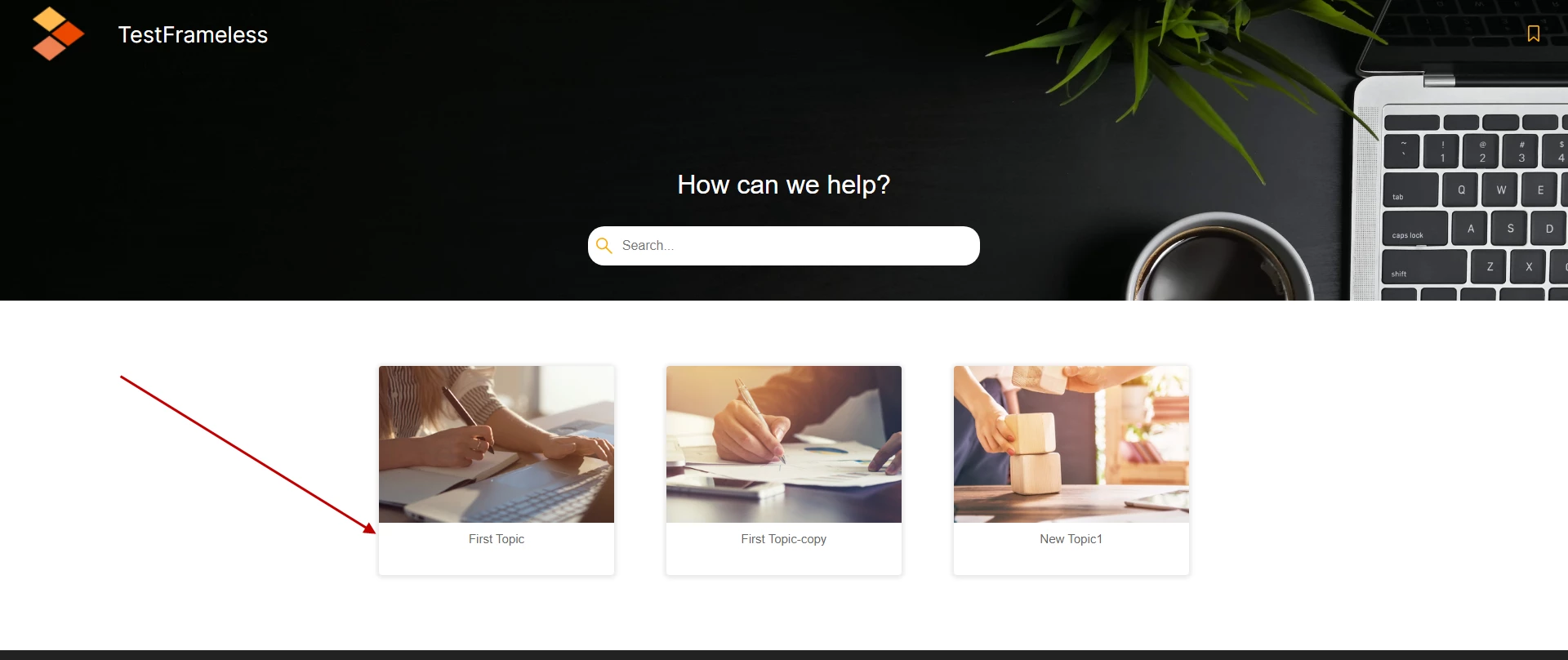

Is there any option to remove the shadow of TOC Tiles in homepage?
When I change the theme colors to dark, it is more prominent. I want to remove the effect.
I just got this back from Adobe. The layoutdiff.css is in the publish>skins>yourskin folder in your project.
I'm not sure but you may need to make that change whenever you customise the skin using the skin editor. Please check that.
Option to edit shadow is not available from skin editor. It can only be removed by directly editing layoutDiff.css file by setting box-shadow to none for selector .RH-LAYOUT-HOMEPAGE-TOC-tile-box.
.RH-LAYOUT-HOMEPAGE-TOC-tile-box {
box-shadow: none;
}
________________________________________________________
See www.grainge.org for free Authoring and RoboHelp Information
Already have an account? Login
Enter your E-mail address. We'll send you an e-mail with instructions to reset your password.


 AdChoices