
cgreyes300
Participating Frequently
May 21, 2017
Answered

Generated Layout does not Display Full Page

  • May 21, 2017
  • 2 replies
  • 865 views

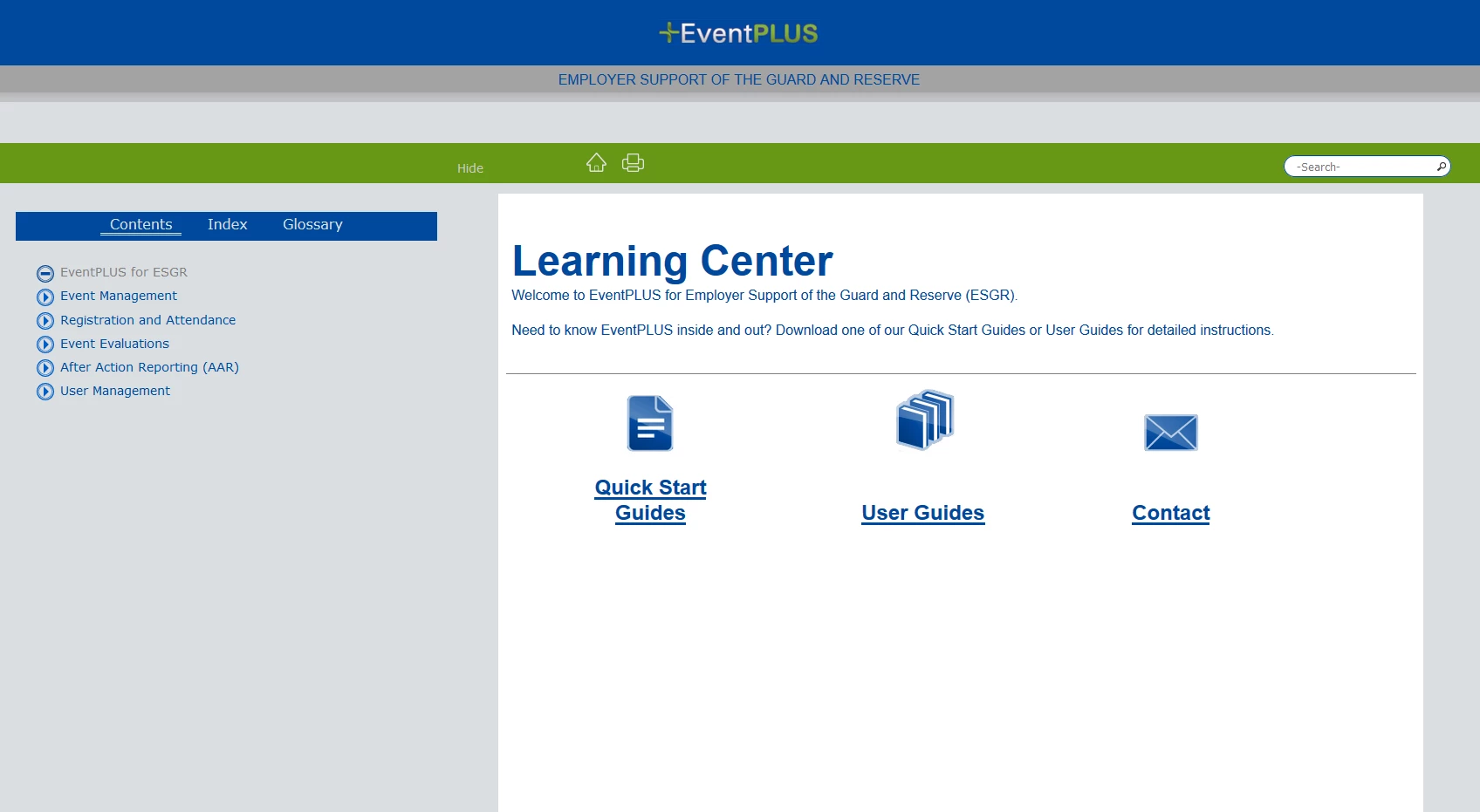
Hi! I am using Robohelp HTML and version 11.0.0.179. I am new to Robohelp and don't understand most of it. I have finished my project and when my co-worker generates the file, the pages look nice (full pages). But when I generate it, I get pages that end when the text or images are done. We generate it from the same location (on our network). I've even tried generating from my local drive and it still does not work.

Co-workers generated file:
My generated file:
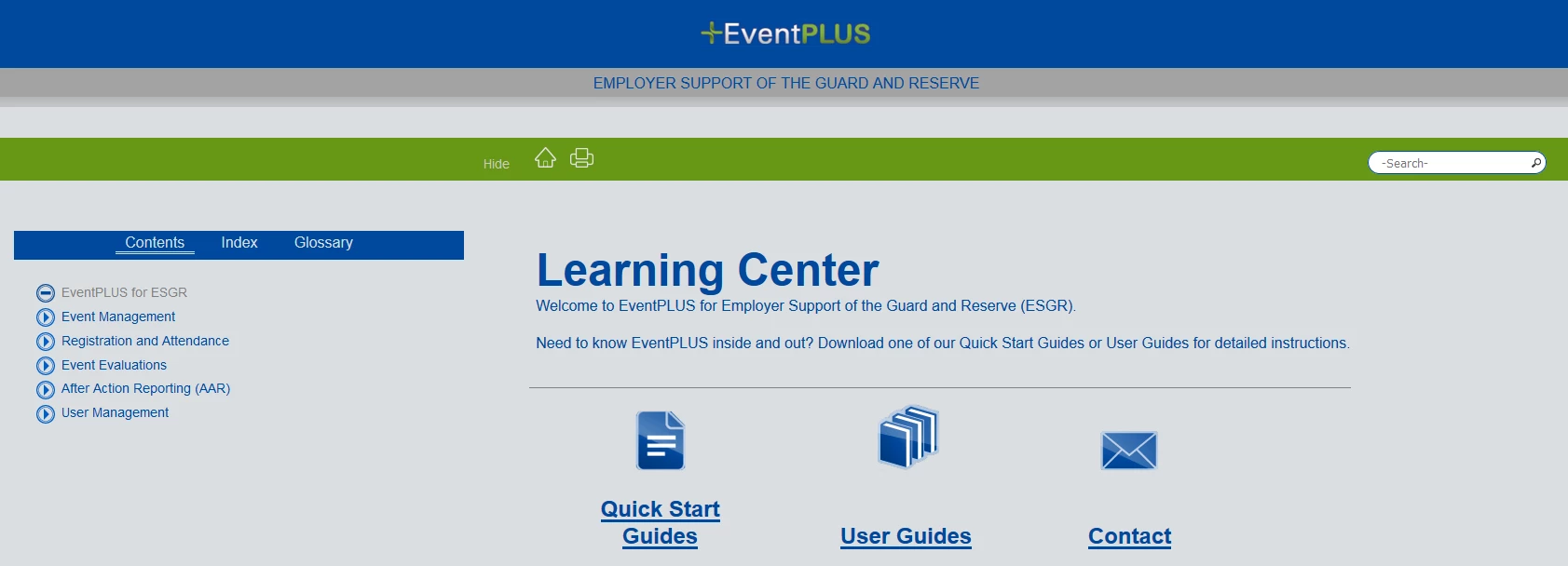
She said it had something to do with the unchecking of the "Limit the scope of project styles only to topic contents" in the Optimization section when generating the file, and it's unchecked, but still looks like above.

This topic has been closed for replies.
Correct answer Peter Grainge

I tried that as well. I get the same results.


Do you both have the same updates applied to RoboHelp?

Peter Grainge

www.grainge.org

@petergrainge

2 replies

Peter Grainge
Community Expert
Community Expert
May 21, 2017

Like Rick, the only difference I can see is the grey background, which

could be what your co-worker is saying.

What are we both missing?

Do the topics look different? You have only shown the start page.

Use the menu (bottom right) to mark the Best Answer or Highlight particularly useful replies. Found the answer elsewhere? Share it here.
cgreyes300
Participating Frequently
May 21, 2017

I've tried different zooms, I've even tried different browsers. The problem is we want it to have the white background and to fill the page, my page ends right after the icons.

Another page that looks different is...

Her page:

My page:

Captiv8r
Legend
May 21, 2017

Ahhh, so it would appear that something is just a fuzz different with the CSS you are using and the CSS your partner is using.

I think in this case the simplest fix would be to ask your partner to send you a copy of the CSS file being used. Then you save their CSS to your folder and replace the one you are currently using.

Cheers... Rick

Captiv8r
Legend
May 21, 2017

Hi there

Aside from your file having the grey-ish looking background where the icons are on the right side, I'm not seeing much of a difference.

I'm wondering if perhaps this might have something to do with the zoom settings on the page? Do things change for you if you press and hold the Ctrl key while pressing the zero key? (Ctrl + 0) That action should reset the zoom settings for the page to 100%.

Cheers... Rick