If you can find the code that makes that button work in the skin you're using, you should be able to bung it in a script so you don't have to write your own code.
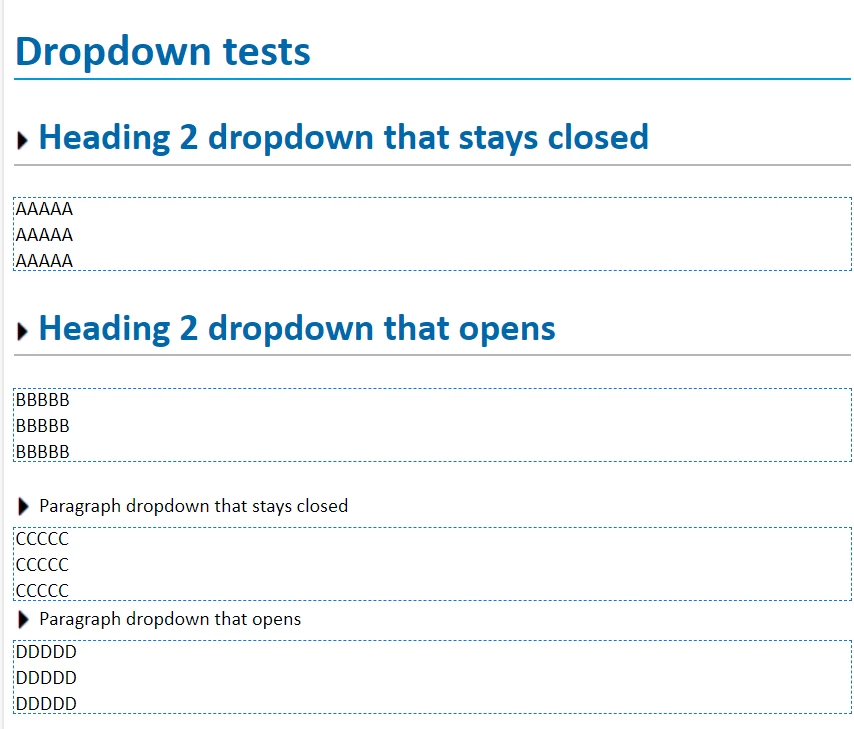
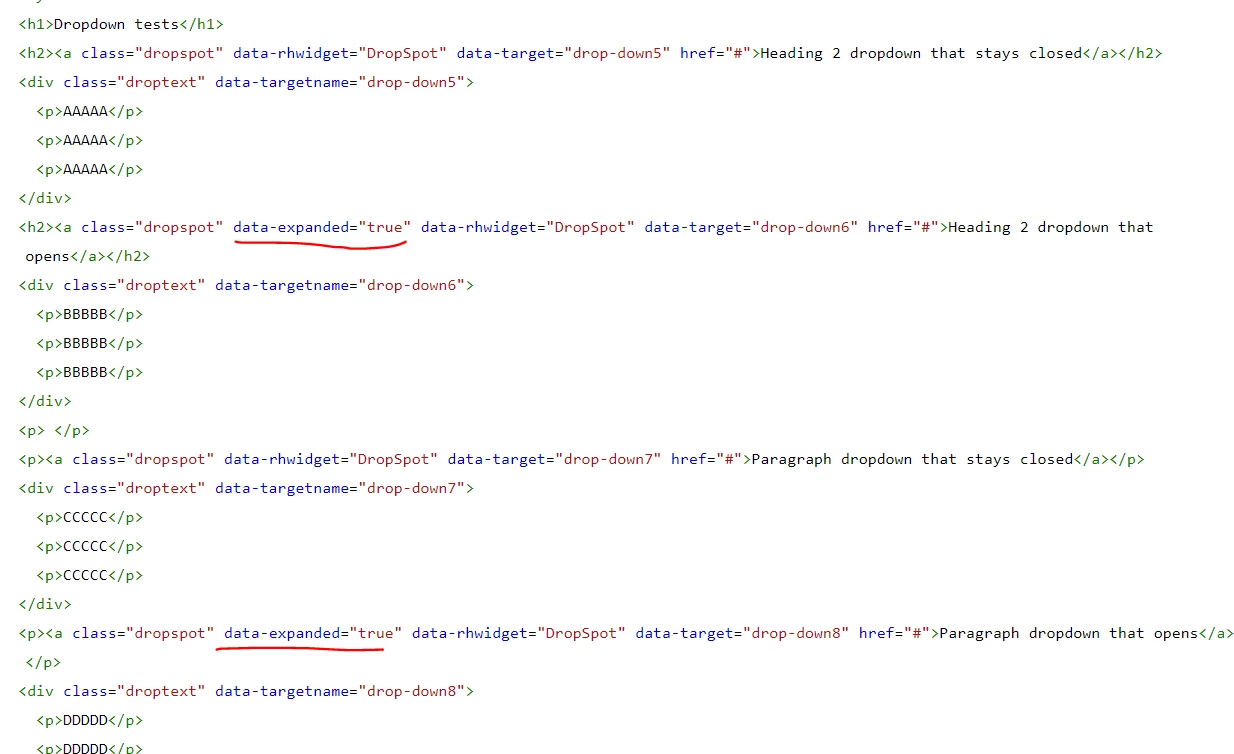
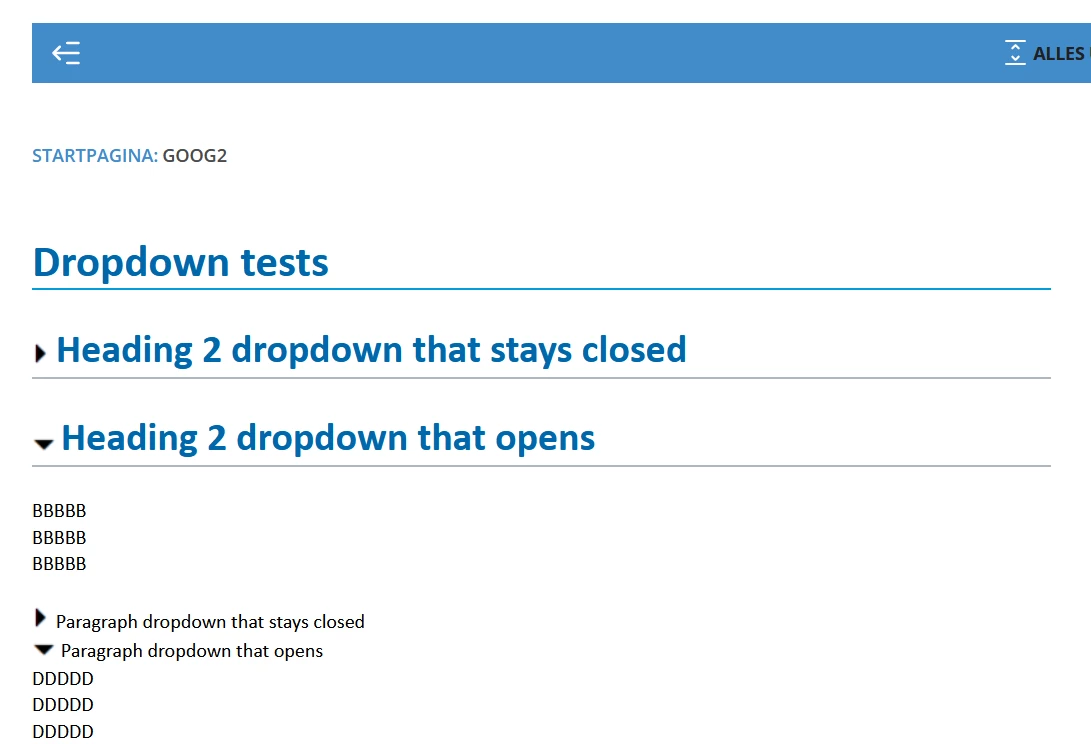
For example, I tried this in the master page of a RH2019 Frameless project. You can probably also add it in the User Assets section of the skin as an attached JS file. Note I'm just a hack and can't advise on best practices.
Note: you'll need to check the code for RH2022 as I'm sure it's changed in newer versions.
Also test thoroughly as I couldn't say what side effects might result. Probably consult a friendly developer if you have one. 🙂
  document.addEventListener("DOMContentLoaded", (event) => {
    rh.model.publish(rh.consts('EVT_EXPAND_COLLAPSE_ALL'));
  });
(The first and third lines make sure the html has all been loaded before the script runs - I think it's necessary but you could try without them if you want. The second line is the button code I found in my skin under Topic Page Buttons > Expand/Collapse All > OnClick)



 AdChoices