
Answered
Hiding the logo in the TopNavigation frameless template RH2022
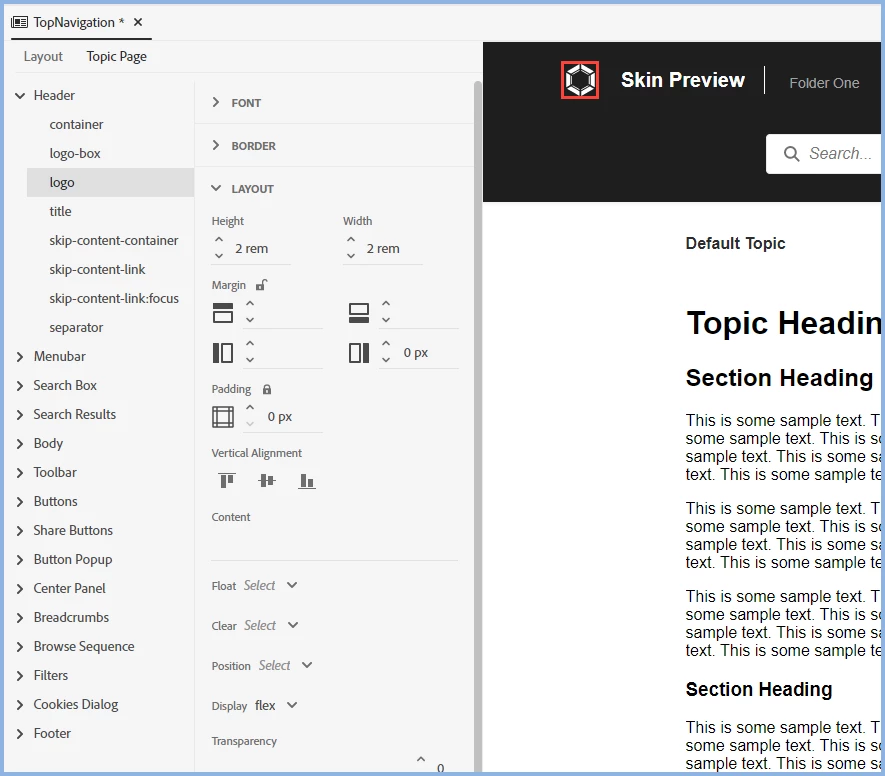
I'm in the process of changing our help to use a template based on the TopNavigation frameless template. In that template there is a logo in the upper left corner that is also a link to the home page. Most of our clients use a white-label version of our site, so there is no logo for application.
I'd like to remove that image and the link but haven't been able to. I've created a black logo that blends in with the background so you don't see a logo. However, when you tab through the site, you still go to that black logo.




 AdChoices