

Inspiring
May 3, 2021
Answered

Homepage Buttons background and Border

  • May 3, 2021
  • 1 reply
  • 207 views

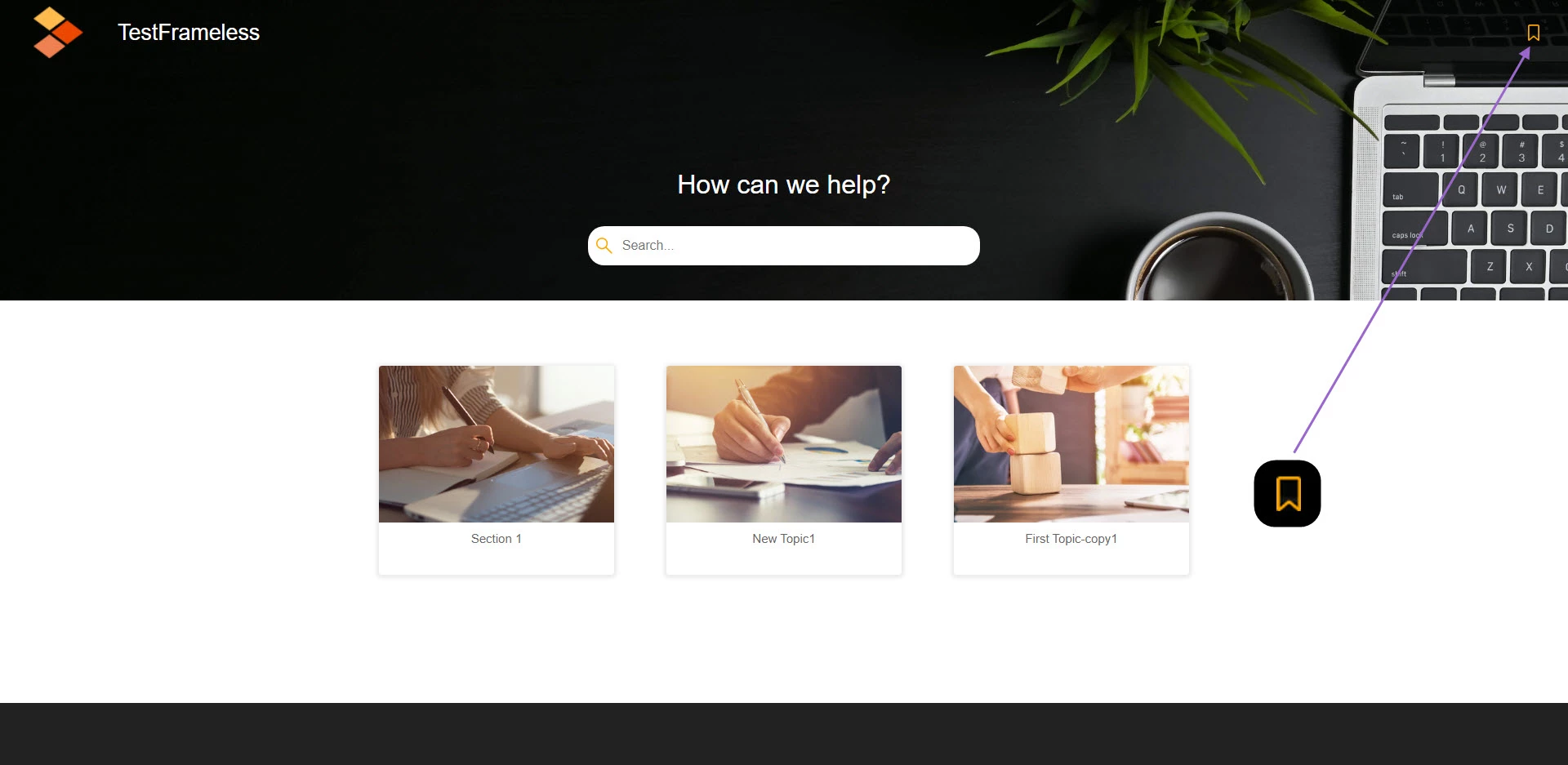
In RH 2020 Frameless Output (Dark Skin), is it possible to add background and rounded border to the Hompage button? ref images attached.

    This topic has been closed for replies.
    Correct answer Peter Grainge

    The default images can be changed to whatever you want in the skin editor. The problem at the moment is the shadow will still be there. The fix for that is in this thread. Solved: Frameless Output Preset (Dark Skin) - Adobe Support Community - 11997656

    ________________________________________________________
    See www.grainge.org for free Authoring and RoboHelp Information

    1 reply

    Peter Grainge
    Community Expert
    Peter GraingeCommunity ExpertCorrect answer
    Community Expert
    May 3, 2021

    The default images can be changed to whatever you want in the skin editor. The problem at the moment is the shadow will still be there. The fix for that is in this thread. Solved: Frameless Output Preset (Dark Skin) - Adobe Support Community - 11997656

    ________________________________________________________
    See www.grainge.org for free Authoring and RoboHelp Information

    Use the menu (bottom right) to mark the Best Answer or Highlight particularly useful replies. Found the answer elsewhere? Share it here.
