
roryj86911642
Inspiring
April 3, 2019
Answered

How can I link to a subtopic directly?

  • April 3, 2019
  • 1 reply
  • 541 views

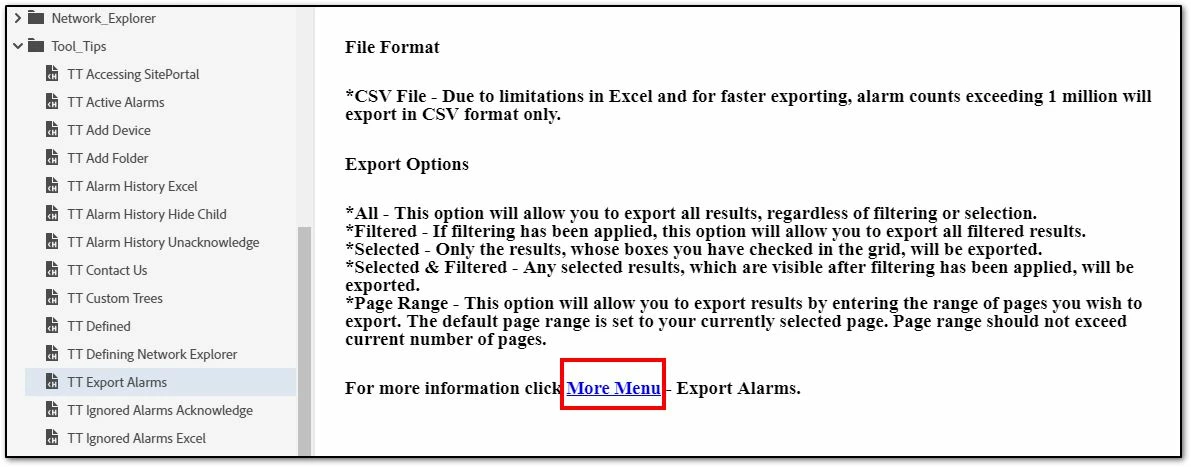
I have created a tool tip topic called TT Export Alarms. I am trying to link to a main topic called More Menu with several subtopics, one of which is Export Alarms. I want to create a link from TT Export Alarms to More Menu / Export Alarms and have it display the subtopic.

1. Click on More Menu - Export Alarms
2. The More Menu displays.
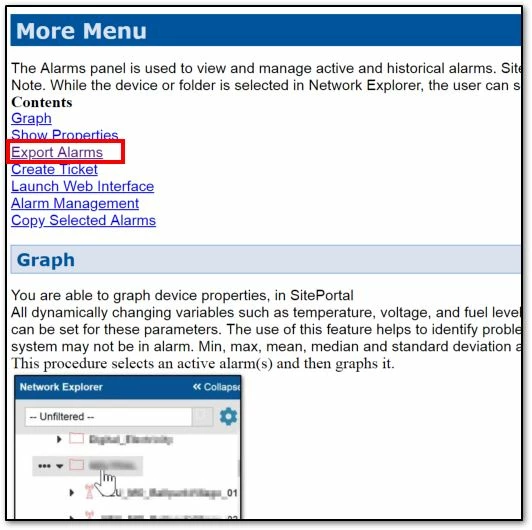
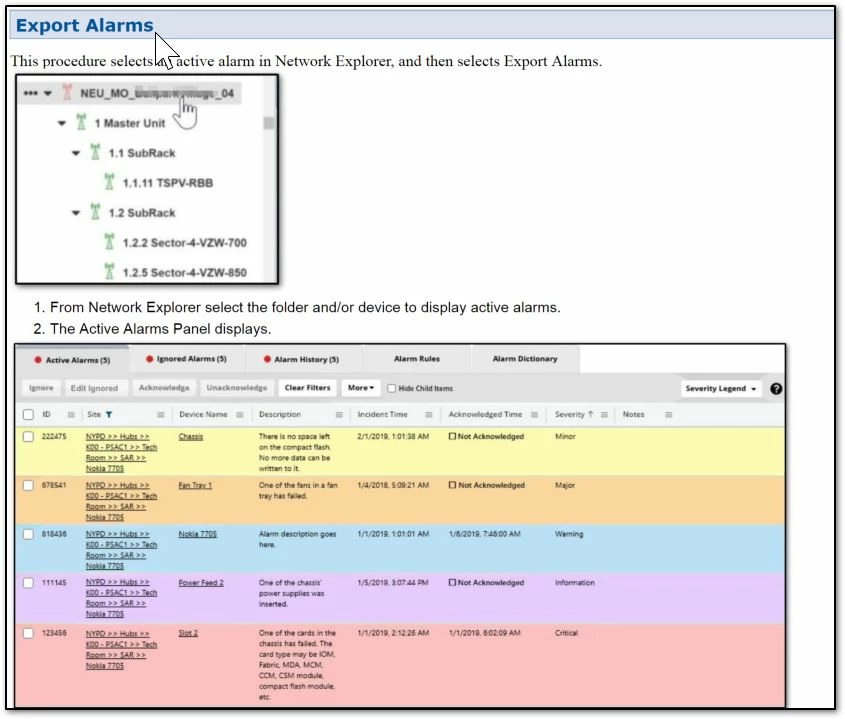
3. However, I would like to display the sub-menu Export Alarms and not make the user click twice.
This topic has been closed for replies.
Correct answer Jeff_Coatsworth

Nope, not the way you think - you either go straight to the Export Alarms topic (by using a bookmark and linking to that in the first topic) or you go to the intermediate More Menu. Personally, I would skip the More Menu display since it's not what you're looking for - you want the details of the Export Alarms. The other way you could do it would be to link to the More Menu, but then have expanding text for all the "sub-headings" and rig an expand all/collapse all widget to show the sub-topic.

1 reply

Jeff_Coatsworth
Community Expert
Jeff_CoatsworthCommunity ExpertCorrect answer
Community Expert
April 3, 2019

Nope, not the way you think - you either go straight to the Export Alarms topic (by using a bookmark and linking to that in the first topic) or you go to the intermediate More Menu. Personally, I would skip the More Menu display since it's not what you're looking for - you want the details of the Export Alarms. The other way you could do it would be to link to the More Menu, but then have expanding text for all the "sub-headings" and rig an expand all/collapse all widget to show the sub-topic.