
Known Participant
June 20, 2014
Question

How do I change the Author name in a generated pdf?

  • June 20, 2014
  • 1 reply
  • 1230 views

I've successfully used the Printed Document SSL to generate pdfs, and they all have my own name as the Author (well, duh.)
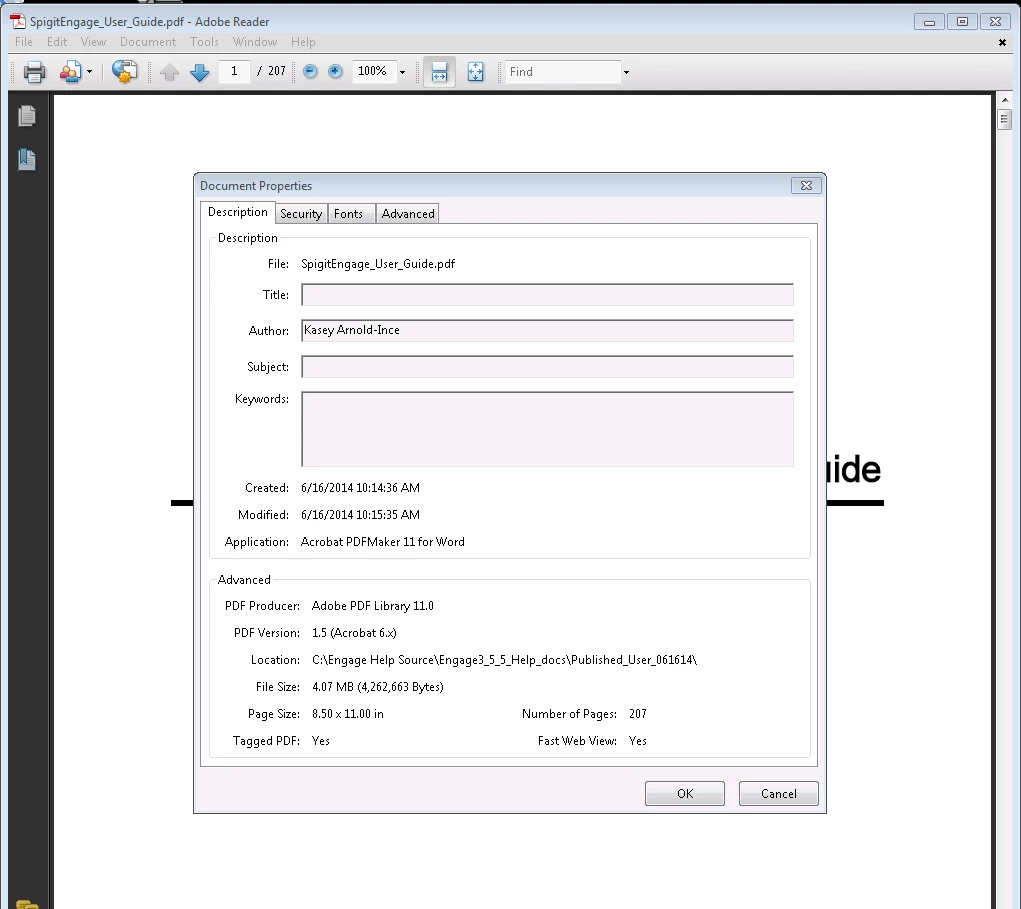
However, the client team at my company wants the author name to be the company name, but the field in Acrobat 9 will not allow me to edit the author name.  Note that when I generate simple review pdfs, there is no name entered into the Author field.  How can I generate the Printed Help with no Author, or edit the Author once generated?

This topic has been closed for replies.

1 reply

Peter Grainge
Community Expert
Community Expert
June 21, 2014

When you generate a PDF without also ticking the Word document check box, Rh nevertheless has to create a Word document behind the scenes.

If you are mapping to a Word template, even though you are not generating a Word document, that could be where your name is coming from. If not, it will be coming from your General settings in Word options.

If you don't want to change that, create a Word document and change the name there, then create the PDF.


See www.grainge.org for RoboHelp and Authoring tips

@petergrainge

Use the menu (bottom right) to mark the Best Answer or Highlight particularly useful replies. Found the answer elsewhere? Share it here.