
Proimage
Known Participant
January 25, 2015
Question

how do I fix search field size in HTML 5 layout to generate correctly in IE and Chorme

  • January 25, 2015
  • 1 reply
  • 219 views

Hi,

I have created new SLP files as told by support because the older ones got corrupted (dont know why). Now I have a search field  in the Topic.slp which output is OK, but the search field in the SearchResults.slp in not good - you cant see it in IE or Chorme  tried changing its size  with the mouse but that didnt help so I did redo

I dont  know  how to fix the problem and I dint want to corrupt the SLP file .
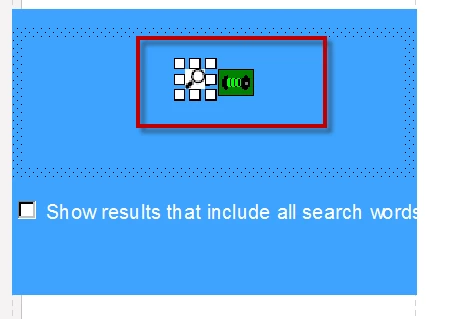
Layout Editor - tried resizing - didnt  change in generated output
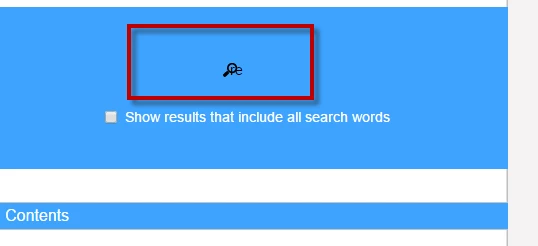
    Generated output in IE and Chrome

Please help

Thanks

Amat

This topic has been closed for replies.

1 reply

Willam van Weelden
Inspiring
January 26, 2015

Try the following:

  1. Open Topic.slp and select the search field.
  2. Switch to HTML mode.
  3. Copy the HTML code.
  4. Go to Search results.slp.
  5. Select the search field.
  6. Switch to HTML mode.
  7. Replace the HTML code with the code you copied.

If that doesn't work, the easiest solution is to delete the layout and add it again. Please don't use the WYSIWYG editor for changing the HTML5 templates. There's a good chance that things get broken if you do it that way.