
Question
How do I get text to stay where it is in the editor without moving when previewing/generating?
Hi,
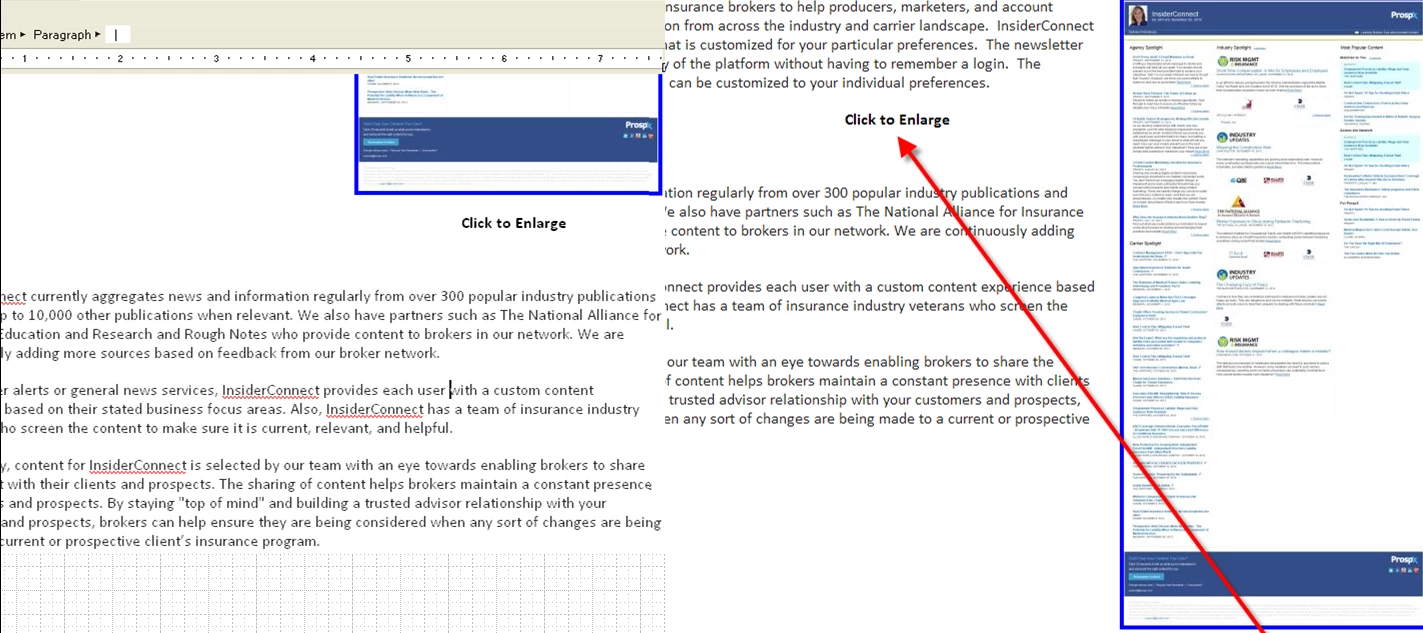
I have text centered below all thumbnail images that says "Click to Enlarge." This works great when I the image is center aligned, but if the image is right aligned, the text below the image is centered below the image in the editor, but the text moves left when previewing or generating.
How do I get text to stay exactly where it is in the editor without moving when previewing/generating?
On the image below, the text is centered below the image (on the left), but it moves after previewing/generating (on the right).
Thanks,
Jeff


 AdChoices