
Answered
How to add a new page?
Hi, Everyone.
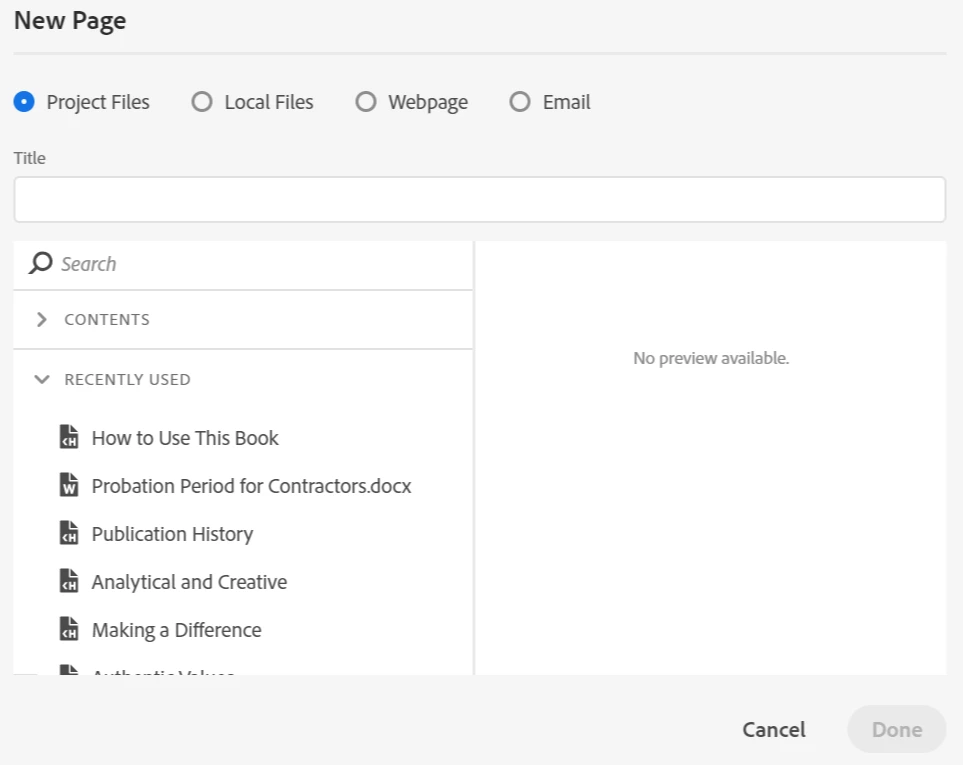
I'm confused about adding a new page to a book in TOC editing view (or Contents view). When I click the "new page" button, the new page dialog opens (see screenshot, below). But the only options are to use an existing project file, a file from my computer ("Local file"), a webpage, or an email.
Is there no way to just create a brand new page -- I mean, without utilizing some existing file?
Thank you!


 AdChoices