


Question
How to format TOC correctly
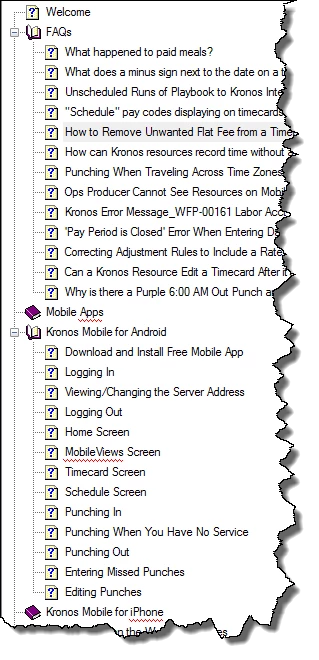
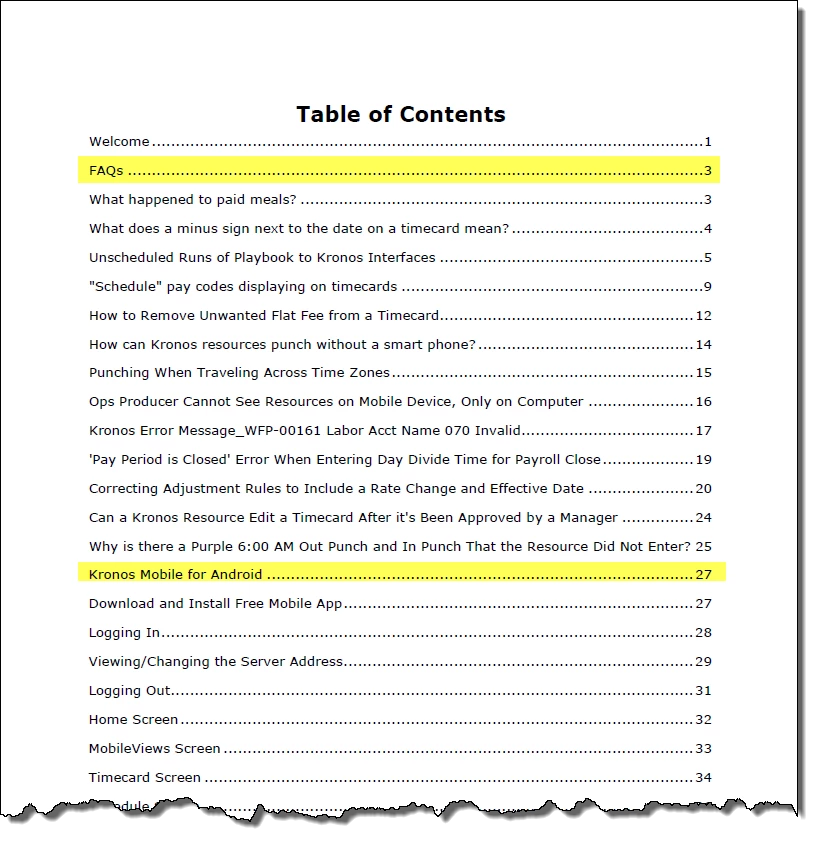
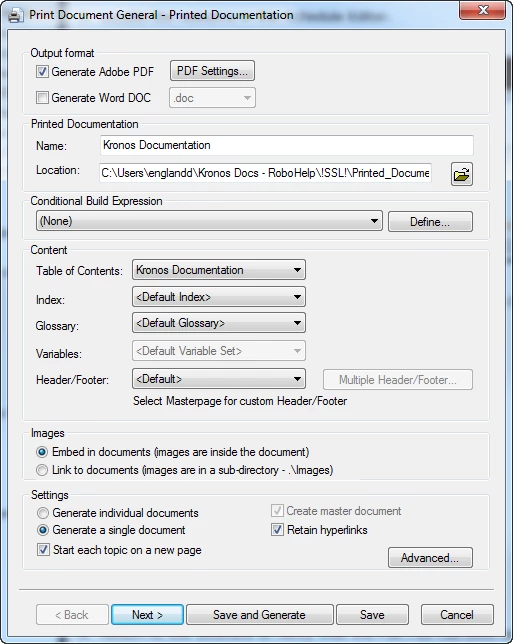
I'm generating printed documentation from a project using RH 11. All looks good except for the TOC which displays books and topics at the same level. I would have expected to see topics within a book indented in the TOC and don't seem to find a way to change that in the printed doc layout properties.
Shown below are screen shots of the TOC in RH and of the TOC in the generated PDF as well as one of the first printed doc layout settings screens.. Any help on figuring this out would be greatly appreciated.
Thanks.
Diane
 AdChoices