
Inspiring
December 27, 2011
Question

hyperlink works within RH but not in chm output

  • December 27, 2011
  • 1 reply
  • 1918 views

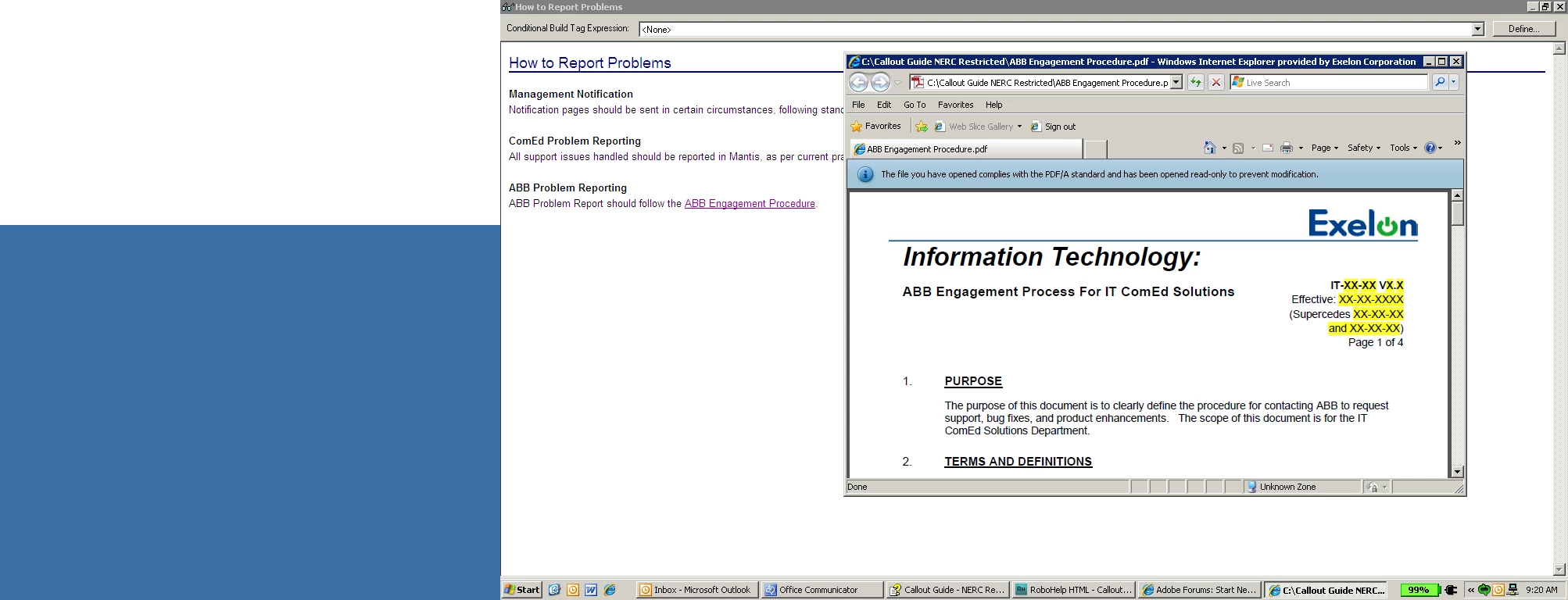
I'm using RH8, I created a hyperlink in a topic that refers back to a pdf file that I imported as a baggage file. What happens is that in the view, the pdf displays, as shown:
. however, in the chm output, here's what displays:
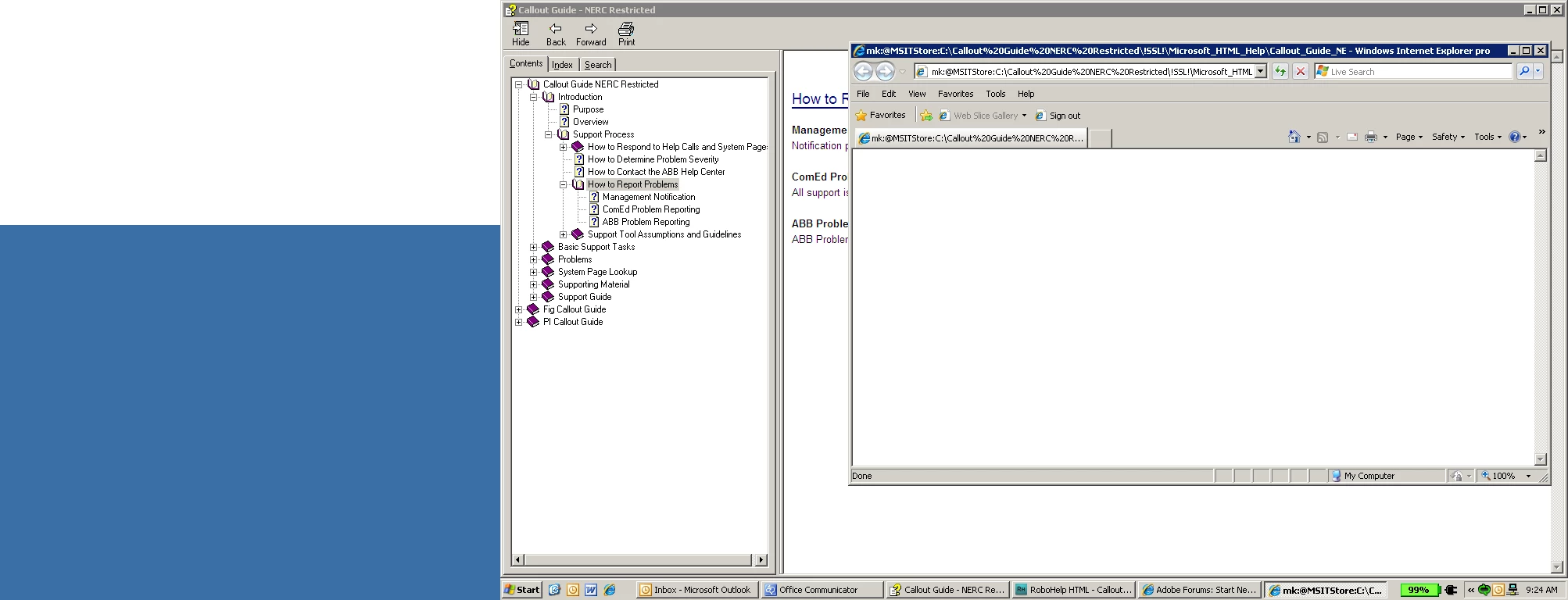
any fix to this?

This topic has been closed for replies.

1 reply

Anjaneai_Srivastava
Adobe Employee
Adobe Employee
December 28, 2011

Hi ,

I notice in the second image the Address bar shows that it is trying to locate the File inside the !SSL! folder and looking for PDF tp read from there, can yiou please try to copy and paste the PDF in that location where your Project resides, insde the SSL folder as the image 2 show the path.

Then Launch your CHM again and check the link to PDF?

Good luck!

Thanks,

Anjaneai

luviola10Author
Inspiring
December 28, 2011

Hi Anjaneai,

I tried your suggestion and it didn't work. Here is the path in the output

chm:

mk:@MSITStore

:C:\Callout%20Guide%20NERC%20Restricted\!SSL!\Microsoft_HTML_Help\Callout_Guide_NERC_Restricted.chm::/!SSL!/Microsoft_HTML_Help/ABB%20Engagement%20Procedure.pdf.

Also, I got the message:

Internet Explorer cannot display the webpage

Anjaneai_Srivastava
Adobe Employee
Adobe Employee
December 28, 2011

Hello ,

Can you try one more thing, go to your RoboHelp project on the Hyper Link properties for the same PDF file. Istead of linking the Complete File browsing to its path put the exact File name( if you link the complete File too it would prompt you for the copying the PDF to your Project location and make sure it has been created and saved C:\Documents and Settings\User_Name\My Documents\My RoboHelp Projects (in case you are using some other location for your project).

Now generate one more CHM output and check if the link to PDF is intact ( Display in-- Parent Frame).

Below is the PDF hyperlink setting I used which is working for me after generating output too.

Thanks,

Anjaneai