

I'm trying to edit TOC tiles in Oceanic and Blue Lagoon templates with no luck - Robohelp 2022
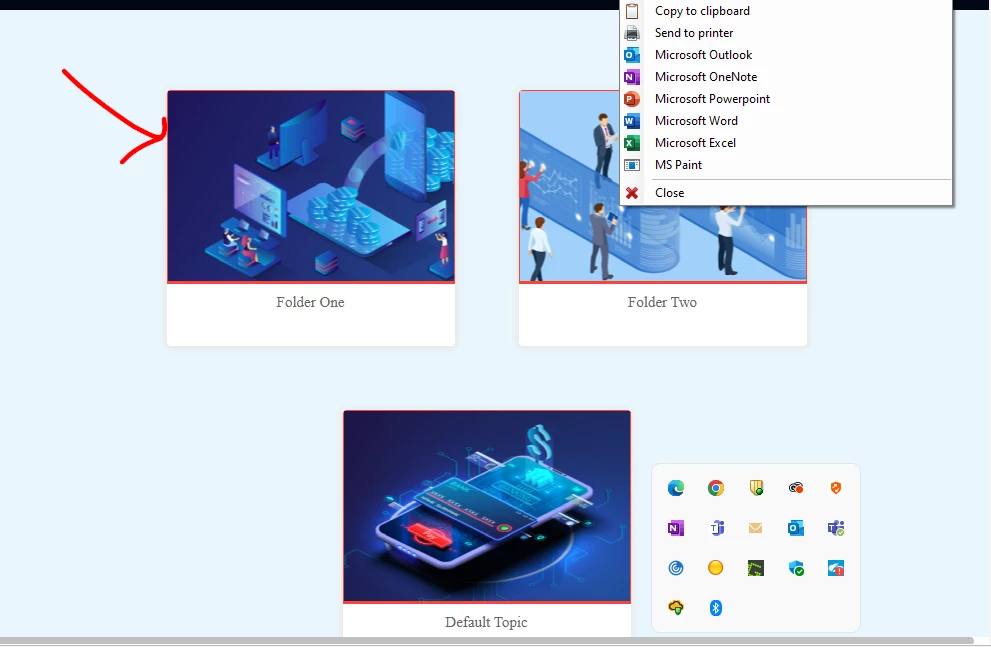
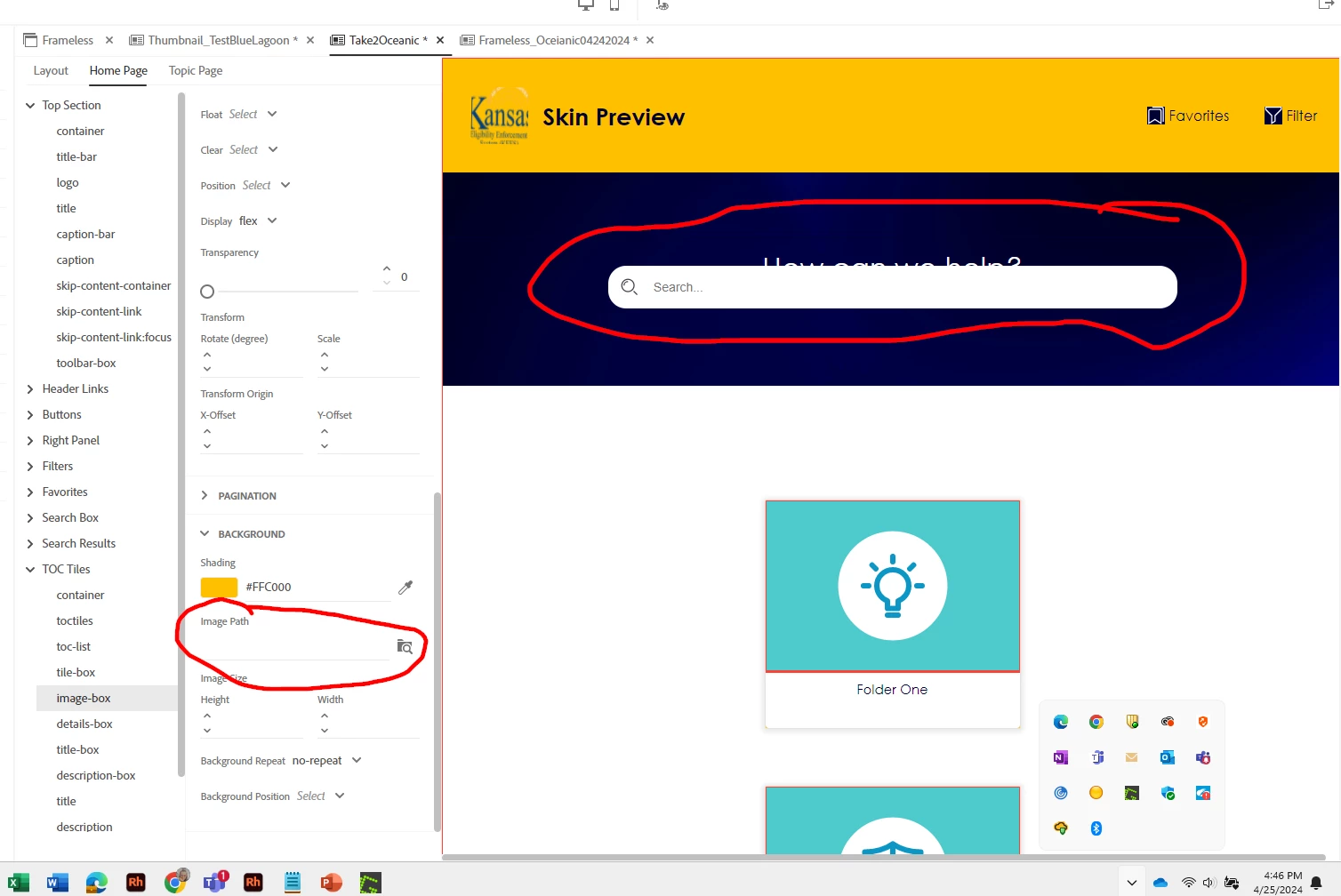
Robohelp 2022 - I need to delete the tile images so we can replace with a different image or at the very leaset, just set a background color for the tiles to get an idea of what we want to do, but I have deleted the tile images for both Blue Lagoon and Oceanic frameless templates, and nothing changes. They stay exactly same as they were before I deleted the picture. To do this I'm going to the Oceanic Template editor and I click on Home Page/TOC Tiles/Image Box and remove toc_default_tile.svg from Image Path. When I do that, nothing happens. When that didn't work, I tried to add a background color (gold) but still nothing happened.
Also, while I'm at it, I have no idea when it happened, but if you look at the last screenshot it shows my search box is now sitting on top of the caption "How Can We Help" on the HomePage. I've tried many things to get it to move with no luck. Any help would be appreciated.
How do I make this happen. I've added some screenshots below where you can see that I’ve removed the image in both templates – yet the tiles don’t change.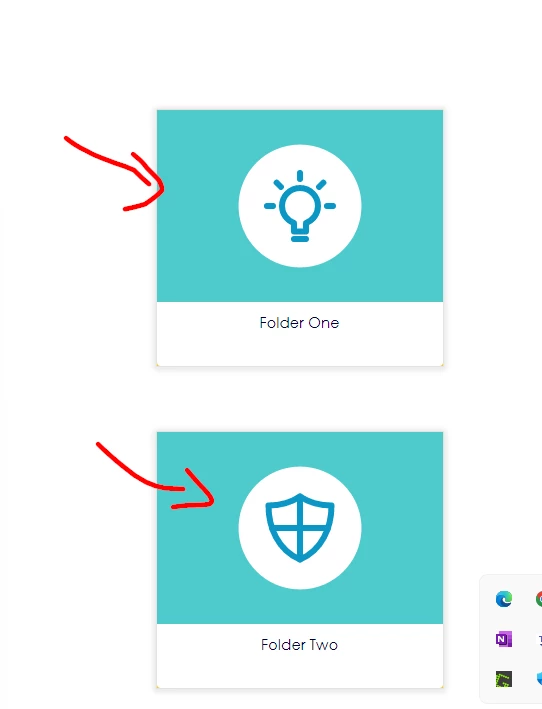


 AdChoices