October 26, 2011
Answered

Image Border style does not display in compiled help

  • October 26, 2011
  • 1 reply
  • 521 views

Using Windows XP/RH8/RSC1.3  on a WebHelp Project

The border style I select (Double, 4px) for images is shown correctly on the topic page and in the preview, but when the project is compiled the border style is not the same as seen in RH and the Preview.

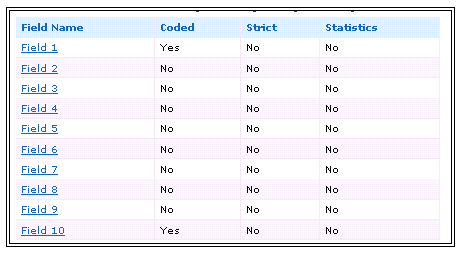
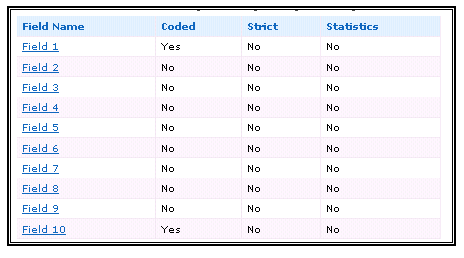
The image/frame as seen in RH and the Preview is shown first below.   The same image/frame as seen in the compiled help is after that.

Is this the nature of a WebHelp project or something else?  Any help would be greatly appreciated.

Thanks,

Joe
This topic has been closed for replies.
Correct answer

That was it.   The frame displays correctly in IE but not in FFand Chrome.   Disappointing to say the least, but at least I have an answer.  Thanks .

Joe

1 reply

Willam van Weelden
Inspiring
October 27, 2011

Hi,

My guess is that it's a browser thing: How the border is rendered is up to the browser. What browser are you using to view the WebHelp? Try WebHelp in IE and FF to see if you have a different result.

Greet,

Willam

Correct answer
October 27, 2011

That was it.   The frame displays correctly in IE but not in FFand Chrome.   Disappointing to say the least, but at least I have an answer.  Thanks .

Joe