
Image only in Indigo custom TOC
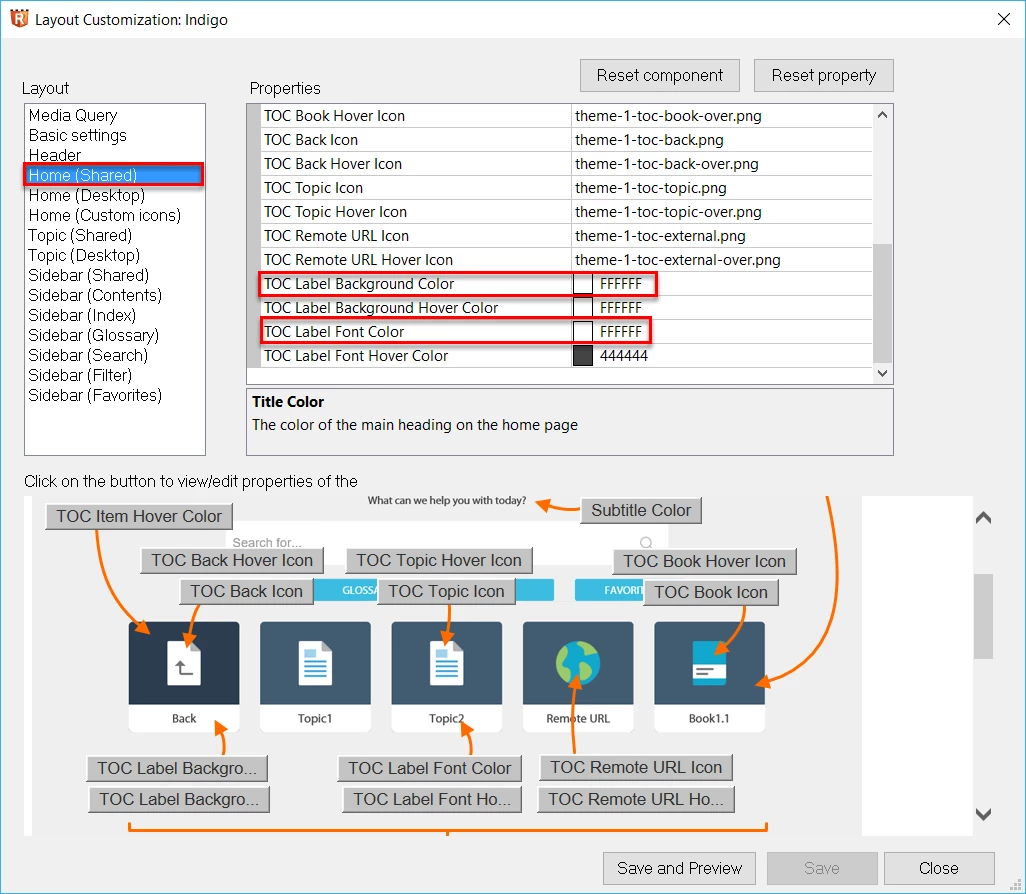
I would like to use custom toc images in the Indigo layout, and have had some success in doing so. But I would like the TOC to show the custom book image only, and not include the book/topic text below the image. I want the image to take up the entire space. I have worked witht the custom css file for the custom toc to get the image to be larger and not centered in the book/topic block, but have not figured out a way to eliminate the text from the screen.
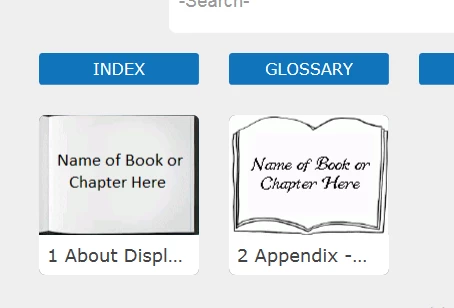
Or perhaps I should go about it the other way, eliminate the image so the text takes up the entire space.
My primary motivation is that the book/topic text automatically displayed is limited to very few characters. I want a way to have a much longer title appear.
Thanks for any help.
John


 AdChoices