
Participant
June 8, 2020
Question

Images in RH in the collaboration feature show up as numbers

  • June 8, 2020
  • 2 replies
  • 227 views

Hi,


I am using RoboHelp 2019 and have recently started collaborating with my collegues on the project through Sharepoint. 

When I opened the project after it synched everything, I doubled clicked a certain page, and where the images were supposed to be, is just the word "Picture" followed by a series of numbers.  Though I could still adjust the sizes etc., the image itself would not show up. 


The other strange thing is, if I open a different page in the same project, the images show up correctly.

I am wondering if I have made a simple mistake, or if something has gone wrong when it was synchronizing the project files. 
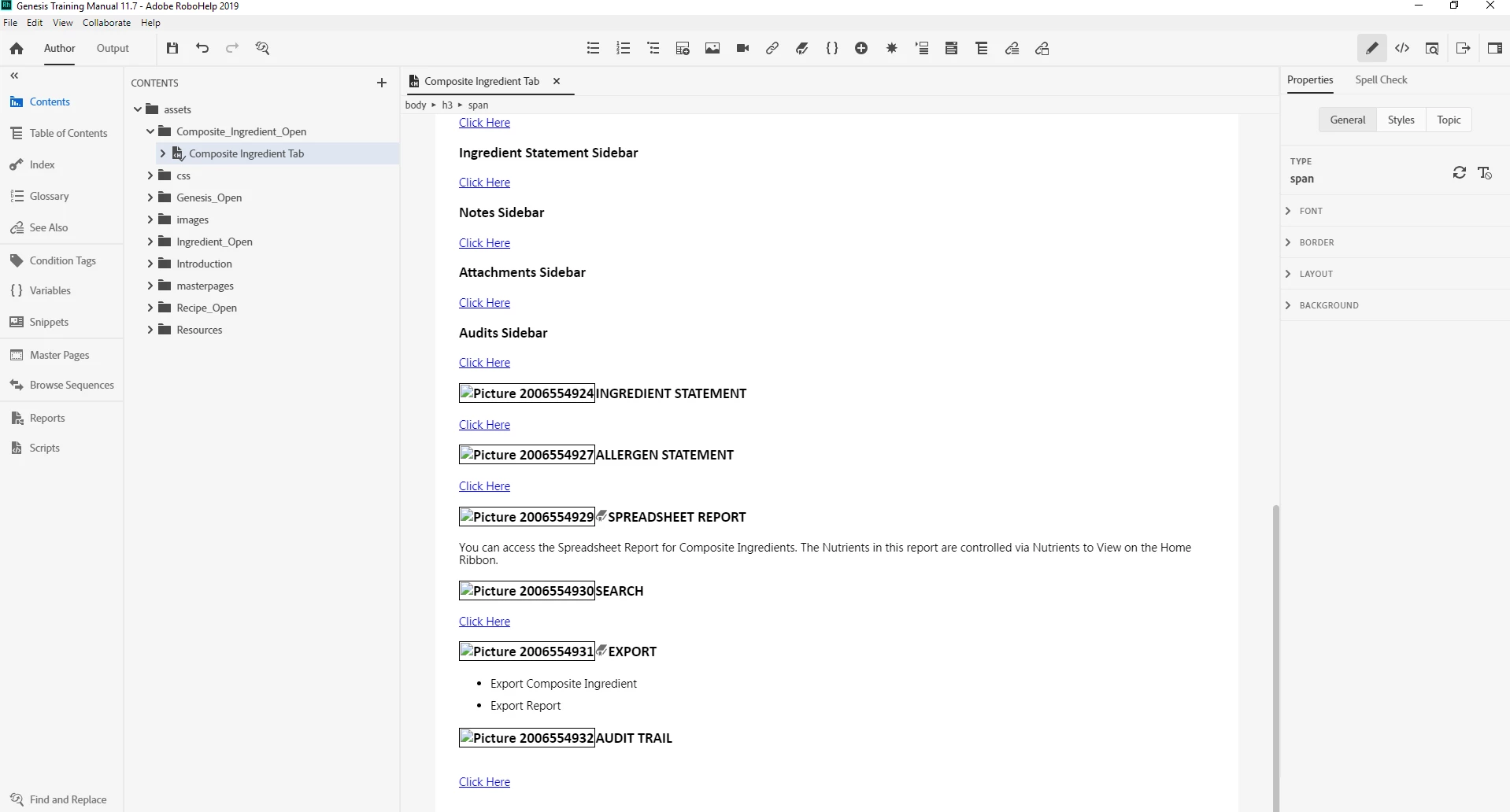
 

The images seem to be coming through fine for my collegues when they open the same page of the project. 


If anyone has any input it would be greatly appreciated. 

Thank you very much. 

    This topic has been closed for replies.

    2 replies

    Community Expert
    June 10, 2020

    @Peter I think the little icon is a bookmark icon. But not all of them have it, so maybe the image and bookmark code have been mangled? Or if there is not supposed to be a bookmark, perhaps the image name includes a # character, which RH then tries to "fix" and everything gets messed up?


    Another factor might be that Sharepoint seems to be being used for source control? Perhaps the images are local to the colleague's PC and haven't actually been added to Sharepoint? I have no idea how the Sharepoint integration works, but know with other source control systems it was possible to not add files correctly, sometimes just because of the phase of the moon.

    Peter Grainge
    Community Expert
    Community Expert
    June 8, 2020

    The topic is using images from a linked folder that you synchronised first, correct?


    I think what the topic is telling you is that the sync failed. I'm a bit confused though by the fact that between the picture name and the text is a book icon as in a TOC.


    Maybe others are seeing a cached version?


    Generate to a local folder instead and see what you get there.


    Use the menu (bottom right) to mark the Best Answer or Highlight particularly useful replies. Found the answer elsewhere? Share it here.