

Import template from one save project into another saved project Robohelp 2022 3.93
Last week I was working on my project template when my screen locked up for whatever reason. I couldn't get anything to respond in Robohelp. I eventually had to power off my computer and when I logged back in, all of my content was still there, but when I generateed and viewed output, all of my changes to the template were gone. I have a copy of my project, althought a little outdated, it still shows all of the changes that I have made to my template using the template editor. I have a couple of questions:
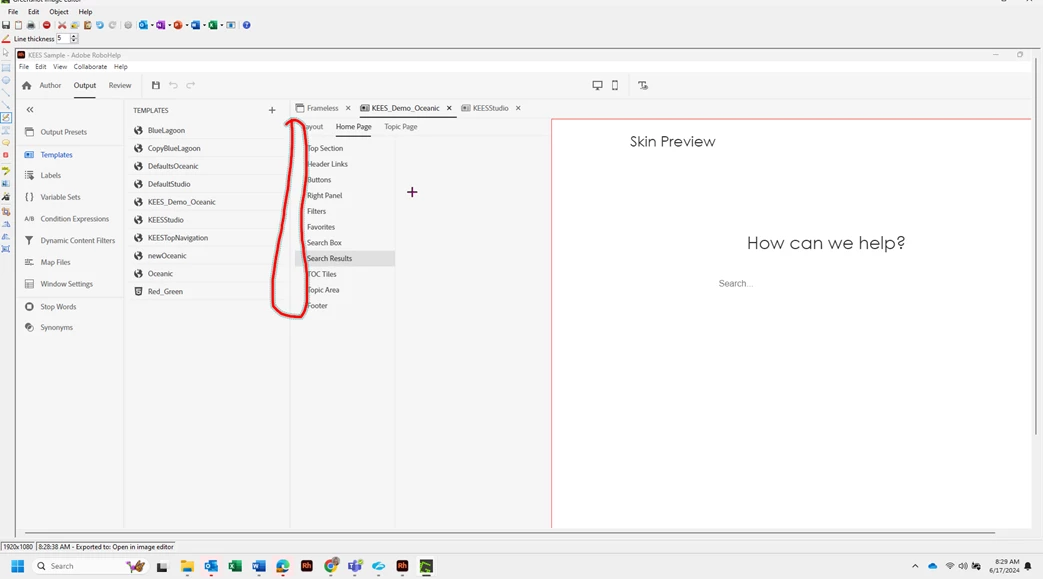
1) Here is what my "zapped template" looks like. It's empty for the most part and the little "expand" arrows are not showing for Home Page and Topic Page. Settings that hold all of the different parts and pieces that we can edit.
 Here is what it should look like.
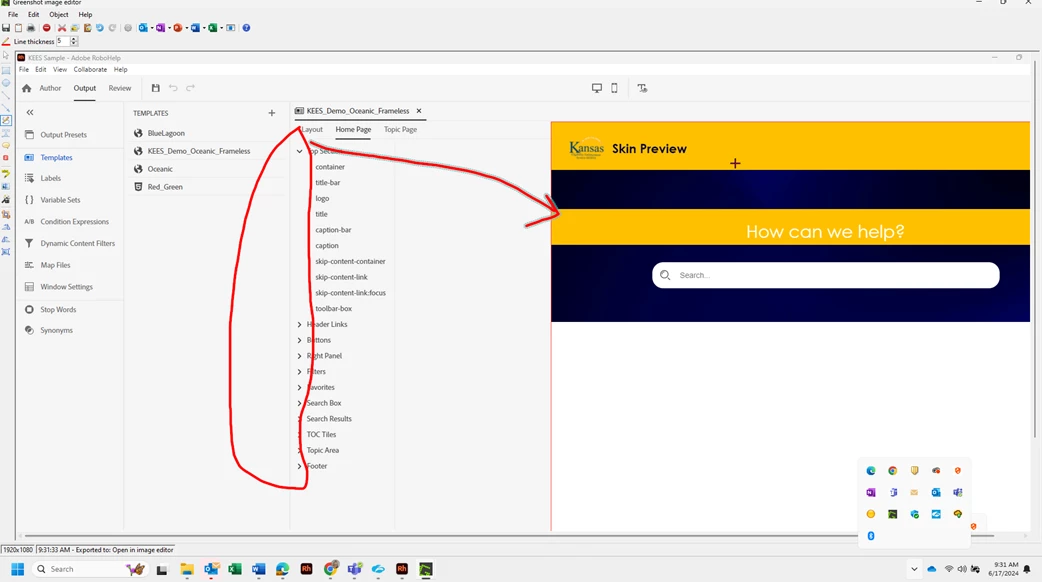
If I export the .skz file from the lower picture and then switch over to my project and choose import, should that bring it back? I'm doing this and it brings the skin into my new project, but it still looks all jacked up. Does this just mean I've got to start over? Is my main project corrupt or is the skin corrupt? I don't want to continue on with the main project just to have it happen again. Again, all of my content is in the project still, it's the skin/template that got messed up.
Here is my project content and it still works. I'm just trying to figure out the best way to move forward and get the 2 combined agian (the template skin that is still good from an older backup with the content in my current project that wasn't affected by my machine loocking up.) If anyone has any advice, I would apperciate it. I've lost a fair amount of template work.. 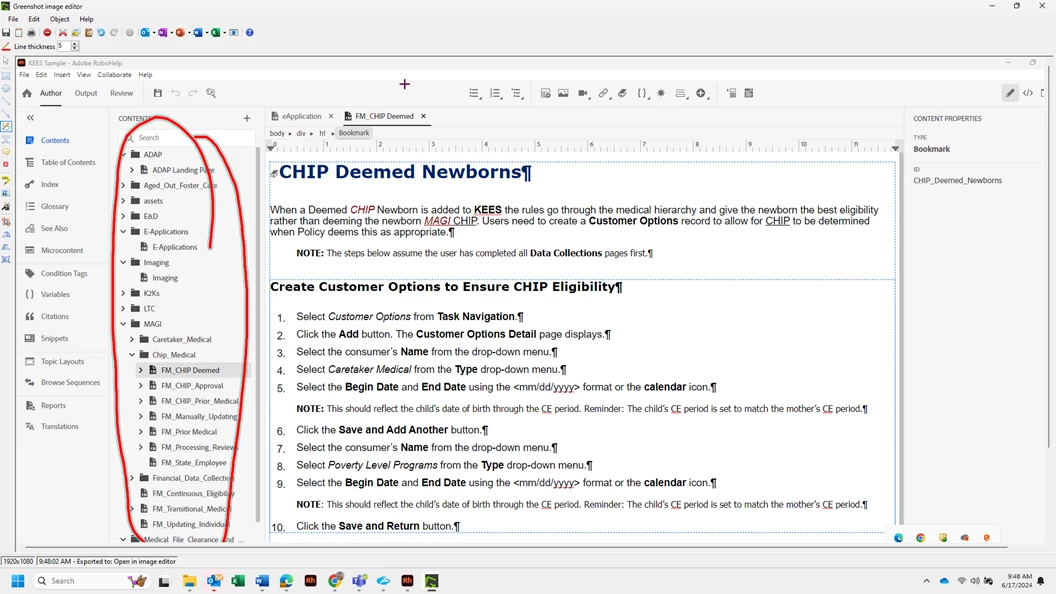


 AdChoices