



Question
index topic keywords don't display in index pod
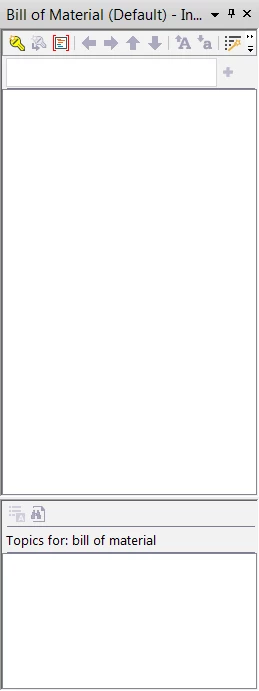
I'm using RH 2015 and importing files from a large project into a smaller project, these files use topic keywords for indexing. When looking at the index pod and/or hhk file you don't see the index keywords listed but when looking at the properties for a topic you do see the topic keywords also in the html code you see the topic keywords as <meta name="MS-HKWD" content="bill of material,obsolete" />. How do you get the topic keywords to show up in the index pod? I don't have time to add each of these again.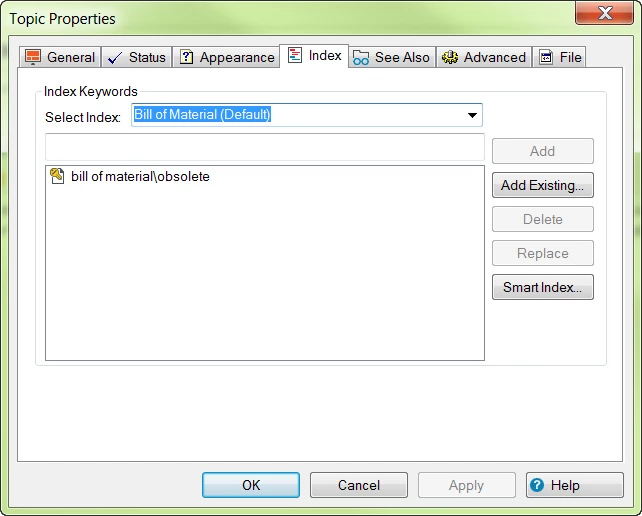
 AdChoices