
Question
Is there a way to completely customize a skin for Webhelp?
So our marketing department really wants to customize the skin of the new webhelp to match our new product design and color scheme... some of the skins in the gallery are close, but not close enough. I know how to change the icons and buttons, etc. But theyw ant to be able to change the "bars" or "sections that appear as background to the icons and buttons. I cannot find any way to change those. I don't see anything in the help for RH 10 except how to change icons, buttons, etc... but nothing about changing the background.
I have attached a screen cap of one of the skins to show the area to which I'm referring that needs to be changed.
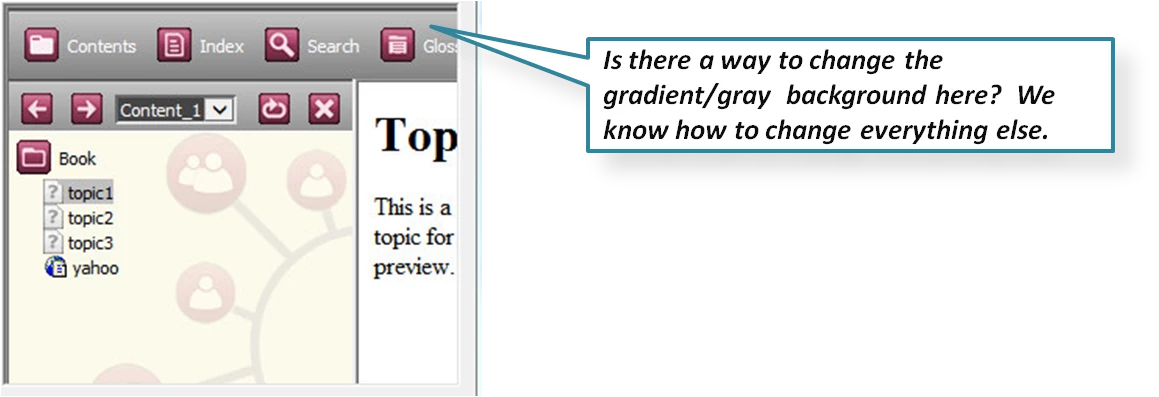
Thanks,
kb


 AdChoices