
Layout created in Word and showing correctly in digital PDF does not print out correctly
I created a layout of an altar using MS Word using the images and text boxes in the layout tab and it appears like this is Word. When I converted the document to pdf, they lookedd exactly the same as in Word (below).
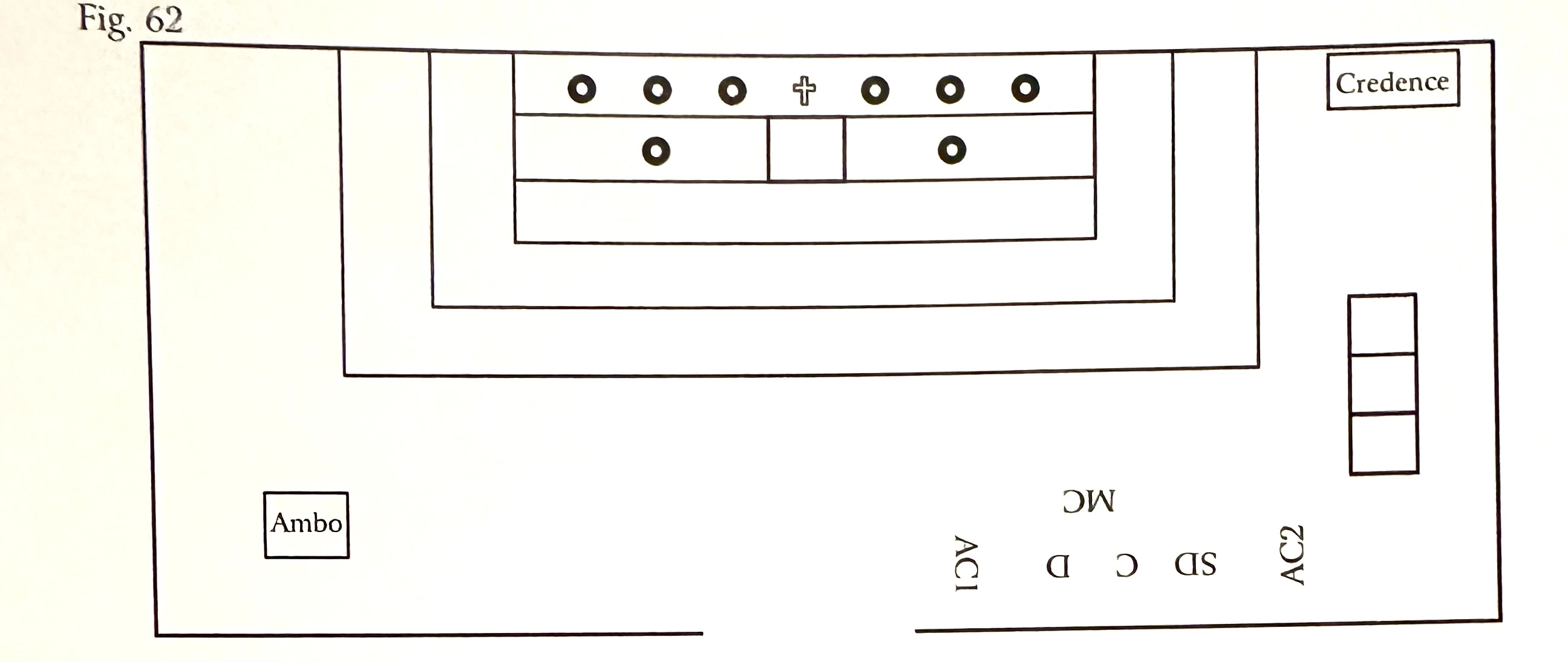
But when I printed the pdf, I got this: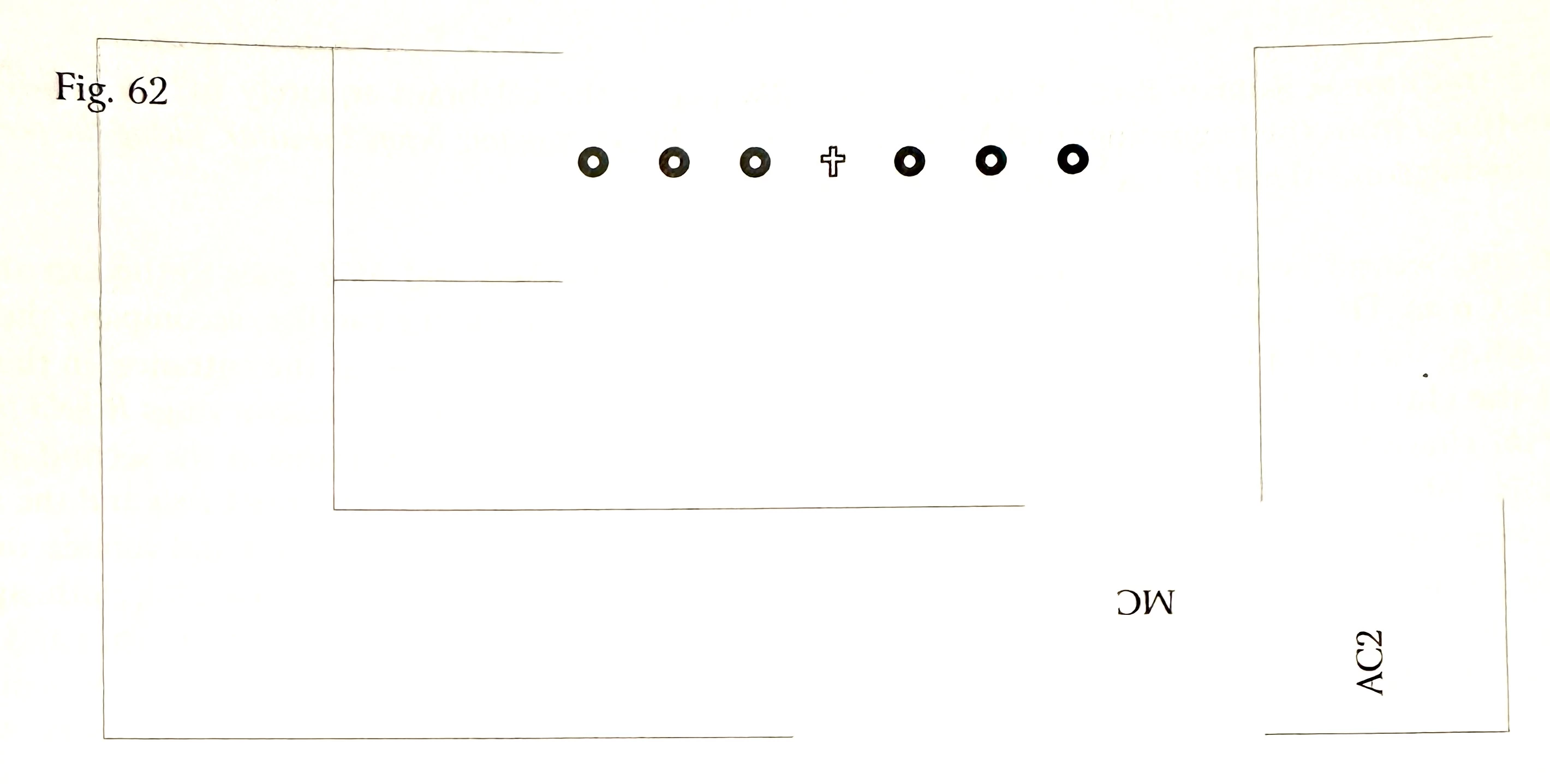
Sometimes I get this: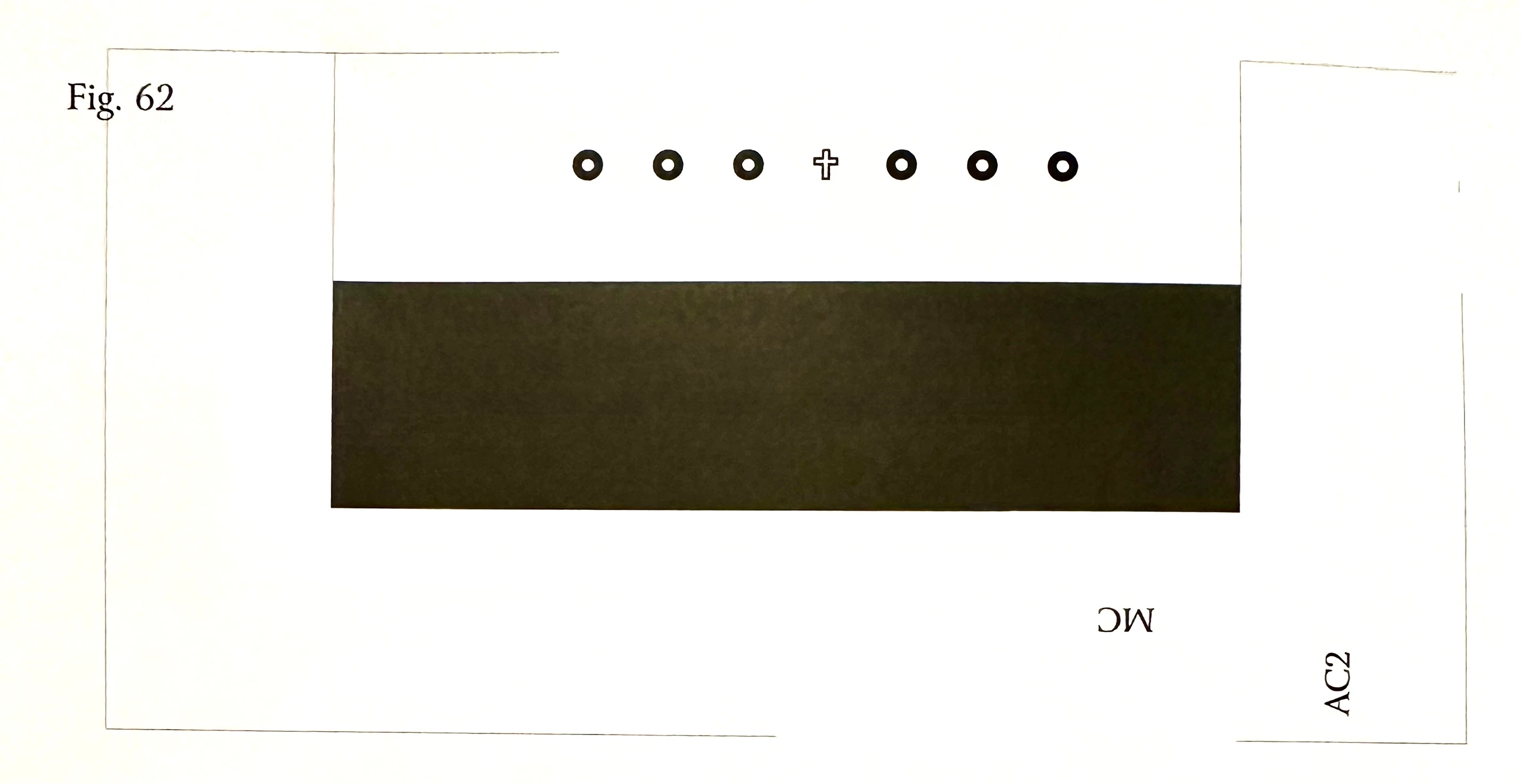
When I look at PDF document in my computer, it shows correctly with nothing missing. I made over 70 layouts in this document and three were like this. I fixed the other two by erasing the layouts and doing them again, but this last one (Fig. 62) won't resolve. I've tried erasing the layout and creating it again, or copying the layout of another figure that didn't have any problem but when I print it I get the incorrect images. Fig. 62 appears fine when I look at the document on my laptop in Word and PDF. It prints out fine in Word too. The problem appears only when I print out the document in pdf. Can anyone please help? Thank you.


 AdChoices