
Known Participant
February 27, 2015
Question

Left navigation frame blank after publishing

  • February 27, 2015
  • 1 reply
  • 256 views

I am using RoboHelp v11.  I imported an old version 8 project and have been making updates.

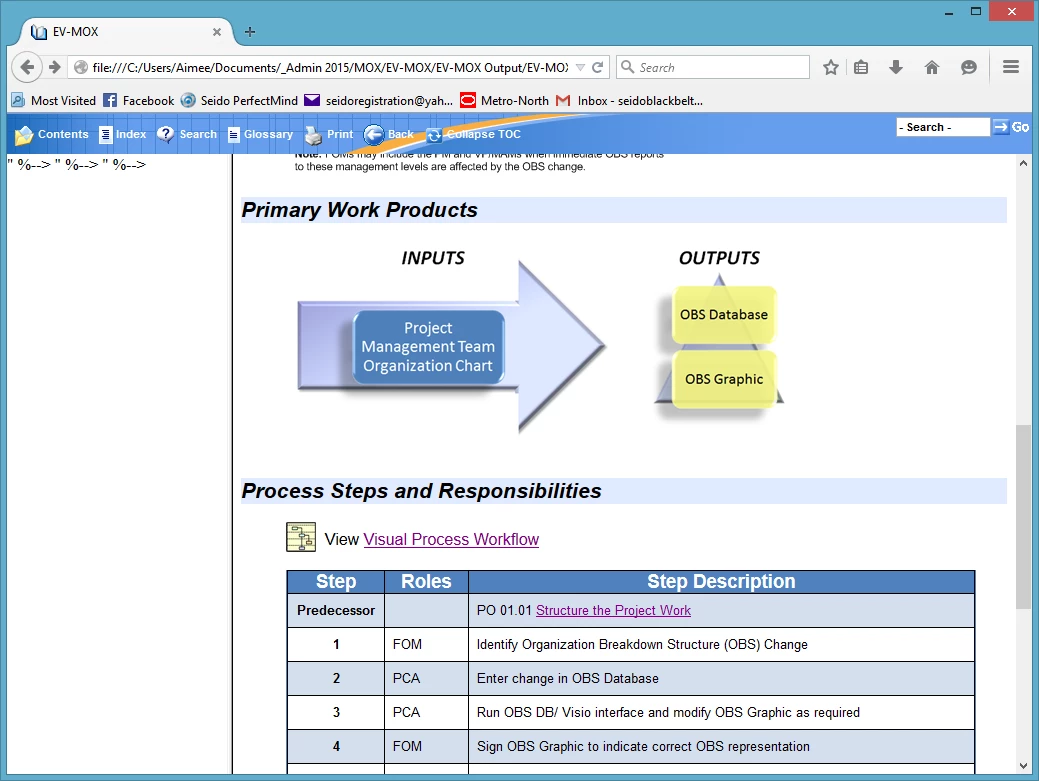
When I publish it as a WebHelp Pro layout, the left frame shows " %--> " %--> " %-->

When I click on Glossary or Search it does not appear in the left nav.

I am hoping someone can help me troubleshoot why the left pane is not working properly.

Thanks!

Left Navigation frame blank:
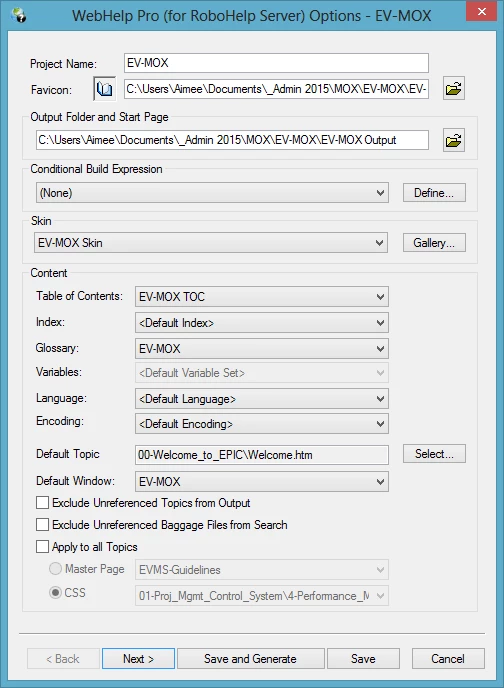
Publish Screen 1:
This topic has been closed for replies.

1 reply

Captiv8r
Legend
February 27, 2015

So, you actually have the separate RoboHelp Server application installed on your server? If so, WebHelp Pro is the correct output type. If not, abandon Pro. It's not "better" than WebHelp.

Cheers... Rick

ACGallAuthor
Known Participant
February 27, 2015

Thanks Rick -- I am only working locally right now and didn't know that Pro requires it being run from the server.

I republished using  just WebHelp and now nothing appears in either frame...

Jeff_Coatsworth
Community Expert
Community Expert
February 27, 2015

Not just from the server – from the Robohelp Server – it’s a different package that the “Pro” outputs are intended to be used with. Back to your problem – have you applied all the RH patches for browser security issues? See the Announcements on the forum page.