
Participant
January 8, 2014
Question

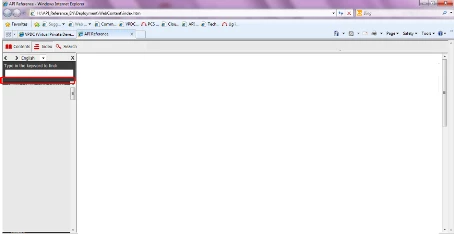
Left pane -> Index/Search section.

  • January 8, 2014
  • 1 reply
  • 856 views

This is in reference to the left pane -> Index/Search section.

By default, these sections show a black colour horizontal line after some pre-defined content.

I would like to change the colour of this horizontal line. Please advice whether it is possible to do the same.
Thank you,

Harinder Sehgal

This topic has been closed for replies.

1 reply

Peter Grainge
Community Expert
Community Expert
January 8, 2014

I have looked at your screenshot after expanding it but it is still too small to see the problem.

Please take a full size shot and post that. In the thread it will show it reduced but clicking on it will then enable us to see it full size.

Please see the sticky topic Before You Post and always start threads with the version of RoboHelp being used.

Also have you tried a different skin? Is the problem still there?


See www.grainge.org for RoboHelp and Authoring tips

@petergrainge

Use the menu (bottom right) to mark the Best Answer or Highlight particularly useful replies. Found the answer elsewhere? Share it here.
WindowsAuthor
Participant
January 9, 2014

Thank you Peter for providing your time and pointing the issues. Next time I will take care of these points.

This query is for Robohelp 10.

Also, I am reattaching the image.

I have created a customized skin for this help based on our client's requirement.

Regards

Willam van Weelden
Inspiring
January 10, 2014

You have to do that in whskin_frmset010.htm, by changing the frame border.

If I'm not mistaken, the steps to do that are listed in Rick's Skinny on

Skins: http://www.robowizard.com/RoboWizard/Downloads/Skinny_on_Skins.htm

If it's not there, let me know and I will post some instructions.

Kind regards,

Willam