
List style not visible in printed documentation
Robohelp 8.0.2
Is this a bug??? I opted to use a numbered list style rather than a numbered paragraph style to label procedural steps. The advantage of a list style is that skip numbering would not work properly using the paragraph style. i.e.:
'Steps' Paragraph style with numbering associated:
- First step.
Result of first step.
- Second step. * Bullets and Numbering does not allow me to consistently "Restart numbering at 2" (and HTML this produces is faulty).
'NumberedStep' List style with numbering:
1. First step.
Result of first step.
2. Second step. * Bullets and Numbering allow me to consistently "Restart numbering at 2."
Now I see the consequences of my decision: My 'NumberedStep' style is not included in the styles dropdown. Inconvenient, but not itself the end of the world.
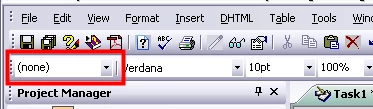
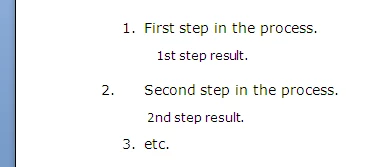
The real problem is this: Printed Documents are not consistent with the style defined in 'NumberedStep'.
The font is larger than it should be, and indents are all over the place:
This is the selection I made on Generate Printed Document:
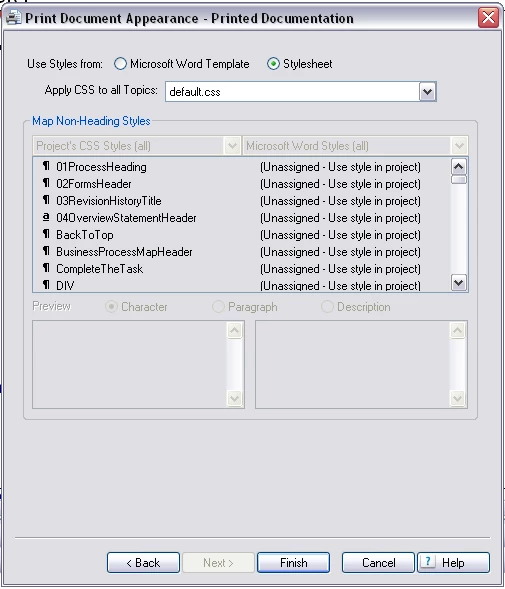
On first review, all the styles in my source translated easily to Word, but the style for NumberedStep text was not. That text is now 'Normal'.
I've hunted high and low to solve this issue, so a direct reply is appreciated.
 AdChoices