Oleg_Shynkarenko
Known Participant
July 17, 2021
Question

Master page logo problems

  • July 17, 2021
  • 3 replies
  • 266 views

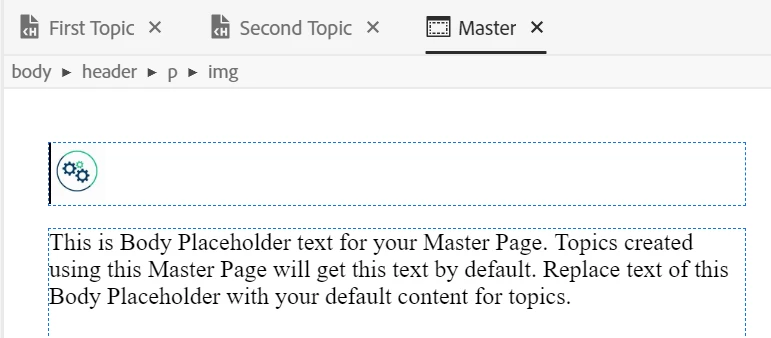
I installed a logo to a Master page:


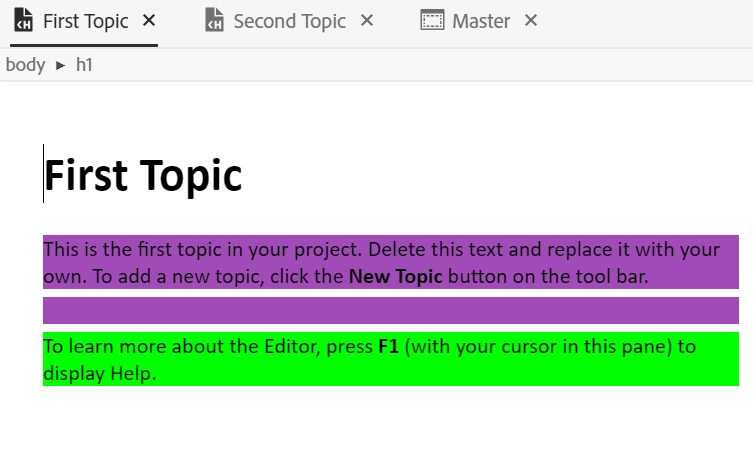
but it is not applied to any of my topic pages in the Author mode at all:
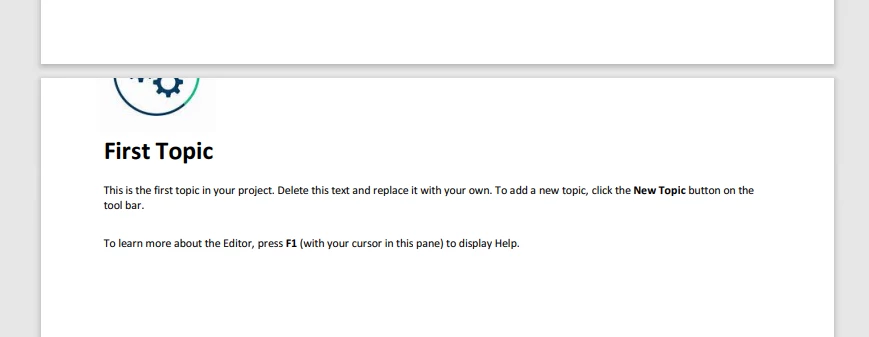
After I created several outputs, I noticed that, for example a PDF has such a view:
In MS HTML Help ans Responsive HTML5 outputs everything is ok.

What is going on? Why don't I see the logo in the Author mode? And why the logo is crashed in PDF output?

This topic has been closed for replies.

3 replies

Peter Grainge
Community Expert
Community Expert
July 17, 2021

Put cursor in front of the image rather than selecting it It's working for me.


________________________________________________________
See www.grainge.org for free Authoring and RoboHelp Information


Use the menu (bottom right) to mark the Best Answer or Highlight particularly useful replies. Found the answer elsewhere? Share it here.
Peter Grainge
Community Expert
Community Expert
July 17, 2021

Try putting the cursor in front of the logo and pressing Enter to insert a blank line. Alternatively you should also be able to apply top margin/padding to the image.

________________________________________________________
See www.grainge.org for free Authoring and RoboHelp Information

Use the menu (bottom right) to mark the Best Answer or Highlight particularly useful replies. Found the answer elsewhere? Share it here.
Oleg_Shynkarenko
Known Participant
July 17, 2021

I set padding to 25 and inserted a blank line one after another. Pressed File > Save.

It did not affect:


Peter Grainge
Community Expert
Community Expert
July 17, 2021

You don't see them in Author mode because master pages don't show there. If you click the Preview button top right you will see your topic with the master page applied.


I'm guessing the logo in the PDF is clipped is related to margins. Experiment with them.

________________________________________________________
See www.grainge.org for free Authoring and RoboHelp Information

Use the menu (bottom right) to mark the Best Answer or Highlight particularly useful replies. Found the answer elsewhere? Share it here.
Oleg_Shynkarenko
Known Participant
July 17, 2021

I tried to change the the upper margins here (from 15 to 30 mm and then - to 1 mm), but it did not affect anything: