Inspiring
April 19, 2022
Answered

Master Pages Not Appearing

  • April 19, 2022
  • 1 reply
  • 478 views

RoboHelp 2020.7.46, Win 10, 64 Bit


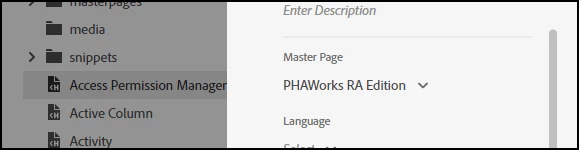
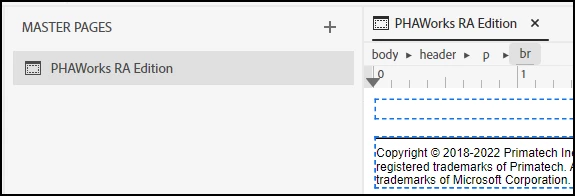
I have a Master Page created and selected in my Output
I am generating Microsoft HTML Help and selected the Master Page.
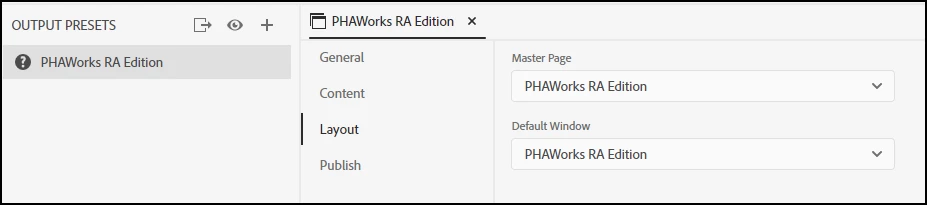
When I generate the CHM file, the Master Page does not appear.

Is there a setting I am missing?


Shawn

This topic has been closed for replies.
Correct answer Peter Grainge

What you have shown seems to be correct and the same settings are working for me.


Try a temporary new master page with just say My Text in the footer and see if that works. Also try a new project with just the default topic. It's a bit of trial and error until something changes.


Let us know how you get on.

________________________________________________________

My site www.grainge.org includes many free Authoring and RoboHelp resources that may be of help.


1 reply

Peter Grainge
Community Expert
Peter GraingeCommunity ExpertCorrect answer
Community Expert
April 19, 2022

What you have shown seems to be correct and the same settings are working for me.


Try a temporary new master page with just say My Text in the footer and see if that works. Also try a new project with just the default topic. It's a bit of trial and error until something changes.


Let us know how you get on.

________________________________________________________

My site www.grainge.org includes many free Authoring and RoboHelp resources that may be of help.


Use the menu (bottom right) to mark the Best Answer or Highlight particularly useful replies. Found the answer elsewhere? Share it here.
srmsrmAuthor
Inspiring
April 19, 2022

Peter:


Thanks for the guidance as it allowed me to determine the issue.


Somehow the footer code got deleted from the HTML and the code just looked incorrect. I took the code from the new test project (header, topic footer), updated as required, and now it works.


Thank you again.


Shawn