
Participant
January 18, 2024
Question

Menu Bar and Resolution
  • January 18, 2024
  • 2 replies
  • 100 views

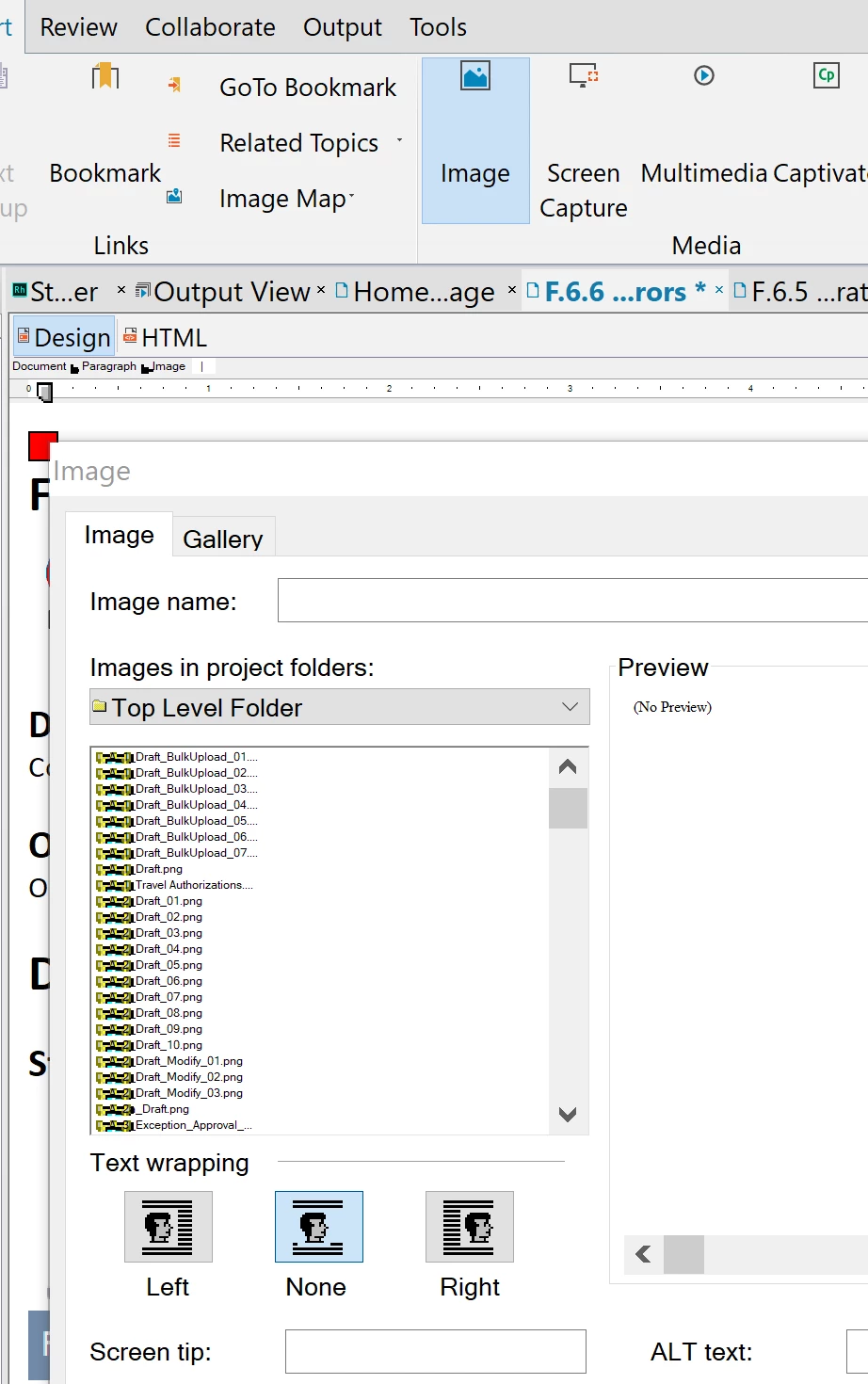
I had to refresh a computer and install RoboHelp Classic 2019 but when it completed and I open the program the menu bar and items are so tiny and I tried adjusting the display resolution and spec and that did not help.  Is there is fix or what can I do?

This topic has been closed for replies.

2 replies

Community Expert
January 18, 2024

Also make sure Scale and Layout (windows setting) is set to 100%. I seem to remember that if it was set anything else a bunch of programs had weird display effects like that.

Jeff_Coatsworth
Community Expert
Community Expert
January 18, 2024

Check the properties of your Windows shortcut - there's a setting for High DPI displays that you can adjust.